In this article
Internal links are cheaper than content you have to write, faster than backlinks you have to build, yet they are what most websites mess up the most. One afternoon of tidying up often yields more than a new article.
What are internal links — and why does Google care?
An internal link is a link from one page on your website to another page on the same domain. This includes menu links, breadcrumbs, "related articles", and — perhaps most importantly — links within the body text of an article.
Google uses internal links for three things:
- To find new pages. The crawler follows links. A page that nothing links to is almost never found by Google.
- To understand what pages are about. Anchor text is one of the strongest contextual signals Google has.
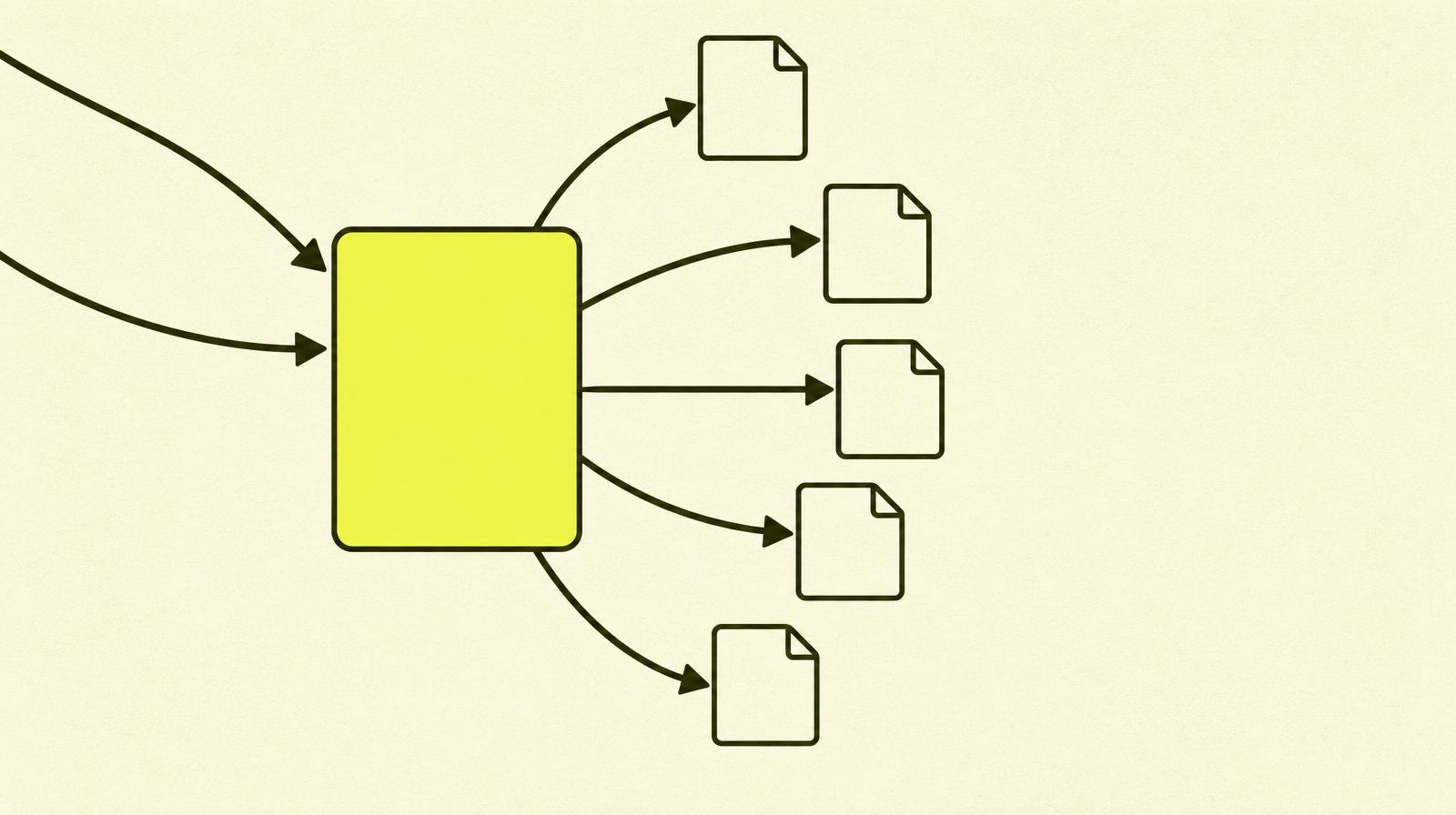
- To distribute link equity. The authority that comes in on the homepage is spread further through the link graph. Where nothing flows in, nothing is left.
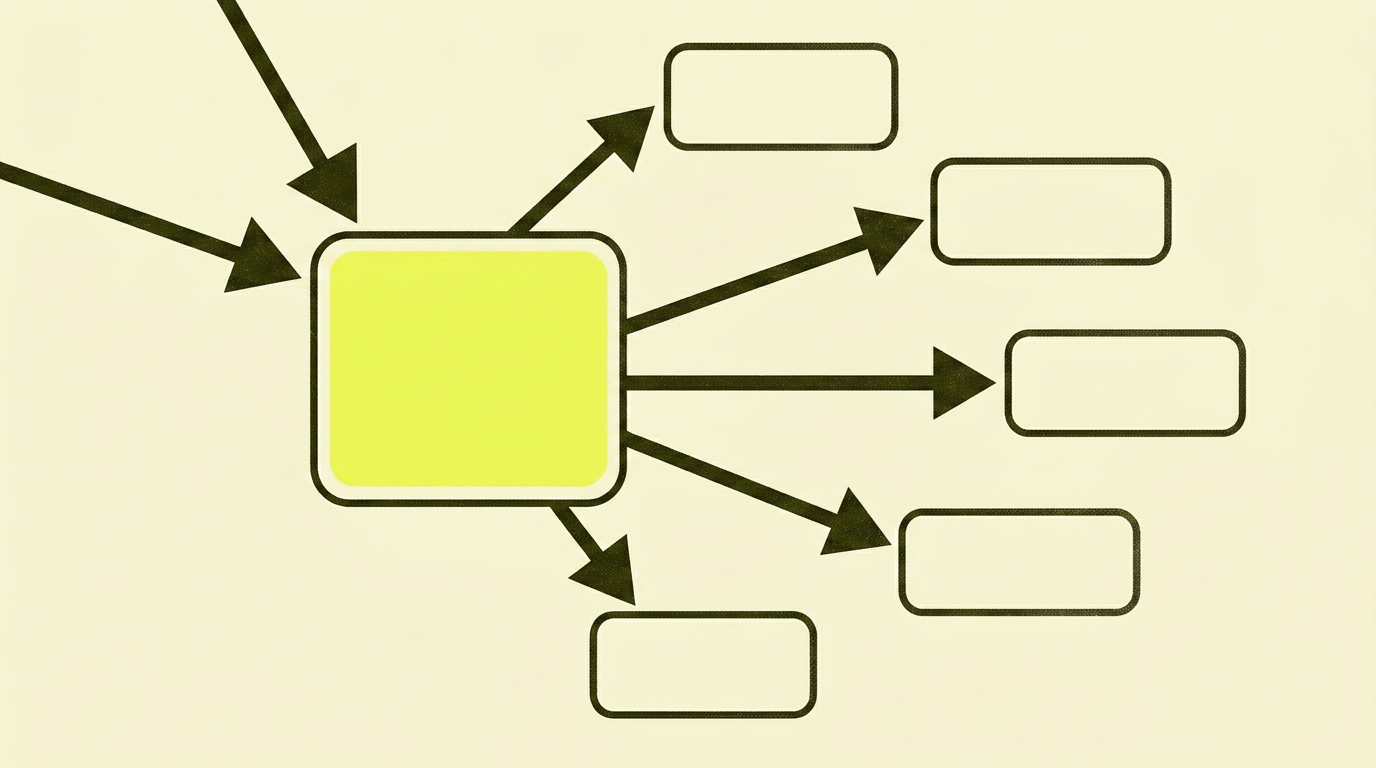
In other words: internal links are not decoration. They are the infrastructure that helps Google understand what's important on your site and how your pages are connected.
Anchor text: the clickable text says it all
Anchor text is the visible, clickable text in a link. Google uses it to understand what the target page is about. This makes anchor text one of the most underrated SEO tactics you can use.
Look at these three ways of linking to the same page:
- 'Click here for more info'
- 'Read more about status codes'
- 'Check out the guide to HTTP status codes and what they mean for SEO'
For the reader, the difference may be small. For Google, it's significant. The last option tells the search engine what it will find on the other side — before it has even been there.
A few rules of thumb:
- Be descriptive, not generic. 'Read more' is lost context.
- Use relevant keywords naturally. Don't stuff exact-match phrases if it breaks the flow of the language.
- Vary it — but not unnaturally. The same page can receive slightly different anchor text from different articles. That's how people actually write.
- Don't link a whole paragraph. The anchor should be the words that describe the destination, not half your text.
Topical authority: group related content into clusters
A single article on a topic rarely ranks. Ten articles linking to each other and to one pillar page — that builds topical authority.
The idea is simple:
- The pillar page is the broad, evergreen article on a main topic. For me: technical SEO.
- The sub-articles cover individual topics in depth: status codes, redirects, trailing slash, canonicals.
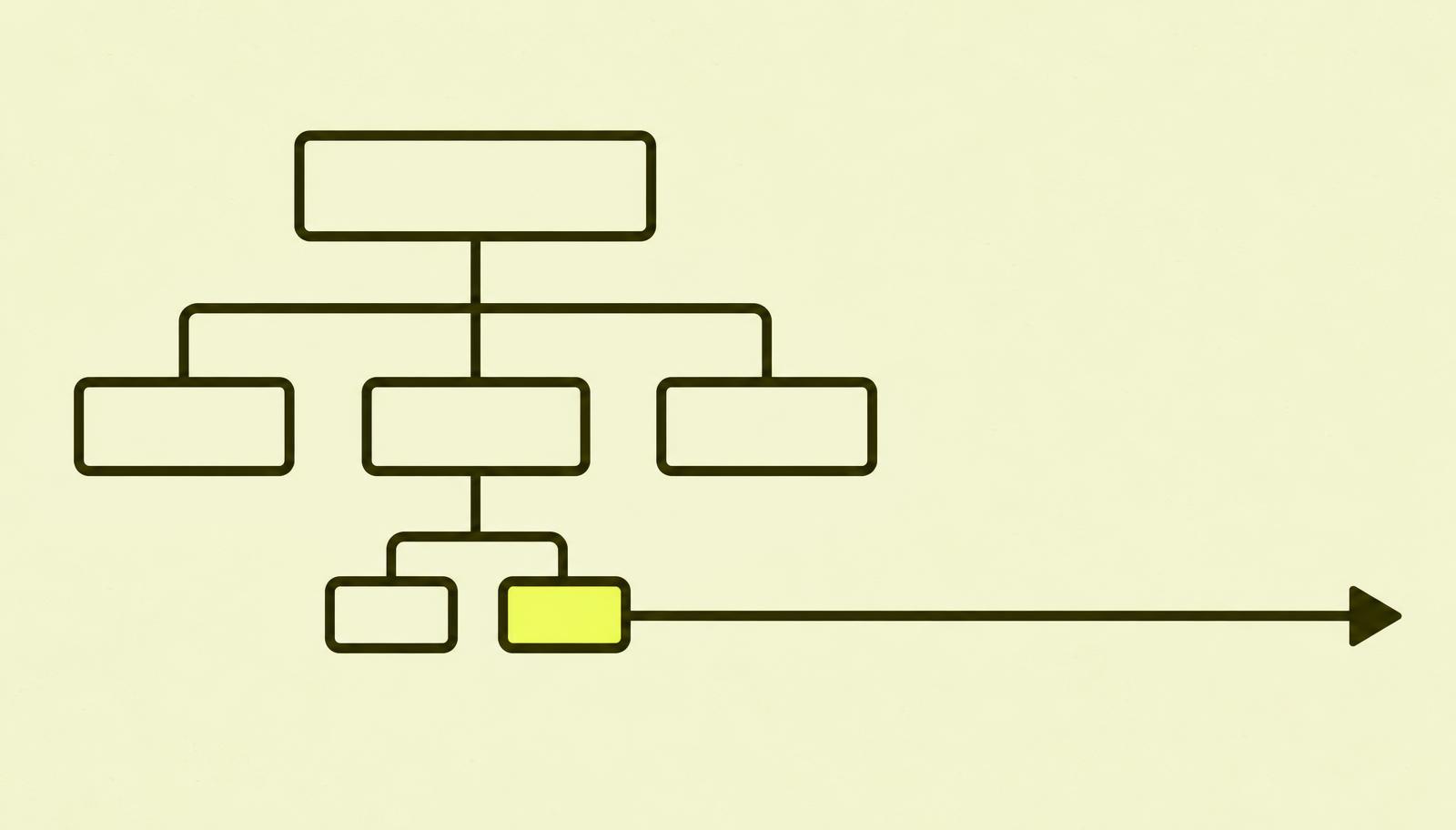
- The pillar page links out to each sub-article. Each sub-article links back to the pillar and to related sibling pages.
The result: Google sees that you cover a topic from all angles, not just a single keyword.
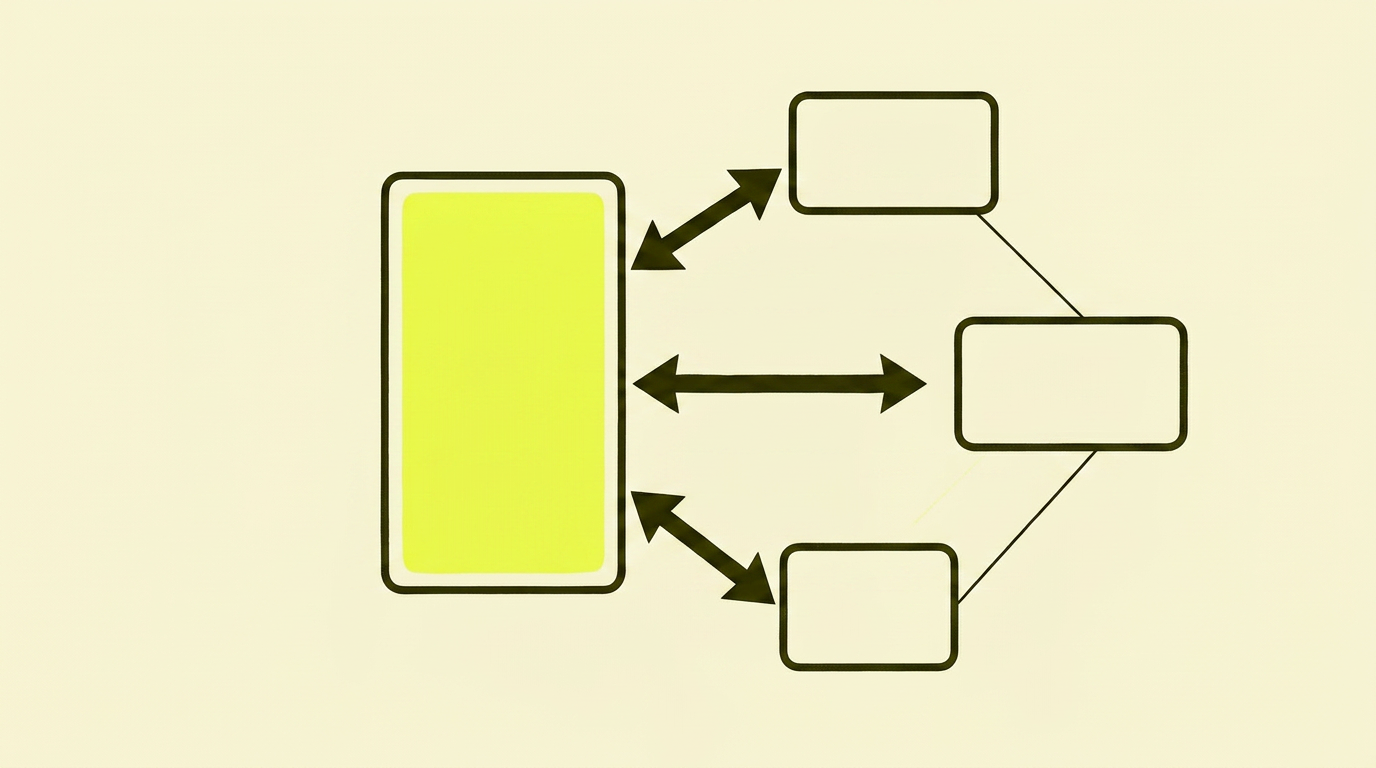
This is also related to content and topical authority — the way an article is written is connected to how it links into and out of the cluster.
Breadcrumbs: the map no one actually makes themselves
Breadcrumbs are the little "Home › Tips › Technical SEO › Internal Links" line that shows where you are on the website. Simple for users, gold for search engines.
Three things you get:
- Contextual internal links that follow the site's hierarchy, without you having to think about it for each article.
- Reduced bounce rate, because the reader can jump up one level instead of going back to the homepage.
- Rich search results when you add
BreadcrumbListstructured data. Google can then show the path in the search result itself, which leads to a higher CTR.
The most common internal linking mistakes I see
After many internal link audits, I see the same problems again and again:
- Orphan pages. Pages that no other pages link to. Google can barely find them, users never find them. Every page should have at least one internal inbound link.
- Everything links to the homepage. The logo already does that job. Use links in the body text to push people deeper into the topic — not back to the start.
- Anchor text that says nothing. 'Click here' and 'read more' dominate. Descriptive anchor text is a free SEO improvement on every single page.
- Link chains. Article A links to B, which redirects to C, which redirects to D. Fix the link to point directly to the final URL and save both users and Google the extra hops.
- No thematic logic. The links are placed randomly, with no coherent clusters. Google doesn't get a clear picture of what you're an expert on.
- Duplicate anchors across pages. The same anchor text points to two completely different pages. This signals confusion, not authority.
How to do internal linking well — a checklist
Concretely, in the order I usually use:
- Map what you have. Crawl the website with Screaming Frog or similar. Look at the number of internal inbound links per page. Pages with 0 are orphans. Pages with many should be your most important commercial pages — otherwise, something is wrong.
- Define your clusters. What are the pillar pages? Which sub-articles belong to each? Map it out — one pillar per cluster, 5–15 sub-articles under it.
- Add links to existing content. Go through each cluster and add links between the articles where they actually help the reader. Don't force it.
- Tidy up your anchor text. Replace 'here' and 'read more' with descriptive alternatives. One hour often yields better results than writing a new article.
- Fix orphan pages. Give every abandoned page at least one relevant inbound link — or remove them if they don't deserve a place on your site.
- Turn on breadcrumbs in your CMS. Check that
BreadcrumbListschema is included. - Check again in 3 months. Internal linking isn't a one-time job, it's a habit.

Action plan: 90 minutes, one afternoon
Set aside an hour and a half. Here it is:
| Step | What you do |
|---|---|
| 1 | Crawl the site with Screaming Frog (free for up to 500 URLs). |
| 2 | Sort by "Inlinks" — see which pages have 0. Write them down. |
| 3 | Define your 3–5 pillar pages. Write them down. |
| 4 | For each orphan: find one relevant article that can naturally link to it. Add the link. |
| 5 | Open your three most important articles. Replace generic anchor text with descriptive text. |
| 6 | Check that breadcrumbs are on and visible on article pages. |
None of this requires a developer. All of this just requires you to do it.
Read more about ecommerce site structure.
In summary: My advice on internal links
Internal links aren't sexy. They don't rank on lists of "10 SEO secrets for 2026". They are rarely mentioned in pitches from agencies.
But they are probably where you'll get the most return on your time right now. Adding a well-thought-out internal link to an article you've already published takes 20 seconds. The effect can be that Google understands your entire cluster better — and that the reader stays on your site for one more article.
It's not magic. It's just the part of SEO that no one really does, because it doesn't look like a "campaign".