Innhold i denne artikkelen
Choosing a CMS is one of the most underrated SEO decisions you'll make. Most people think about design and usability — but the platform also determines how much control you have over search engine optimisation, speed and technical flexibility.
What is a CMS?
A CMS — Content Management System — is the system that lets you create, publish and maintain content on your website without having to program everything from scratch. WordPress, Wix and Shopify are all CMSs. So are custom-developed systems and new AI-powered builders like Lovable and Framer.
The choice affects SEO in three specific ways: technical capabilities (can you control meta titles, robots.txt, canonical tags and URL structure?), speed and infrastructure (some CMSs provide a better starting point for Core Web Vitals than others), and flexibility (can you implement advanced SEO techniques without being limited by the platform?).
How does choosing a CMS affect SEO in practice?
A CMS that generates slow, JavaScript-heavy code will hit your Core Web Vitals. A CMS that doesn't let you set canonical tags can lead to duplicate content issues. A CMS that locks down your URL structure can make it impossible to implement a good information architecture.
The most important SEO features to check for:
| Feature | What it means for SEO |
|---|---|
| Custom meta titles and descriptions | Direct impact on click-through rates and keyword relevance |
| Control over URL structure | Crucial for hierarchy and keyword placement |
robots.txt access | Controls what Google crawls and indexes |
| Canonical tags | Solves duplicate content issues |
Sitemap.xml | Helps Google find all important pages |
| ALT text on images | Important for image search and accessibility |
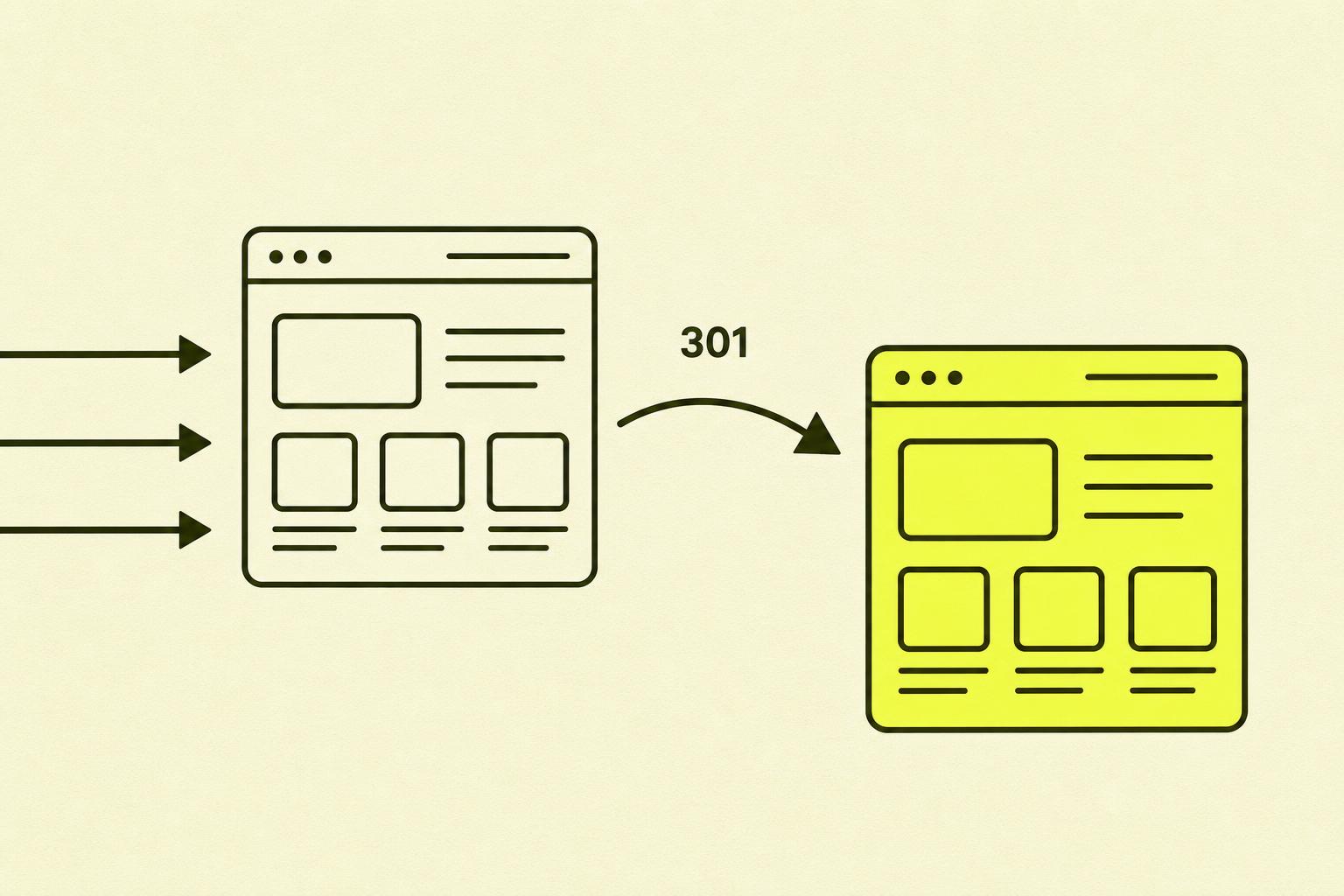
| Redirects (301) | Preserves SEO value during URL changes |

What I often see go wrong when choosing a CMS
As an SEO consultant, I unfortunately often see the choice of CMS being made for the wrong reasons.
- Choosing based on design alone. A beautiful website on the wrong platform can cost you dearly in SEO limitations, migration costs and lost visibility. Design can be adjusted — the platform's technical ceiling is much harder to change.
- Underestimating maintenance. WordPress is flexible and powerful, but it requires ongoing updates for plugins, themes and security patches. Many small businesses end up with outdated code and security vulnerabilities.
- A solution that's too technically advanced. Headless CMSs like Sanity or Craft offer maximum flexibility — but require a developer for almost any change. This is costly for small businesses without a technical team.
The CMS options for small businesses in 2026
WordPress
The most used CMS in the world. Extremely flexible with thousands of plugins, including Yoast SEO for advanced control. Requires more maintenance than the other options. Best for: businesses that want maximum flexibility and are willing to spend a little time on maintenance.
Wix
A user-friendly drag-and-drop solution that has made significant SEO improvements in recent years. It now offers GSC integration, robots.txt control and canonical handling. Note: Wix is an Israeli company — for some, this may be an ethical consideration. Best for: small businesses that prioritise ease of use and don't need advanced technical customisation.
Squarespace
Known for its aesthetically strong design templates and simple setup. It has the necessary basic SEO functions but is more limited than WordPress and Wix on URL control. Best for: creative industries, photographers, consultants.
Shopify
Specialised for online stores. Good built-in SEO features, but struggles with duplicate content due to the platform's URL architecture. Best for: e-commerce businesses.
Lovable and AI-powered builders
The new alternative in 2026. AI-powered website builders like Lovable let you build technically advanced websites without writing code — by using natural language. The result is clean HTML/CSS/JavaScript that is faster and more flexible than traditional drag-and-drop solutions. Best for: technically curious small business owners who want flexibility without developer costs.
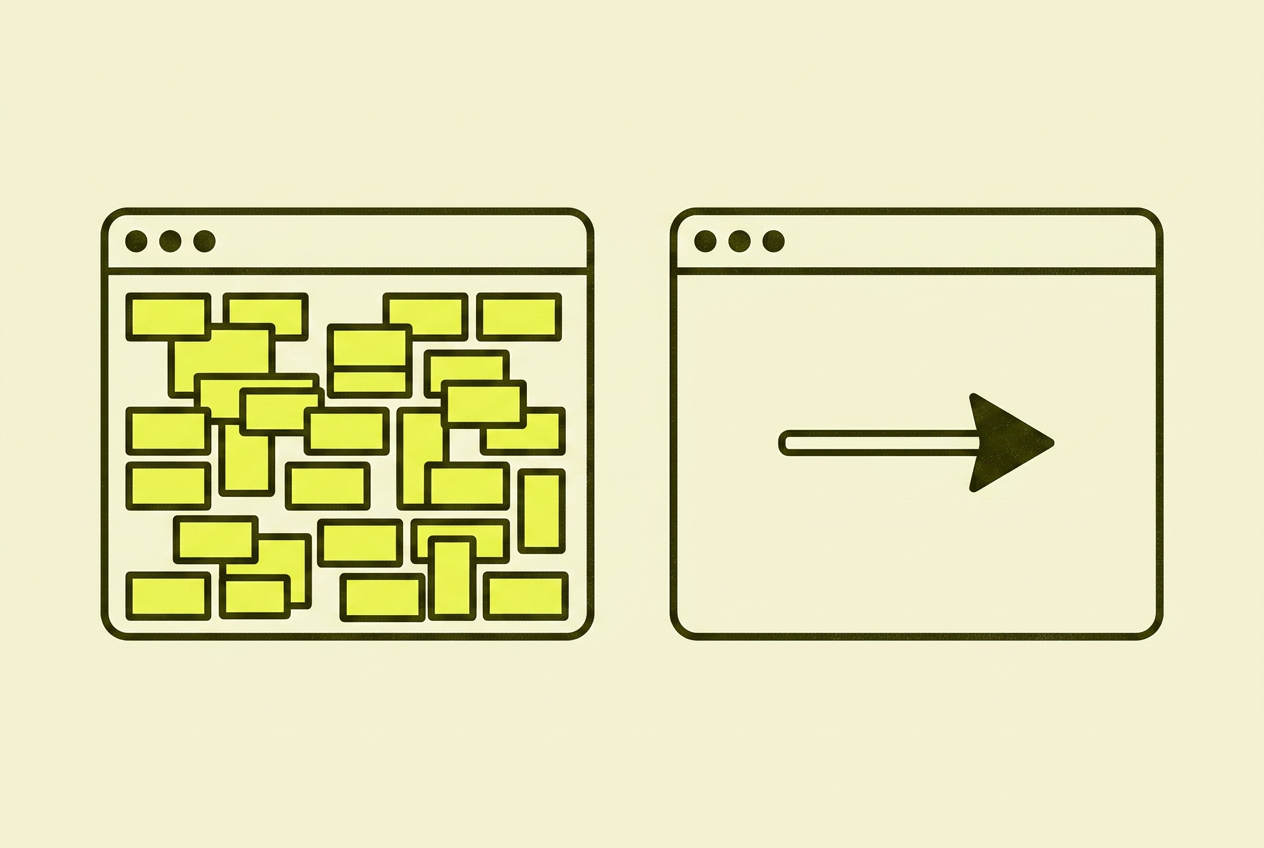
My recommendation for most small businesses: WordPress for those who want full control. Wix or Squarespace for those who prioritise simplicity. Shopify for online stores. Lovable for those who want technical flexibility without hiring a developer. Avoid custom-built solutions and overly complex headless CMSs.
Your action plan for choosing a CMS
| Step | What you do | Time |
|---|---|---|
| 1 | Define your needs: online store or informational site? Technical expertise? Maintenance budget? | 1 hr |
| 2 | Test relevant options on a free trial — check meta titles, URL structure, redirects, speed | 2–3 hrs |
| 3 | Consider the maintenance costs — not just the licence, but time and resources over the years | 30 mins |
| 4 | Check integrations with GSC, GA4 and any e-commerce tools | 30 mins |
| 5 | Plan your URL structure and information architecture before you publish content | Ongoing |
In summary: My take on choosing a CMS
There is no single right CMS. There is a right CMS for you — based on your resources, goals and technical comfort level.
What I see go wrong most often: a solution that's too advanced for a simple need, and a solution that's too simple for a need that grows over time. Spend a little extra time in the evaluation phase. It's cheaper than a migration two years down the road.
Where you can read more about choosing a CMS and SEO
- Google Search Central — Google's own guidelines for indexing and technical requirements
- Lovable documentation — technical documentation for AI-powered websites
- WordPress.org — official documentation and plugin database
- Web.dev — Core Web Vitals — Google's official guide to LCP, INP and CLS
- Moz — Beginner's Guide to SEO — a solid foundation for assessing a platform's SEO capabilities