Innhold i denne artikkelen
One tiny character—a single slash—can silently eat away at the traffic you've spent years building. It's not about right or wrong, but about making a choice before Google makes it for you.
What is a trailing slash?
Let's start with the basics. A trailing slash is simply the forward slash that comes at the end of a URL.
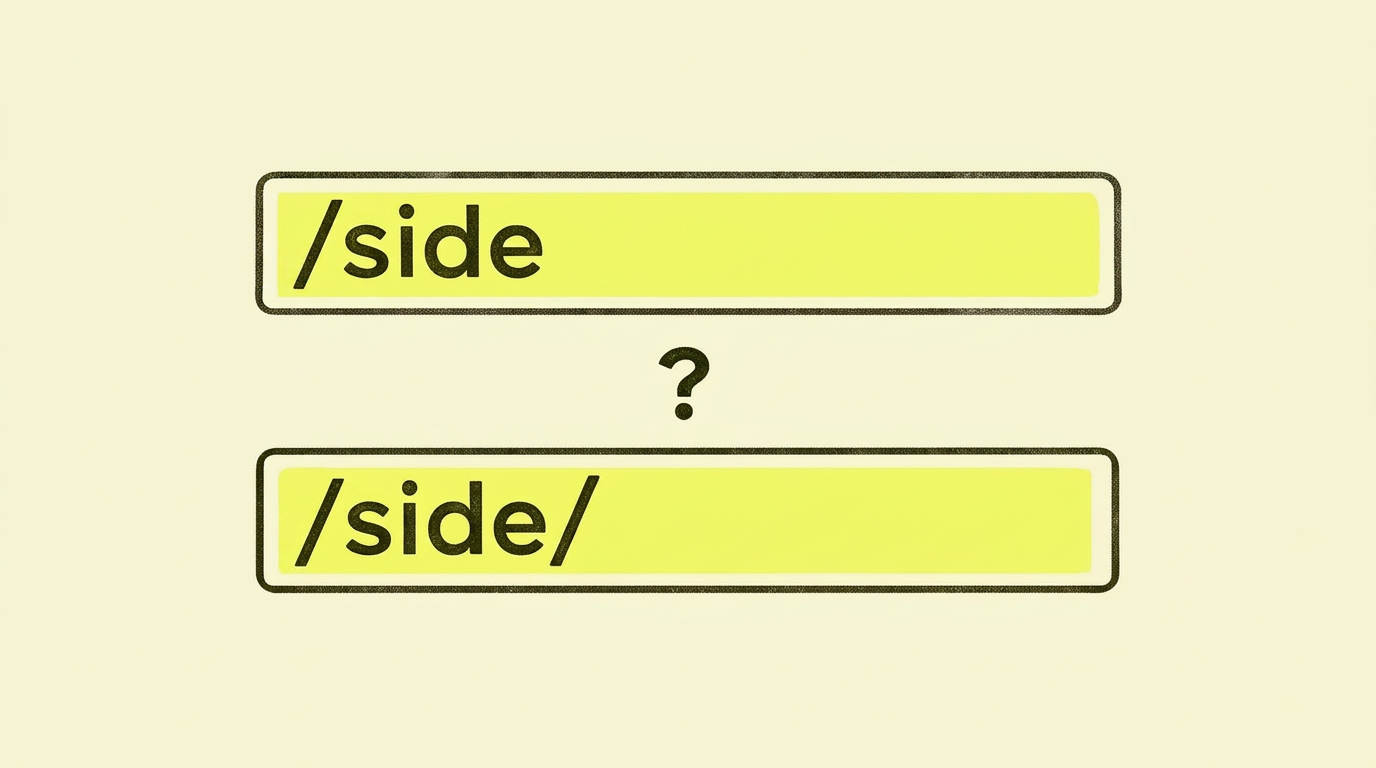
Look at these two URLs:
- eksempel.no/tjenester
- eksempel.no/tjenester/
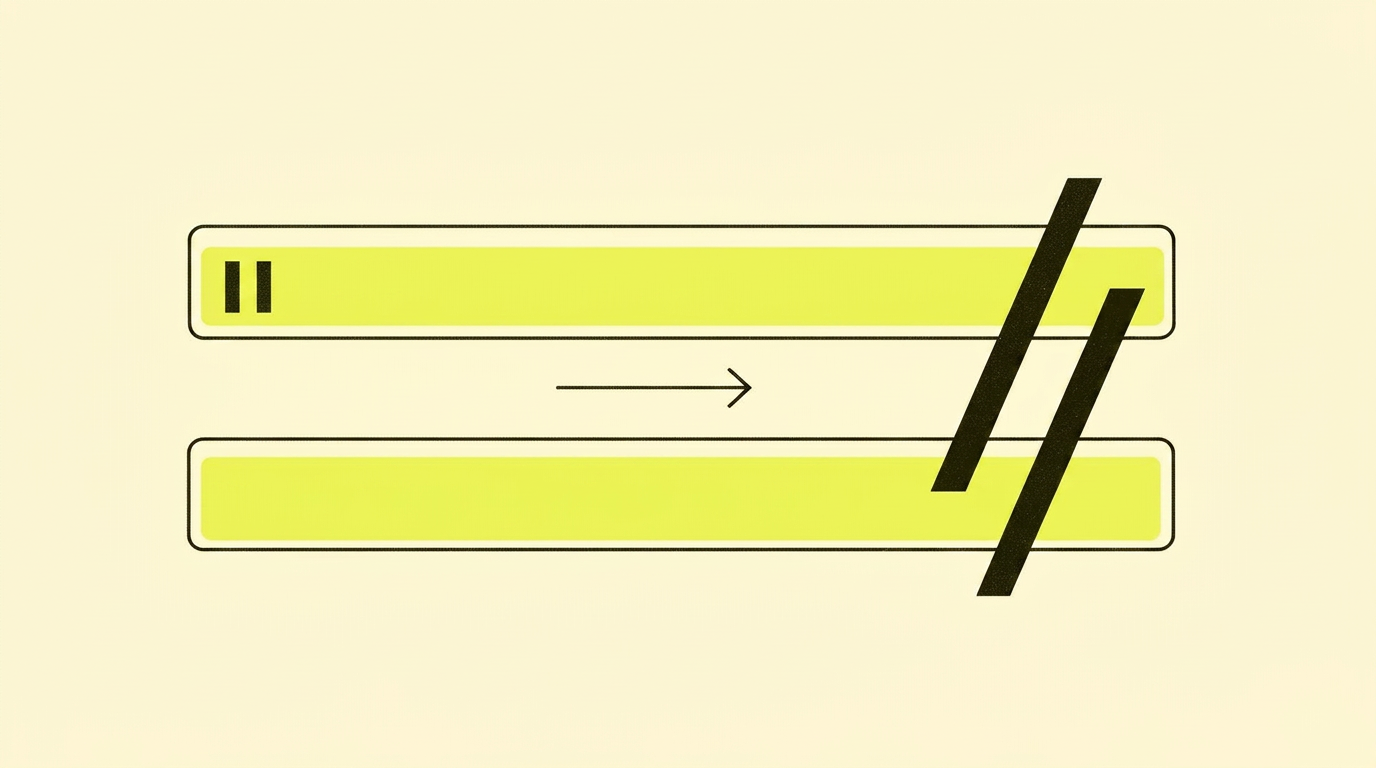
The only difference is the slash at the end. To a human, they look identical. To a search engine, they are potentially two completely different pages.
Historically, the trailing slash had a technical meaning. As Ralf van Veen explains, a trailing slash traditionally indicates a folder or directory, while its absence suggests a specific file.
Think of it as the difference between pointing to a folder on your computer versus a specific file within that folder. Today, this distinction is less relevant for modern websites, but search engines still adhere to it.
How do trailing slashes work in practice?
When someone visits your website, a series of technical processes happen in the background. Your server receives the request and decides what to display.
This is where the trailing slash comes in. If your server isn't configured correctly, it might show the same content on both URL versions. That might sound fine, but it creates problems.
Google crawls both URLs and sees identical content. Now, Google has to choose which version to index. Sometimes Google chooses correctly. Other times, it doesn't.
The link equity you've built up gets split between the two versions. If ten sites link to eksempel.no/tjenester and ten others link to eksempel.no/tjenester/, you effectively only have half the power on each URL.
Where I often see trailing slashes go wrong
After working with technical SEO for many years, I see the same mistakes happen over and over. Here are the most common blunders:
- No deliberate strategy. Most businesses simply haven't taken a stance on trailing slashes. The result is a mix of both versions scattered across the entire site.
- Internal links pointing to the wrong version. Even if you have redirects set up, you might be linking internally to the 'wrong' version. This creates unnecessary redirect chains that slow down your site.
- Mismatched canonical tags. The canonical tag on a URL must match the primary URL structure, including the trailing slash. I often see the canonical pointing to one version while the URL shows another.
- XML sitemap contains both versions. Sometimes, the sitemap lists both
eksempel.no/sideandeksempel.no/side/. This sends conflicting signals to Google. - Redirect loops. In an attempt to fix the problem, some people set up redirects that go in a circle. The result is that the page doesn't load at all.
Case study: Results in practice
A Norwegian e-commerce store contacted me because their organic traffic had dropped by 30% over six months. They hadn't made any major changes and didn't understand what was happening.
The problem: During a technical review, we discovered the online store had over 2,000 product pages. Half were indexed with a trailing slash, half without. Google Analytics showed fragmented data that made it impossible to see which products were actually performing.
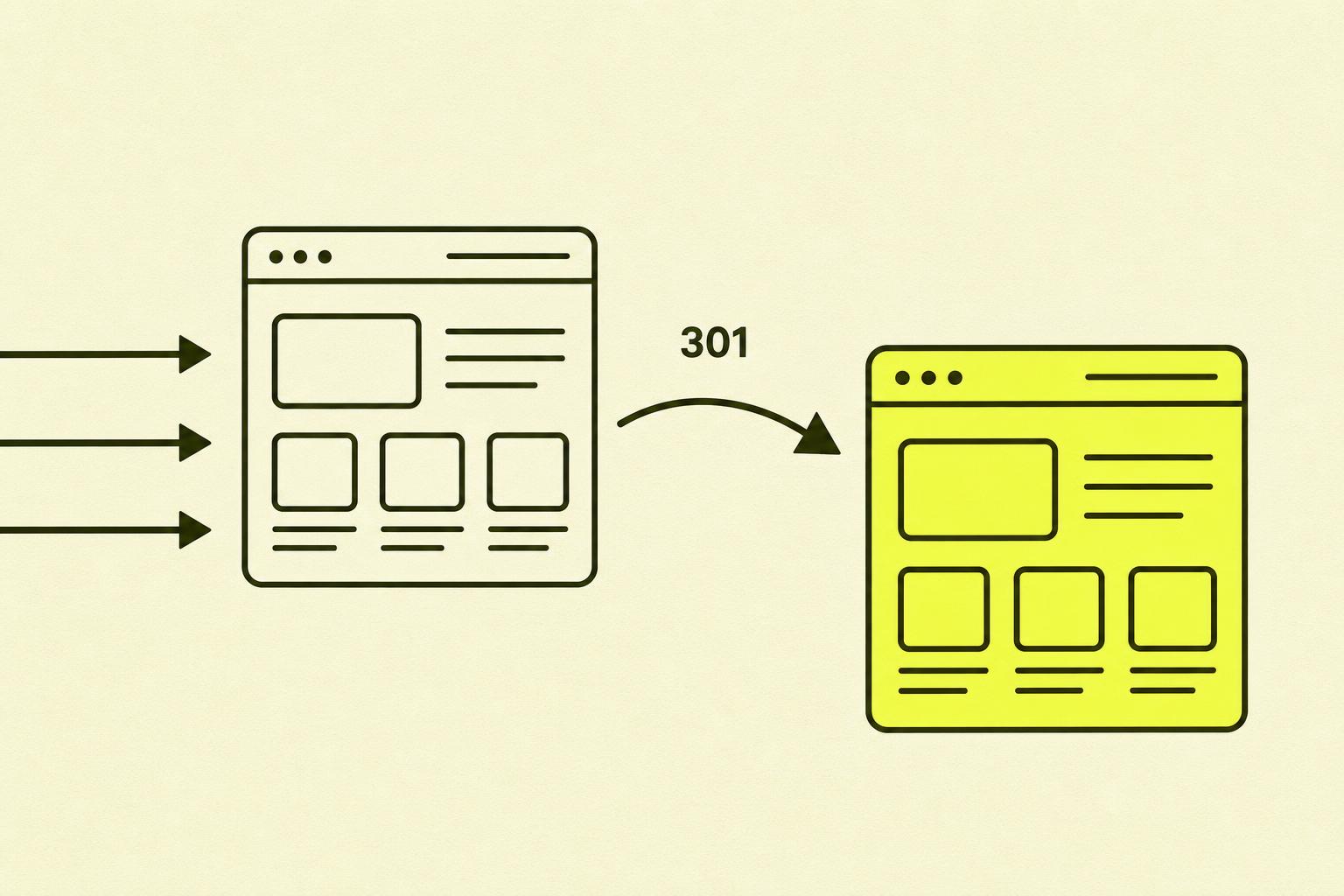
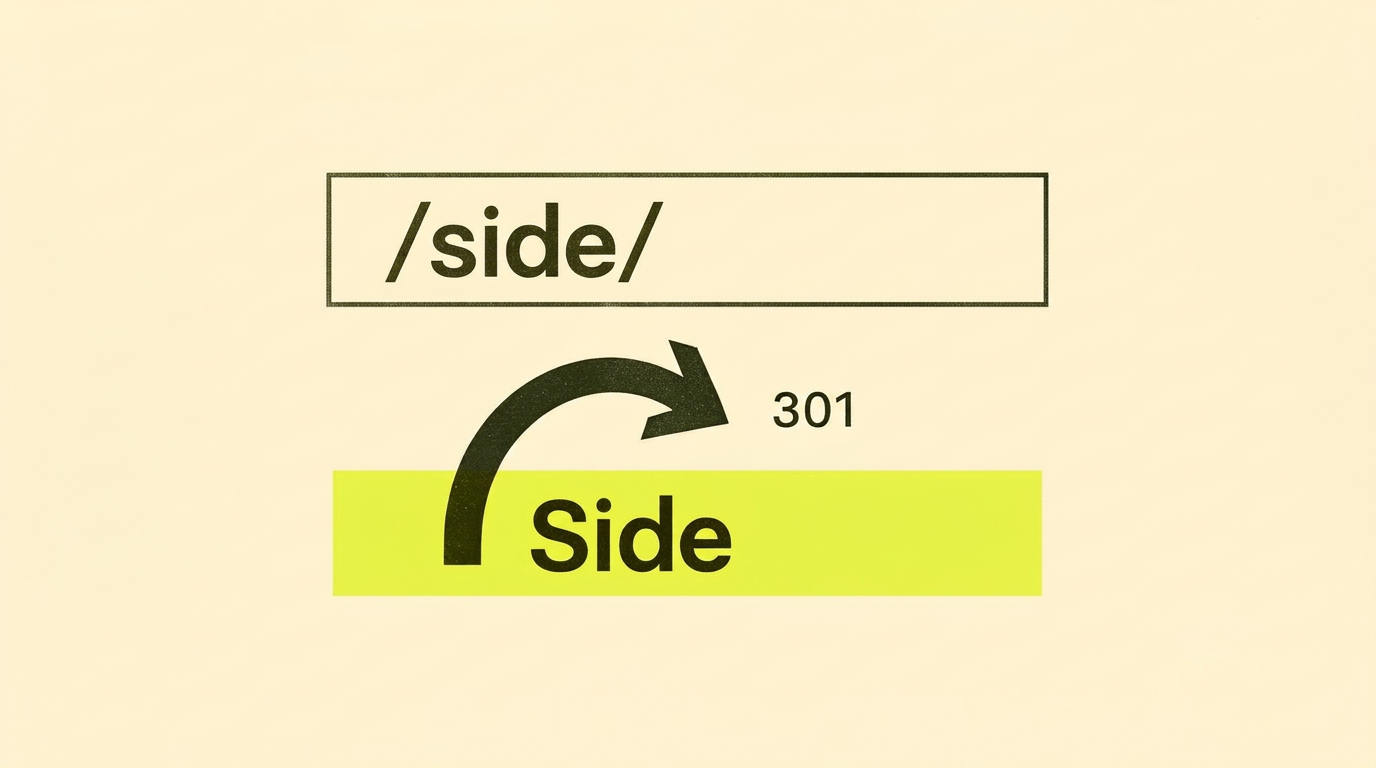
The action: We chose the trailing slash version as the standard (because their CMS generated it by default). Then we implemented 301 redirects from all non-slash URLs to the slash version. We updated canonical tags, the sitemap, and internal links.
The result: After eight weeks, organic traffic had increased by 45% compared to its lowest point. Link equity was consolidated onto a single URL for each product. The Analytics data finally became useful again.
Simply put: they didn't have a content problem or a link problem. They had a trailing slash problem.
How to get trailing slashes right
Now for the practical part. How do you ensure trailing slashes don't sabotage your SEO efforts? Here's the checklist we use at SmåSeo when we clean up a URL structure:
- Choose one standard and stick to it. It doesn't really matter whether you choose with or without a trailing slash. What matters is consistency.
- Implement 301 redirects. Send all traffic and link equity to your preferred version. This isn't optional—it's essential.
- Update canonical tags. Every page should have a canonical tag that points to the correct URL version. Check that this is correct on all pages.
- Clean up internal links. All internal links should point directly to the preferred version. Avoid sending users and search engines through unnecessary redirects.
- Update your XML sitemap. Your sitemap should only contain the canonical URLs. Remove all duplicates.
Your action plan: Step-by-step
Here is a concrete plan you can follow today. I've used this process with dozens of clients.
| Step | What to do | Time |
|---|---|---|
| 1 | Crawl your site with Screaming Frog. Sort URLs by trailing slash. | 30 min |
| 2 | Check indexed URLs in Google Search Console. | 15 min |
| 3 | Make a choice—with or without. Tip: follow what your CMS generates by default. | 5 min |
| 4 | Set up 301 redirects on the server (.htaccess or nginx-config). | 1–2 h |
| 5 | Update canonical tags so they all point to the correct version. | Varies |
| 6 | Fix internal links so they point directly to the canonical URL. | Varies |
| 7 | Generate a new XML sitemap with only canonical URLs. Upload it to GSC. | 10 min |
| 8 | Monitor indexing in GSC over the next few weeks. | Ongoing |
In summary: My opinion on trailing slashes
The trailing slash is one of those technical SEO problems that often gets overlooked. It's understandable—it seems so small and insignificant.
But the effect can be significant. Fragmented link equity, confusing analytics data, and duplicate content are real consequences of ignoring it.
My experience is that businesses that take technical SEO seriously get better results over time. The trailing slash is a small piece in a larger puzzle. But it's a piece you can easily put in place.
It's not about perfection. It's about removing unnecessary obstacles between your content and the users searching for it.
Further reading (for the very interested)
Want to dive deeper into the topic? Here are some resources I recommend.
- Google Search Central — URL structure best practices — official documentation on URL structure and canonicalisation
- Screaming Frog — Learn SEO: URL Structure — a thorough guide to URL structure, including consistency and trailing slashes
- Moz — Beginner's Guide to SEO — URL structure in a broader SEO context
- Ahrefs — Technical SEO blog — case studies and articles on technical SEO and cleaning up URL structures