Innhold i denne artikkelen
I've lost count of how many times I've been contacted by a new client right after a migration went wrong. New site, prettier design — and traffic is halved. Migrations are rarely dangerous because they are technically complicated. They are dangerous because so many people do them without thinking about what could be lost.
What is a website migration?
A website migration is the process of moving a website from one platform to another. From WordPress to Webflow. From a custom-built solution to Wix. From Shopify to WooCommerce.
But it's rarely just a case of copying content over. A migration almost always involves changes to the URL structure, technical infrastructure, and design system, and each of these changes can affect how Google indexes and ranks your site.
Done right, you can emerge with a better technical foundation and enhanced visibility. Done wrong, you can lose traffic and rankings you've spent months building, and it can take just as long to recover them.
When is a migration necessary?
There's seldom a single reason. It's usually a combination of factors that, over time, make the current platform no longer the right fit.
- The platform limits technical SEO; you can't control the URL structure, canonical tags, or
robots.txt - The platform is technically outdated, and maintenance costs exceed its value
- The site is too slow for Core Web Vitals, and the platform creates a ceiling for what's possible
- Your business model has changed, for example, from an informational site to an e-commerce store
- The platform doesn't scale with the growth in your content or traffic
Where I often see things go wrong (and why I get new clients)
Many of my new clients come to me right after a migration that didn't go as planned. New site, new design — and the traffic is gone. Almost every time, it could have been avoided.
1. noindex is still active after launch
During development, the staging site is usually set to noindex. Correct. The problem arises when the new site is launched, and no one remembers to turn it off. The result: Google sees the site but indexes nothing. The traffic disappears, and it can take days before anyone realises what's happened.
2. The staging site is indexable
The other variation: the staging site isn't set to noindex. Google crawls and indexes the unfinished version in the weeks before launch, creating duplicate content and confusion in the index that can linger long after.
3. No redirect plan
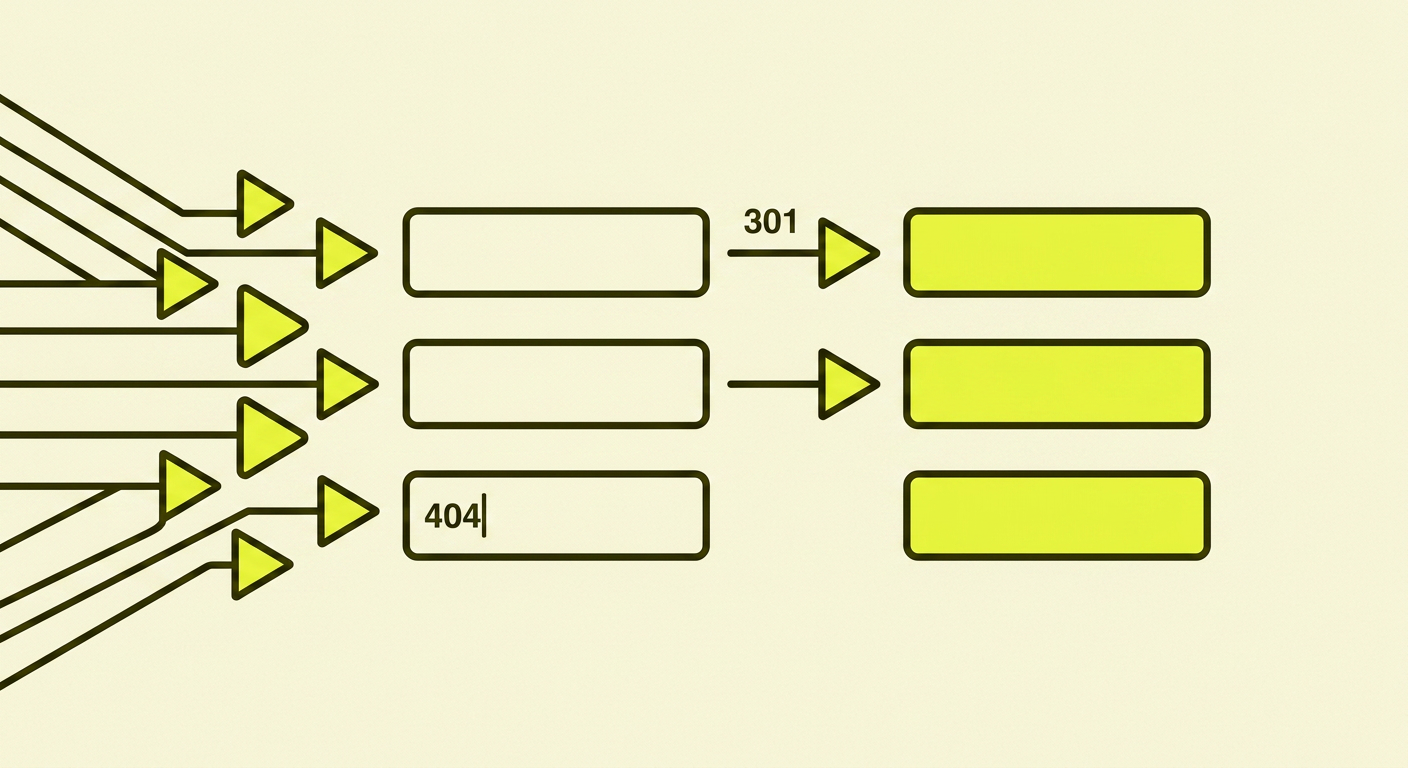
A new platform usually means a new URL structure. And new URLs mean that all the old ones — which Google has indexed and ranked — suddenly return 404 errors.
Without a redirect plan from the old URLs to the new ones, you effectively lose all your accumulated SEO value overnight. Link equity, rankings, and inbound links from other sites. Everything.
4. Too many changes at once
Many see a migration as an opportunity to fix everything at once: new platform, new design, new content structure, new keywords, new domain. It's understandable, but it's one of the most common reasons migrations go wrong.
Migrate "as is". Move the site as it is today, with as few changes as possible. When you do everything at once and something goes wrong, you won't know what caused it. And it's much harder to fix.
5. Lots of content removed — without a redirect plan
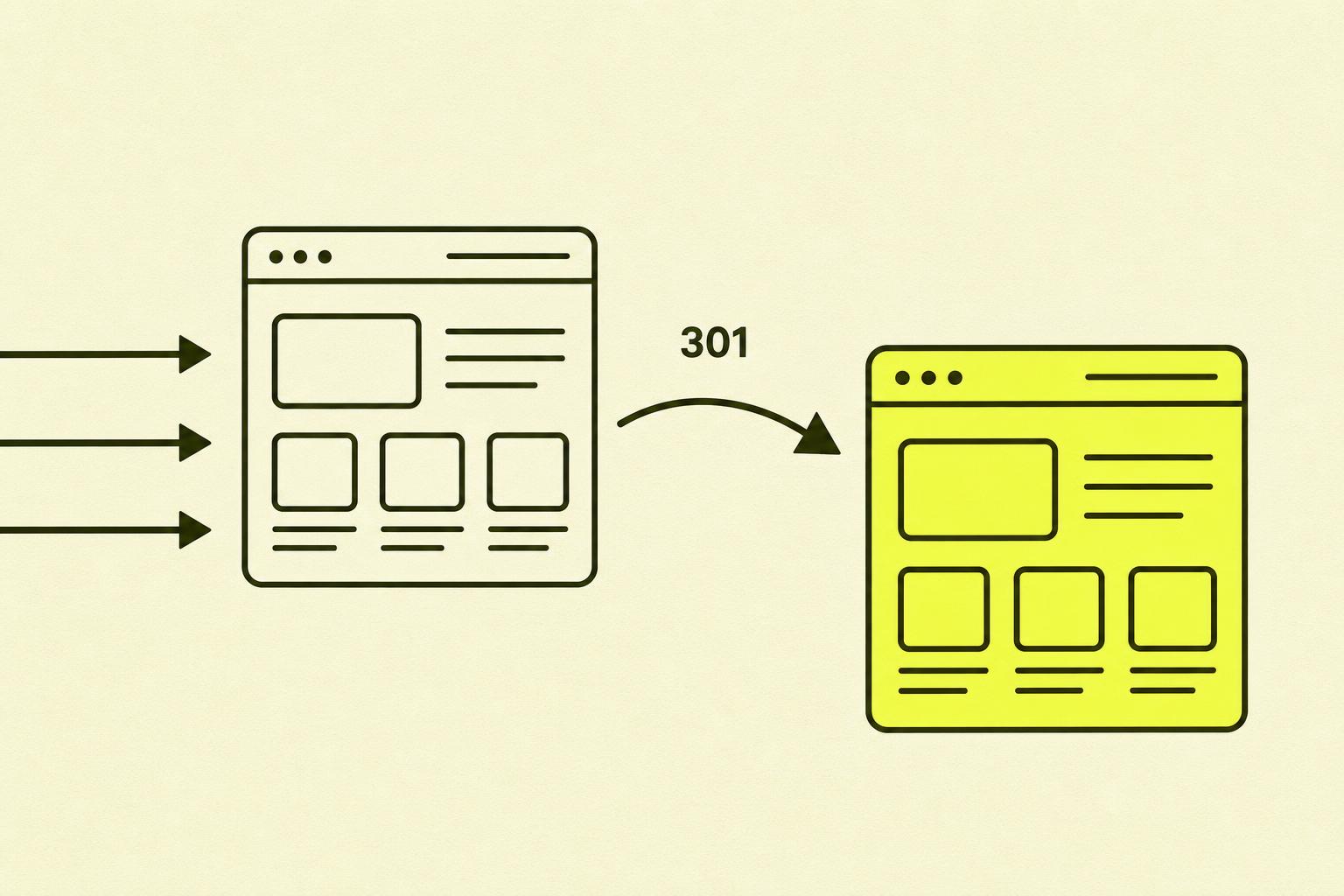
During a redesign, it's tempting to clean up: old blog posts, outdated pages, products that are no longer sold. This can be the right move, but it requires a plan. Pages with inbound links or historical traffic should always have a 301 redirect to the most relevant remaining page.
6. Focus on design — not traffic or conversions
The new site is beautiful. Everyone is happy with how it looks. But no one asked the questions: What happens to the conversion rate? What happens to the organic traffic? What happens to the user journeys that were actually working? Design is important. But a pretty site that loses half its traffic is not an improvement.
7. The new site is pretty — but technically heavy
Animations, large videos, JavaScript-rendered content, and third-party scripts. The site looks impressive, but it loads slowly, fails Core Web Vitals, and is difficult for Google to crawl. Technical performance should be a requirement during the design phase, not an afterthought.
8. No one on the team thought about SEO
The migration was planned and executed by designers and developers. SEO wasn't part of the conversation. No one checked rankings or traffic figures along the way. A migration without an SEO perspective is like moving office without updating your address. You're there — but no one can find you.
9. No before-and-after documentation
No one recorded the Core Web Vitals, organic traffic, or rankings before the migration. After launch, it's impossible to see if anything is better or worse. Baseline documentation isn't optional — it's the only basis you have for assessing whether the migration was a success.
10. The new system does unpredictable things
A new CMS platform doesn't always behave as expected. A common example: the system imports content from the old site, but an empty slug value in one of the posts causes the new CMS to generate hundreds of URLs with random patterns. Suddenly, the site has hundreds of new, unplanned URLs that Google starts to index.
Downloadable Checklist
Documentation and planning are where migrations are won or lost. You can find the entire checklist — before, during, and after launch — here, and you can download it as a PDF to tick off as you go.
Before migration
- Document the current state: Core Web Vitals, organic traffic, rankings, and number of indexed pages.
- Create a complete URL map: old URL → new URL for all pages.
- Identify pages with historical traffic or inbound links. These require priority redirect handling.
- Decide which pages, if any, will be removed, and set up redirects to relevant alternatives.
- Ensure the staging site is set to `noindex`.
- Test that the staging site is not accessible to Google (use URL Inspection in GSC).
- Verify that all pages you plan to keep actually exist in the new structure.
- Test page speed and Core Web Vitals on the staging site.
- Verify that structured data works correctly on the staging site.
- Test the new system for unexpected URL generation during content import.
- Have a clear plan for who does what on launch day.
On launch day
Launch day isn't the end — it's the beginning of the monitoring phase.
- Turn off `noindex` immediately after launch and verify it has been done.
- Submit the updated `sitemap.xml` in Google Search Console.
- Use URL Inspection in GSC to request indexing of the most important pages.
- Verify that all 301 redirects work correctly.
- Check that `robots.txt` is correct and isn't blocking important pages.
- Check that canonical tags point to the correct URLs.
- Monitor Search Console for new crawl errors and 404 notifications.
- Check that Google Analytics and GSC are still receiving data.
- Log any unexpected URLs that appear in GSC.
After migration
The first few weeks are critical. Rankings may fluctuate. That's normal. But systematic monitoring allows you to react quickly if something is wrong.
- Compare Core Web Vitals, number of indexed pages, and organic traffic against the baseline.
- Check Search Console weekly for new 404 errors and indexing issues.
- Verify that rankings for key pages stabilise within 4–8 weeks.
- Check that internal links point directly to new URLs (not through redirects).
- Update your Google Business Profile and other platforms with the new URLs.
- Check that inbound links from other websites work correctly through the redirects.
- Consider requesting re-crawling of important pages via URL Inspection.

What if something goes wrong?
Even with good planning, things can happen. A CMS behaves unexpectedly. A redirect was missed. An important page isn't being indexed.
The first step is always the same: open Google Search Console and find out exactly what has happened. Look for 404 errors, crawl issues, and whether noindex is still active. Compare the number of indexed pages with your baseline. There's a difference between "Google hasn't had time to re-index yet" and "we have a real problem," and GSC is where you see which it is.
Delays are the rule — keep a cool head
Almost all website migrations take longer than planned. That's not a sign that something is wrong — it's a sign that you're taking it seriously.
New technology behaves unexpectedly. Content import reveals problems no one had foreseen. The redirect plan has gaps. A crucial feature is missing on the new platform.
It's always better to launch two weeks late with stable traffic than to launch on time with a technical disaster. Set expectations internally from the start and build a buffer into your timeline.
My final piece of advice
Involve an SEO specialist early — not as a final check before launch, but in the planning phase. That's where the most important decisions are made. Expect delays. Prioritise stability over punctuality.
And then there's this, which I have to say: nothing needs to be perfect. Some things can be cleaned up after launch. Some internal links can be updated over time. Some content can be improved gradually.
A website is a living, growing thing. I meet many people who never migrate because they are perfectionists — they're waiting for that perfect moment when everything is in place. That moment never comes. Plan well, test thoroughly, preserve the traffic you have, and launch.
Further reading
Want to dig deeper into the topic? These are worth your time:
- Google Search Central — Site move with URL changes — Google's official recommendations for a site move with URL changes
- Google Search Console — where you can actually see if the migration went well or not
- Screaming Frog SEO Spider — a crawler to verify the redirect plan and catch 404 errors early
- web.dev — Core Web Vitals — the metrics you need to baseline before and after the migration
- Ahrefs — Website migration guide — a thorough, practical walkthrough of the process