In this article
Everyone says you can just let an AI build your website. They're not entirely wrong — but the difference between a website that actually does its job and one that looks like everyone else's isn't in the tool you choose, but in what you do before you even open it.
Let's start with what no one is saying out loud
An AI-generated website without a thoughtful brief looks like an AI-generated website.
Same layout. Same typographic feel. Same way of presenting services. Same empty stock photos of happy people in front of laptops. AI tools draw inspiration from what's already online, and without clear instructions on aesthetics, structure, and tone, the result easily ends up looking like everyone else's.
And that's precisely where it goes wrong for small businesses. A website without personality doesn't build trust. No authenticity, no voice, no reason to choose you over the next result in Google. It doesn't matter how technically sound it is.
What are AI-based website builders, really?
In recent years, a new category of tools has emerged that lets you describe what you want in natural language and get generated code in return. Not a visual editor you click around in, but a dialogue. The result is a website built on pure HTML, CSS, and JavaScript.
The most well-known examples right now are Lovable, Bolt, and Vercel v0. Their approaches differ, but they share the same fundamental logic: you describe, the AI builds.
I used Lovable to relaunch SmåSeo, so it's the tool I know best. But the principles below apply regardless of which AI tool you choose.
A brief introduction to Lovable
Lovable is a Swedish company founded in Stockholm in 2023. The product started as an open-source project called GPT Engineer, which went viral on GitHub before being relaunched as Lovable in November 2024 with the goal of making software development accessible to anyone who can't code.
Its growth has been extraordinary: the company reached $100 million in annual revenue in just eight months, and in December 2025, it was valued at $6.6 billion after a new funding round of $330 million led by investors including Alphabet's CapitalG and Nvidia.
Is it sustainable? That's a legitimate question. Traffic to some of the largest AI builders fell after a peak earlier in 2025, and the market is still young. The company is well-funded and has real enterprise clients, but it's a rapidly evolving field where best practices are still being established.
What's important to know is this: the code you get is standard HTML and JavaScript. You're not locked into the platform in the same way you are with a page builder.
Page builder or AI builder: What's the real difference?
Page builders like Squarespace and Wix are website builders where you choose a template and edit visually. What you see is what you get, literally. They are designed to be intuitive and come with a host of built-in features: e-commerce, booking, blogging, email marketing, and more. Squarespace has been around since 2004 and is publicly traded. You know what you're getting.
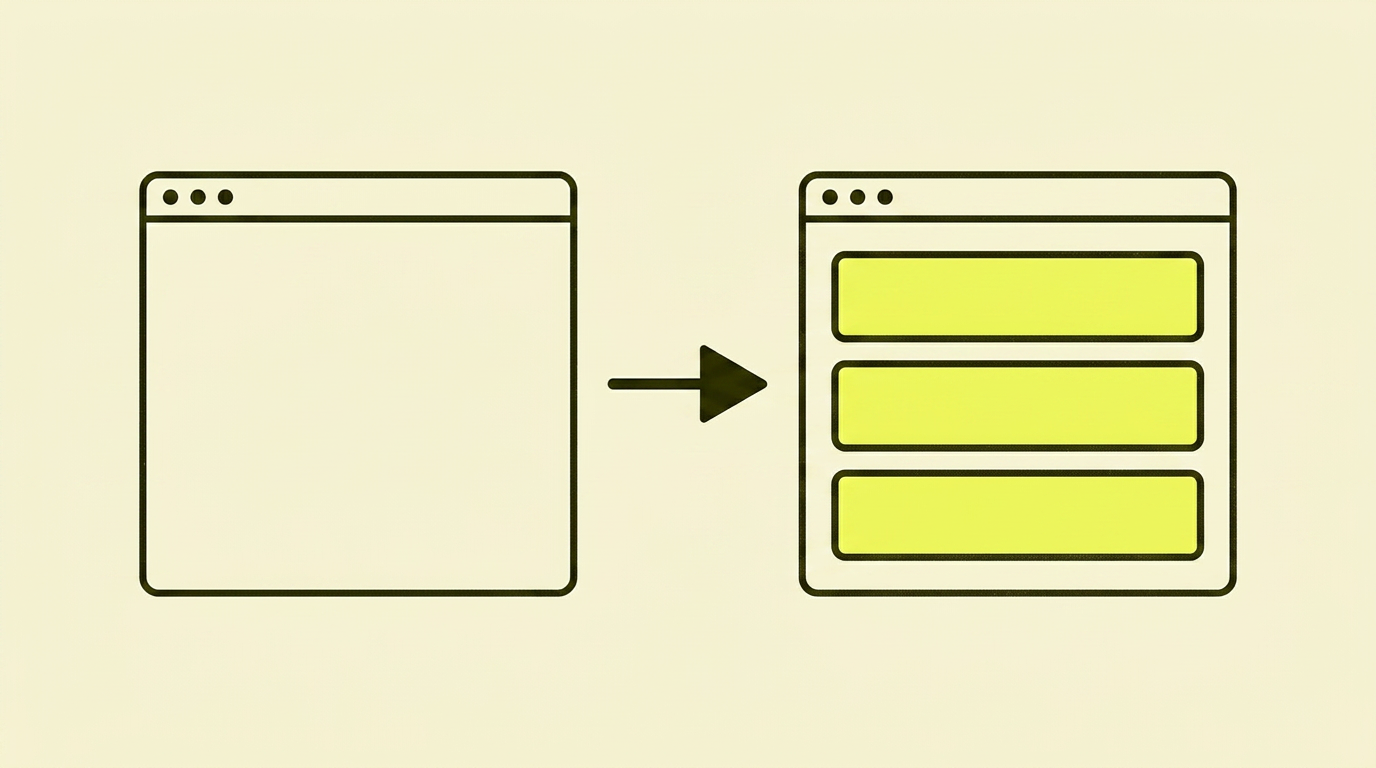
AI-based builders are something else entirely. You describe what you want, and the AI generates code. It's not a visual editor; it's a dialogue. The result is flexible and technically robust, but you have to be able to articulate what you want, and you need to understand what you're getting back.
The two approaches are fundamentally different, and they are right for different types of businesses and different types of owners.

| Squarespace / Wix | AI builders (e.g., Lovable) | |
|---|---|---|
| User-friendliness | High. Visual editing, no code required | Requires you to articulate what you want precisely |
| Technical flexibility | Limited by the platform's framework | High. The code is yours and can be changed freely |
| Built-in features | Many: shop, booking, blog, email, member areas | Few built-in. Most things must be built or connected |
| Visual editing | Yes, you edit directly in the interface | No. Changes are made through dialogue with the AI |
| SEO capabilities | Good basic features. Somewhat limited on advanced technical SEO | Full control, but you have to know what to ask for |
| Maintenance | The platform handles security and updates | You own the code and are responsible for it |
| Stability | Mature, publicly traded companies with long histories | Young, fast-growing companies; market is still evolving |
| Best for | Those who want something that works without thinking about code | Those who know what they want and are willing to learn |
If you want to go deeper into the platform choice itself, I've written a separate guide on how to choose the right CMS for your business.
Should your business build its website with AI?
Here's the honest version, not the one that makes AI tools sound like the answer to everything.
Yes, if...
- You have technical needs that a page builder can't meet, and you know specifically what those needs are
- You're willing to spend as much time on your brief and preparation as on the build itself
- You need full control over the codebase and don't want to be limited by a platform's constraints
- You're comfortable with changes happening via a dialogue with an AI, not through visual editing
- You have a clear visual direction you can communicate, not just a hope that the AI will come up with something nice
No, if...
- You want to get something up and running quickly without thinking about technical details along the way
- You need built-in features like a shop, booking, or member areas without building them from scratch
- You expect to update and edit content visually yourself, without going through the AI
- You don't have a specific brief and visual reference ready before you start
- Your budget doesn't allow for technical surprises and iterations during the process
How I relaunched SmåSeo with Lovable
Since I used Lovable to relaunch SmåSeo, I can speak from experience, not just theory. And I'll be honest about what it really required because it wasn't just a case of opening the tool and starting to chat.
I found a design I liked, from Squarespace
Yes, I took screenshots of a Squarespace theme that I thought looked good and used it as a visual reference. A bit cheeky, maybe, but here's the point: I had a clear aesthetic direction before I even opened the tool. The AI was not given free rein to improvise.
I created a proper brief
I sat down and thought through the structure before I opened Lovable. What pages do I need? What is the purpose of each one? What should a visitor do when they land here? Who are they, and what are their struggles? It's not sexy work, but it determines whether the result is good or just another website.
I structured the content around my customers' actual problems
Not around what I offer, but around what my customers are struggling with and how I can help them solve it. A good customer experience starts with visitors recognising themselves: "That's me, and that's my problem." Then: "How can SmåSeo help me with this exact thing?" That was the order of my thinking.
I made sure the SEO foundation was in place from the start
This is where many AI website projects fail. The tool builds what you ask for, and if you don't ask for good technical SEO, you don't get it.
I was explicit from the start: robots.txt, sitemap.xml, hreflang for the English version, canonical tags, a proper URL structure, and meta titles and descriptions on all pages. None of this is complicated to ask an AI tool for, but you have to know that you need to ask. I've gathered the actual requirements for different platforms in my CMS guide.
I had a redirect plan for the launch
SmåSeo had a website before the relaunch. That meant old URLs had to be redirected to new ones to avoid losing traffic and link authority overnight. This is not optional if you're replacing an existing site — and this is where it's smart to understand both how to handle 404 errors correctly and what HTTP status codes like 301 and 302 actually do before you hit publish.
I took my time — but not a lot of time
The build itself took three days. That sounds fast, but it's precisely because I'm an SEO specialist: the structure, content, URL architecture, and redirect plan were all thought out before I opened the tool. An AI tool makes it faster to build; it doesn't make it faster to think — and the thinking is what actually takes time. Without that prep time, three days would have become three weeks, or a generic result.
If you decide on an AI builder: A checklist
Before you open the tool
- Find your visual reference first. What do you like aesthetically? Find three to five websites you think look good and note what you like about them. Give the AI something concrete to work from.
- Create a structured brief. What pages do you need? What is the purpose of each? What should visitors do? Write it down before you start.
- Think customer journey, not services. Start with the customer's problem. Build your navigation and content around that, not your internal service structure.
- Specify SEO requirements explicitly. `robots.txt`, `sitemap.xml`, canonical tags, meta titles, correct URL structure. Ask for it from the start, not as an afterthought.
- Test on mobile constantly. AI tools often build for desktop first. Check the mobile version after every major change.
- Have a redirect plan at launch. If you have an existing site, all URLs with traffic or inbound links must be redirected to new ones. See my guide on [website migration without losing traffic](/en/tips/teknisk-seo/migration) for a complete checklist.
In summary: My opinion
AI tools can give you a technically sound website for a fraction of what traditional development costs. I use one myself, and I will use it again.
But they are not a shortcut to a great website. They are a shortcut to building what you have already thought out. If you haven't thought it out, you'll get a generic website with no personality that doesn't convert because no one sees themselves in it.
Squarespace and Wix are not worse choices. They are different choices, and for many small businesses, they are the right choice, because they give you working functionality without you having to think about code, hosting, or technical surprises.
The choice isn't about what's most modern. It's about what fits your business, your capacity, and your ambitions.