Innhold i denne artikkelen
When you land on a 404 page, it’s a short trip to the back button — and an even shorter one to a competitor. But the way you handle these dead ends can actually turn a frustrated user into a loyal customer.
What is a 404 error?
A 404 error is an HTTP status code that the server sends back when it can't find the page a user is trying to reach. Simply put: the user is asking for something that doesn't exist.
This happens more often than you might think. Pages get deleted, URLs change, or someone misspells an address.
The code "404" itself comes from the HTTP protocol that governs communication between browsers and servers. The "4" at the beginning indicates a client-side error (the user's request), not a server-side one.

How do 404 errors work in practice?
When a user clicks a link or types in a URL, their browser sends a request to the server. The server then checks if the requested resource exists.
If the page doesn't exist, the server returns the 404 status code along with an error page. This page can be either the server's default template or a custom page you've designed yourself.
The most common causes of 404 errors:
- Deleted pages without a redirect
- Changed URLs after a redesign
- Misspelt links in your content or navigation
- External sites linking to pages that no longer exist
- Outdated bookmarks in users' browsers
As Search Engine Journal points out in its review of HTTP status codes, it's how you handle 404s — not the number of them — that actually affects SEO and user experience. The same applies to ads: paid traffic landing on a dead end is simply wasted money.
Common 404 mistakes I often see
After many years of SEO work, I've seen the same mistakes repeated over and over. Let me share the most common blunders I encounter.
- No custom 404 page. Many sites still use the server's default page. It's impersonal, offers no guidance, and sends users straight for the exit.
- Ignoring Search Console alerts. Google Search Console notifies you of 404 errors, but many people let these pile up. It's a goldmine of information telling you exactly where the problems are.
- Panicking over normal errors. Not all 404 errors are problematic. John Mueller from Google has pointed out that a certain number of 404s in Search Console is completely normal, especially for sites with a high turnover of pages.
- Lacking a redirect strategy. When pages are removed or moved, many people forget to set up redirects. This leads to both users and search engines hitting dead ends.
How to handle 404s well
Good 404 management is about minimising frustration and maximising opportunities. Here are the strategies that actually work.
1. Design a helpful 404 page
Your custom 404 page should include several elements. Start with a clear message that the page can't be found, but do it in a friendly way.
Include a search bar so the user can look for what they need. Display links to popular pages or categories.
Keep your navigation intact. Many people remove the menu on 404 pages, which only makes it harder for the user to find their way forward.
2. Monitor actively
Set up regular checks in Google Search Console. Export the list of 404 errors and prioritise based on the number of clicks and inbound links.
Use tools like Screaming Frog or Ahrefs to crawl your site and identify broken internal links.
3. Implement smart redirects
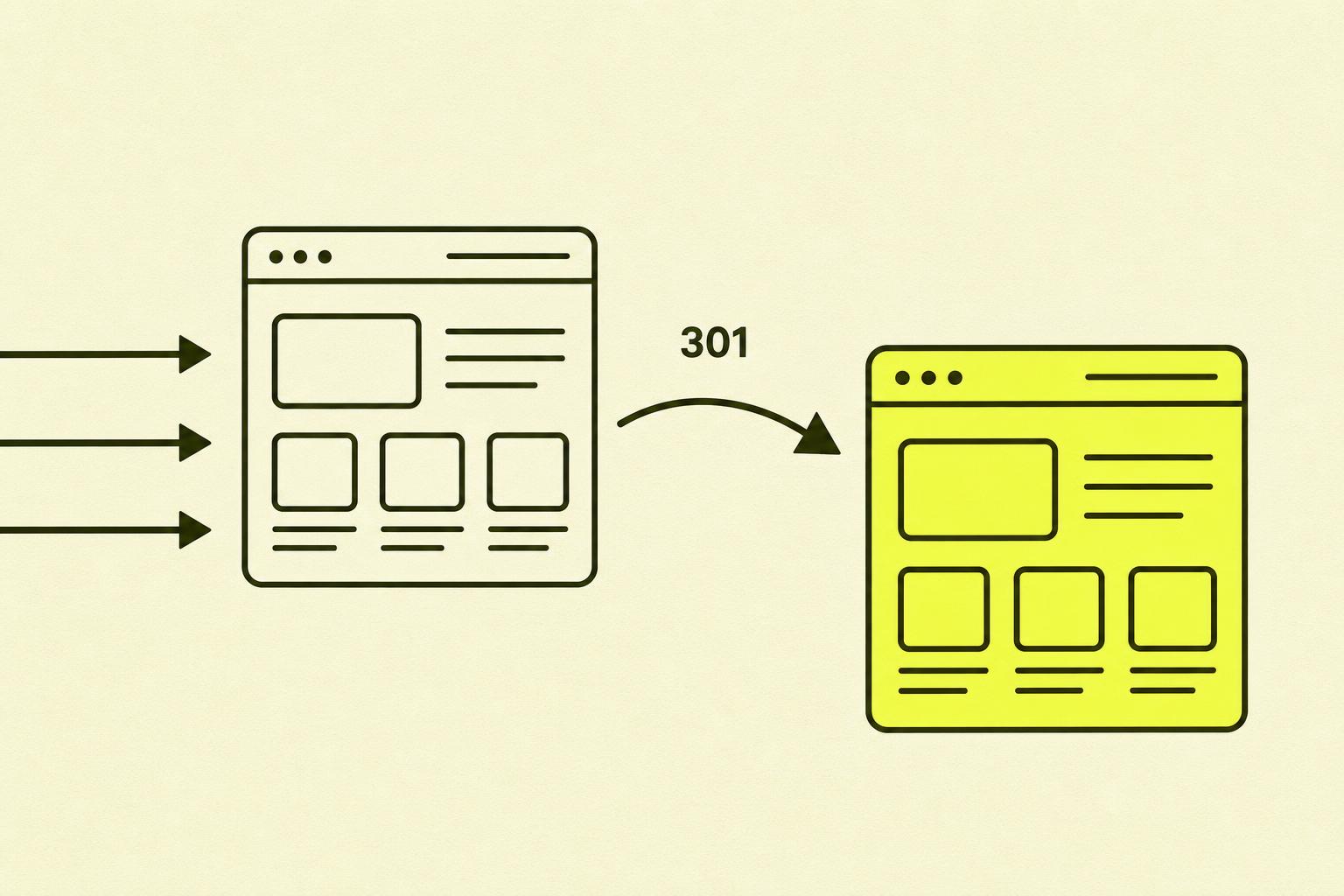
When you remove or move content, always set up 301 redirects to relevant content. Avoid redirecting everything to the homepage — it provides a poor user experience and Google doesn't like it.

Case study: A real-world example
Problem: A Norwegian e-commerce store had thousands of 404 errors in Google Search Console after a platform migration. Organic search traffic had dropped by 35% in three months.
Action: We exported all the errors and categorised them by priority. Pages with inbound links and historical traffic were given 301 redirects to corresponding products or categories. We also designed a new 404 page with a search bar, popular categories, and a discount code to retain visitors.
Result: Within six weeks, organic traffic was back to its previous level. The bounce rate from the 404 page dropped from 89% to 62%. The discount code on the 404 page generated 47 orders in the first quarter.
This shows that 404 errors aren't just a technical problem. They're an opportunity to rescue sales and build your brand.
Your action plan: Step-by-step
Here's a concrete plan you can follow to get your 404 situation under control.
| Step | What to do | Time |
|---|---|---|
| 1 | Log in to Search Console → "Pages" → filter by "Not found (404)" | 15 min |
| 2 | Export to a spreadsheet and sort by clicks and backlinks | 15 min |
| 3 | Prioritise: pages with inbound links and historical traffic first | 30 min |
| 4 | For each URL, decide: 301 redirect, restore the page, or leave it as is | Varies |
| 5 | Crawl with Screaming Frog and fix internal links | 1–2 hours |
| 6 | Design a custom 404 page with a search bar, navigation, and main categories | Varies |
| 7 | Set up a monthly review in Search Console | Ongoing |

Summary: My take on 404 errors
404 errors are nothing to be afraid of, but they are also not something to ignore.
They are a natural part of a living website, and how you handle them says a lot about the quality of your user experience.
You need three things: a good custom 404 page, regular monitoring, and a clear redirect strategy.
Most users who encounter a 404 error leave the site and never return. It's a brutal reminder of how important this really is.
But don't get stressed by every single 404 error in Search Console. Focus on the ones that are actually costing you traffic and conversions.
Further reading on 404s (for the very keen)
If you want to dive deeper into the topic, I recommend these resources.
- Google Search Central — HTTP status codes and Google Search — the official overview of how Google interprets different status codes.
- Moz — Redirection — a classic guide to redirects and how to avoid losing link equity.
- Screaming Frog — Broken Link Checker — a practical guide on how to find broken links on your site.
- MDN Web Docs — 404 Not Found — for those who want to understand the protocol at a server level.
- Ahrefs — 404 errors and SEO — an in-depth article on when 404s should be fixed and when they can be ignored.