In this article
Googlebot knocks on your door hundreds of times a month, and what it gets back decides whether your content stays indexed. Most people never see these codes — but they feel them anyway, when traffic quietly starts to slip.
What is an HTTP status code?
When a browser or Googlebot requests a page, the server replies with a three-digit code. That code tells both users and search engines what happened with the request, and they use it to decide what to do next.
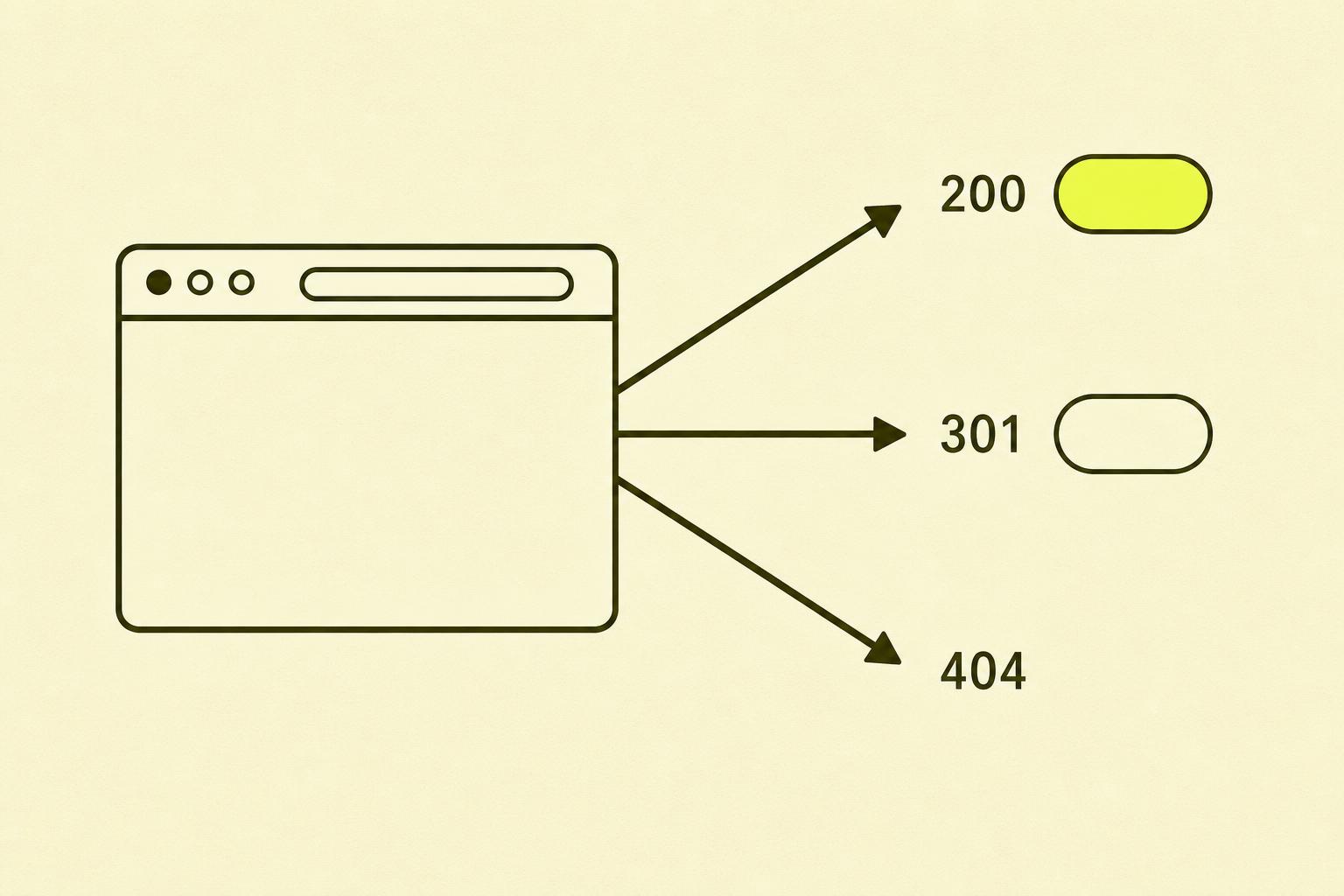
Codes are split into five categories based on the first digit. 1xx are informational codes you rarely see in practice. 2xx means everything went fine. 3xx means redirection. 4xx means something is missing on the client side. 5xx means something is wrong on the server.
For most sites it's the 2xx, 3xx and 4xx codes that matter most, and those are the ones we focus on here.
Overview of the codes that matter
Here are the codes you'll actually meet day to day, what they mean and what they cost you.
| Code | Name | What it means | Consequence |
|---|---|---|---|
| 200 | OK | The page exists and loads correctly | Google indexes the page normally |
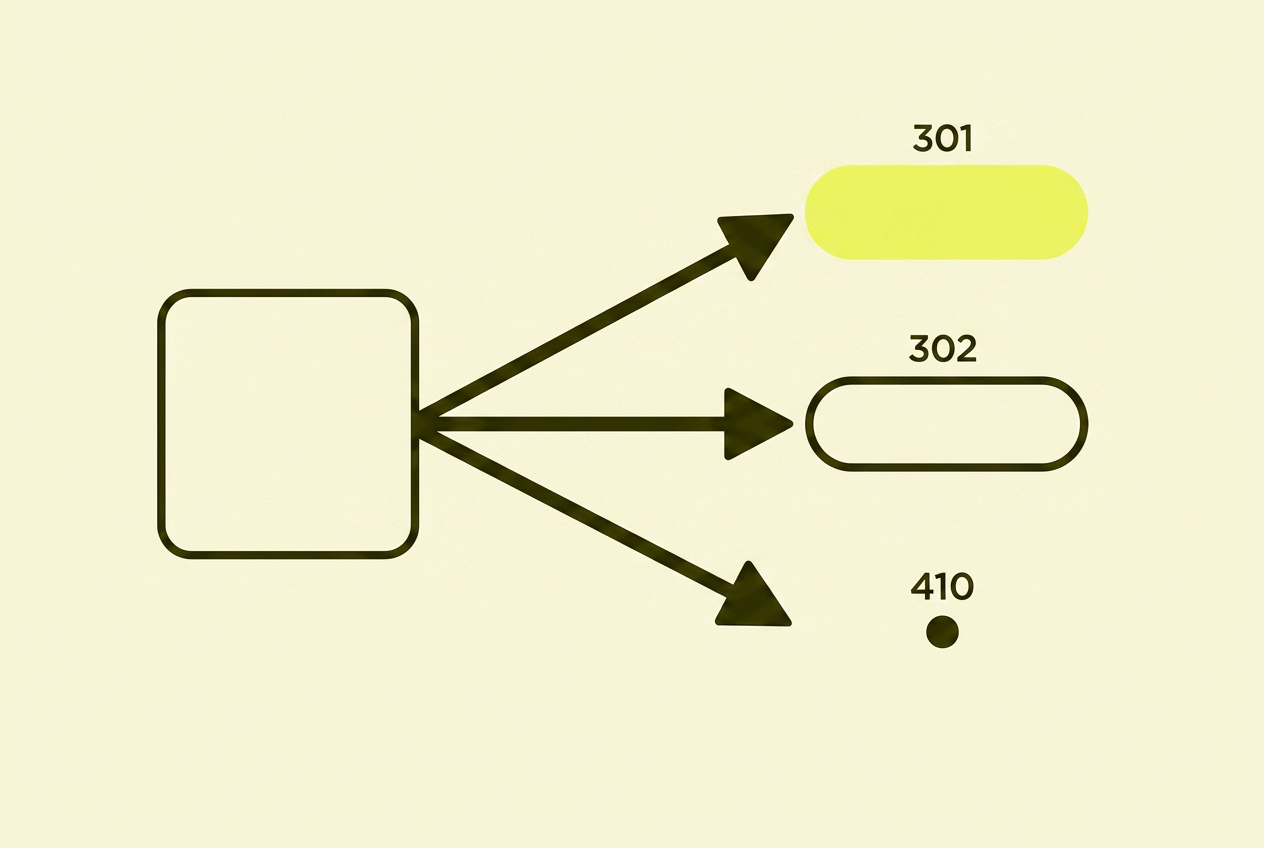
| 301 | Moved Permanently | The page has moved for good | Link authority is transferred to the new URL |
| 302 | Found | Temporary redirect | Authority is not transferred, Google keeps the old URL |
| 307 | Temporary Redirect | Temporary, HTTP method preserved | Same as 302 for SEO purposes |
| 404 | Not Found | The page does not exist | Google removes the page from the index over time |
| 410 | Gone | The page has been permanently removed | Faster de-indexing than a 404 |
| 500 | Server Error | Something is wrong on the server | Google retries, but can lose trust |
| 503 | Service Unavailable | Temporarily down | Fine if brief, a problem if persistent |
200 OK
This is what you want. The page exists, loads correctly, and Google can index the content. A 200 on a page that's actually empty or no longer exists is a different story — that's called a soft 404, and Google has become quite good at spotting it.
301 Moved Permanently
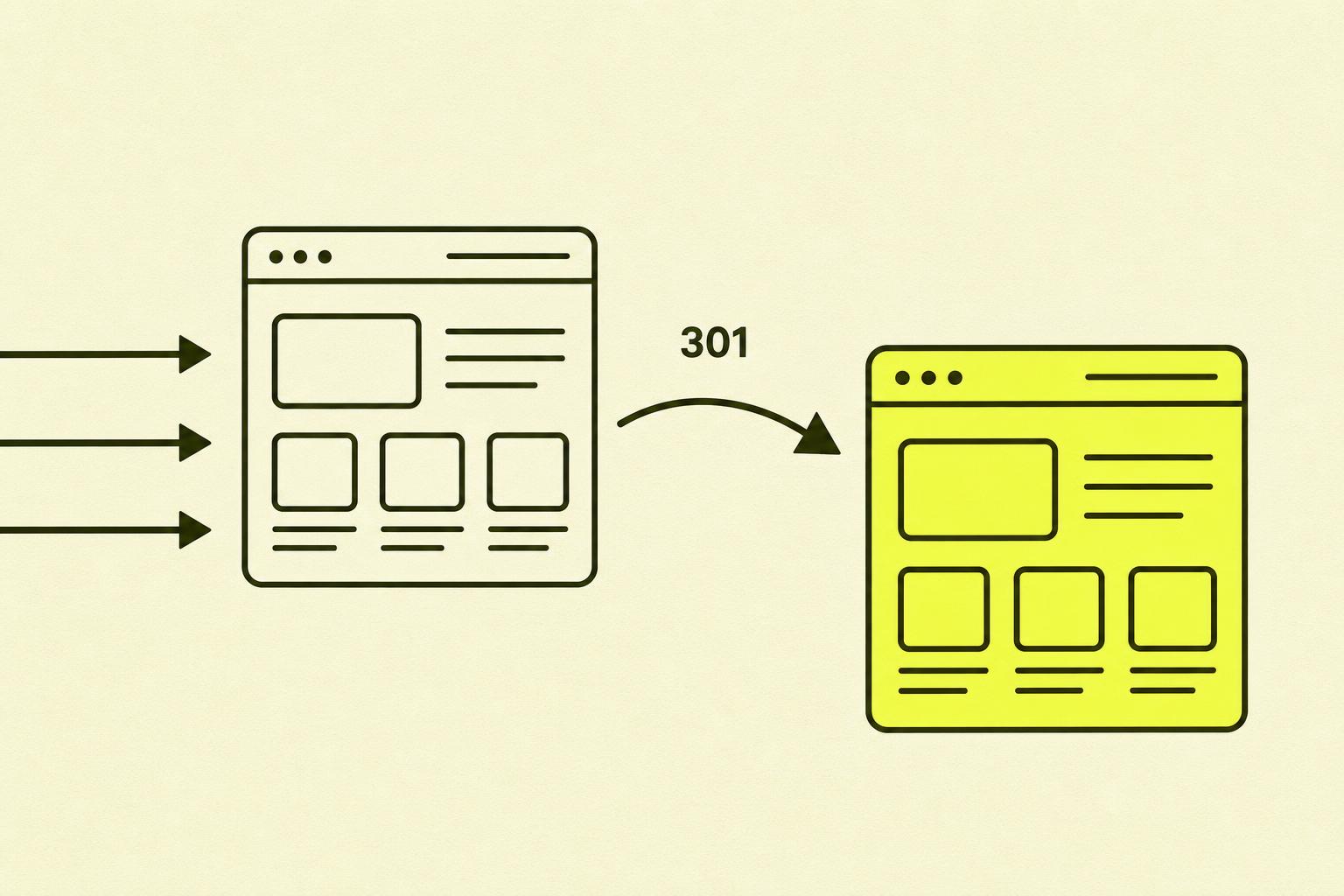
The page has moved, and it's permanent. A 301 is the right choice when you change URL structure, switch domains, or delete a page you want to replace with another. It transfers link authority from the old URL to the new one, which is essential for preserving your rankings. About to do a bigger move? Read the guide to site migration without losing traffic first.
302 Found and 307 Temporary Redirect
Both are used for temporary redirects, but they're used far too often where a 301 would be correct. A 302 signals that the original URL is still valid, so Google keeps it in the index and does not transfer link authority. Only use 302 and 307 when the redirect is genuinely temporary — for example during maintenance or a short A/B test.
404 Not Found
The page doesn't exist. That's not always a problem — pages can disappear for good reasons — but a 404 on a page with inbound links and historical traffic is another matter. Then you lose link authority and potential visitors who never reach you. I've written a dedicated piece on when a 404 is a problem and when it isn't.
410 Gone
A 410 is the more decisive cousin of 404. Where a 404 says the page doesn't exist right now, a 410 says it's permanently gone and isn't coming back. Google de-indexes 410 pages faster than 404s, which is useful when cleaning up old content you don't want Google spending time on.
500 and 503
A 500 means something is broken on the server, and Google doesn't know what. It will retry, but persistent 500s are a serious signal that the site isn't reliable. 503 is designed for planned downtime and tells Google to try again later. Used correctly it's fine; used wrong or left for too long it sends the wrong signal.
What I often see go wrong with status codes
Status code problems are rarely dramatic events. They creep in gradually, and most people only notice them once the traffic has already fallen.
- 302 where it should have been 301. The most common mistake I see, and it's almost always unintentional. Developers set up a redirect and reach for 302 out of habit or because it's the framework default. The result is that Google keeps the old URL indexed, and the work of building authority on the new URL starts from zero.
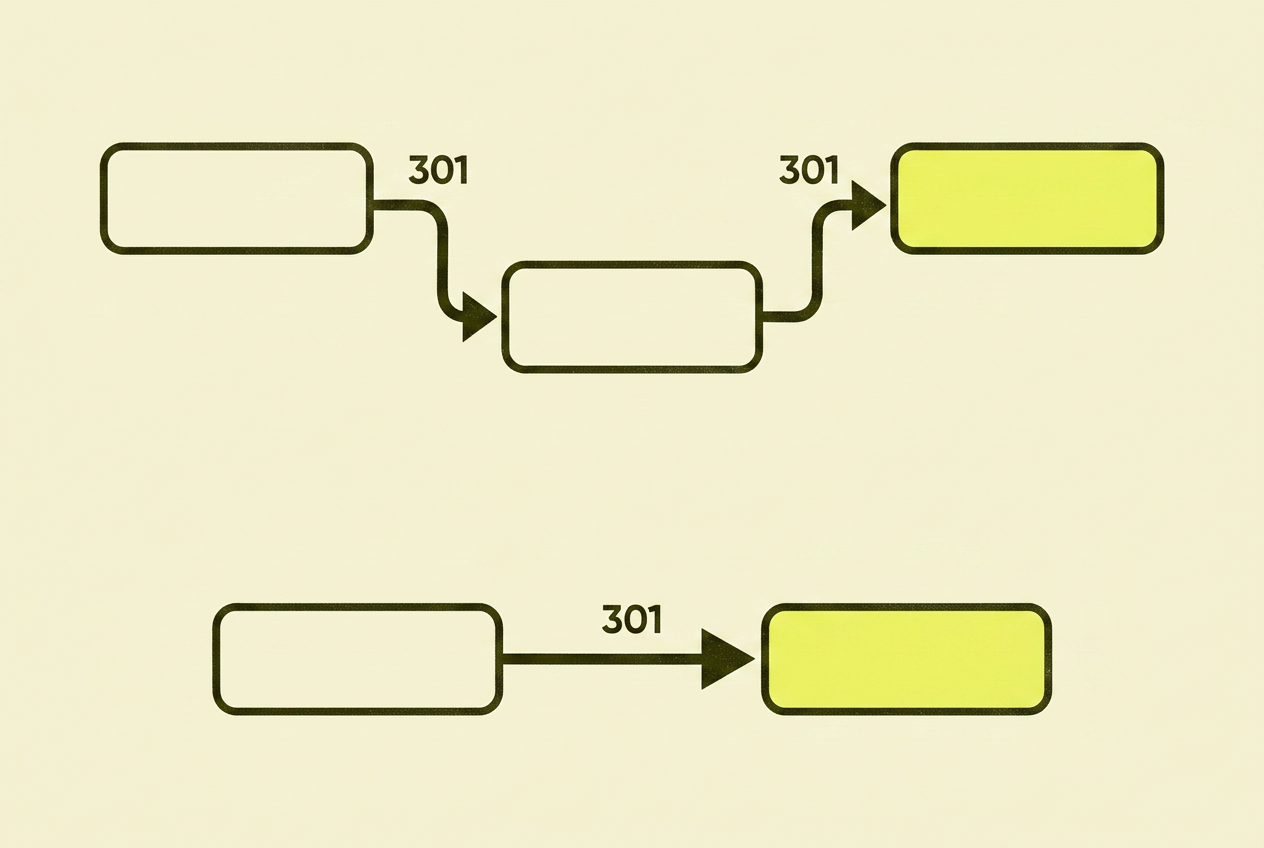
- Redirect chains. A points to B, which points to C, which maybe points to D. Each hop weakens the link authority passed through, and Google gives up after a certain number of steps. The fix is simple: always point straight from the old URL to the final destination.
- Soft 404s. When the server returns 200 OK on a page that has no real content. Often happens when products go out of stock and the page shows a "not available" message but keeps the wrong status code. Crawl budget gets burned on pages that don't add value.
- No redirect plan at migration time. When pages are deleted or URLs change without redirects, all the link authority you've built up disappears overnight. I see this most often during relaunches where the focus has been on design, not on what happens to existing URLs.
- 500s nobody is watching. Server errors happen, but very few people have alerts set up. A 500 left for days without anyone reacting can push Google to reduce crawl frequency on the whole site.
Status codes: how to get them right
Most status code problems can be prevented with three simple habits: the right code from the start, a redirect plan when something changes, and regular monitoring.
Use the right code from the start
When you set up a redirect, ask yourself: is this permanent or temporary? Permanent means 301. Temporary means 302 or 307. When you delete a page that isn't being replaced, use 410. It takes no longer than using the wrong code, but the consequences are completely different.
Always have a redirect plan
Before you delete a page, change a URL, or run a migration, map out which old URLs need to point to which new ones. Pages with historical traffic or inbound links are priority one. A simple spreadsheet is enough — as long as you do it systematically.
Set up monitoring and react quickly
Google Search Console will alert you to crawl errors, but only if you've turned on email alerts and actually check them. Block out fifteen minutes a week to go through the Pages report. It's the cheapest insurance you have against status code problems that build up over time. Need a primer? See the guide to Google Search Console.
Your action plan for HTTP status codes
- Crawl your site. Use Screaming Frog or a similar tool to get a complete overview of every status code. The free version of Screaming Frog handles up to 500 URLs — more than enough for most small sites.
- Prioritise by impact. 500s first — they're the most critical. Then 404s on pages with inbound links or historical traffic. Then redirect chains and 302s that should be 301s.
- Fix redirect issues. Replace 302 with 301 where the redirect is permanent. Shorten redirect chains to a single hop by pointing straight to the final destination.
- Update internal links. Once redirects are fixed, update internal links to point directly to the new URLs. That eliminates unnecessary redirects and improves crawl efficiency.
- Set up ongoing monitoring. Turn on email alerts in Google Search Console for crawl errors. Schedule a quick review of the Pages report every week.
In summary: my take on HTTP status codes
Status codes aren't glamorous, and they rarely come up in conversations about content strategy or link building. But they're fundamental — everything else relies on them.
I think of them as hygiene factors: when they're in place, nobody notices them. When they aren't, they affect everything from indexing to user experience, and the problems build up slowly enough that it's hard to point to exactly when things went wrong.
The good news is that most status code problems are both easy to spot and easy to fix — as long as you actually look for them.
Where to read more about HTTP status codes
- Google Search Central — HTTP network errors — Google's official documentation on how status codes affect crawling and indexing
- MDN — HTTP response status codes — technical reference for every HTTP status code with detailed explanations
- Screaming Frog SEO Spider — tool for crawling your site and identifying status code issues
- Google Search Console — free monitoring of crawl errors and indexing problems