In this article
Robots.txt isn't a secret tool; it's a text file. But I see the same misunderstanding again and again: people think it decides what ends up in Google, when it actually just decides what Google is allowed to visit.
What is robots.txt?
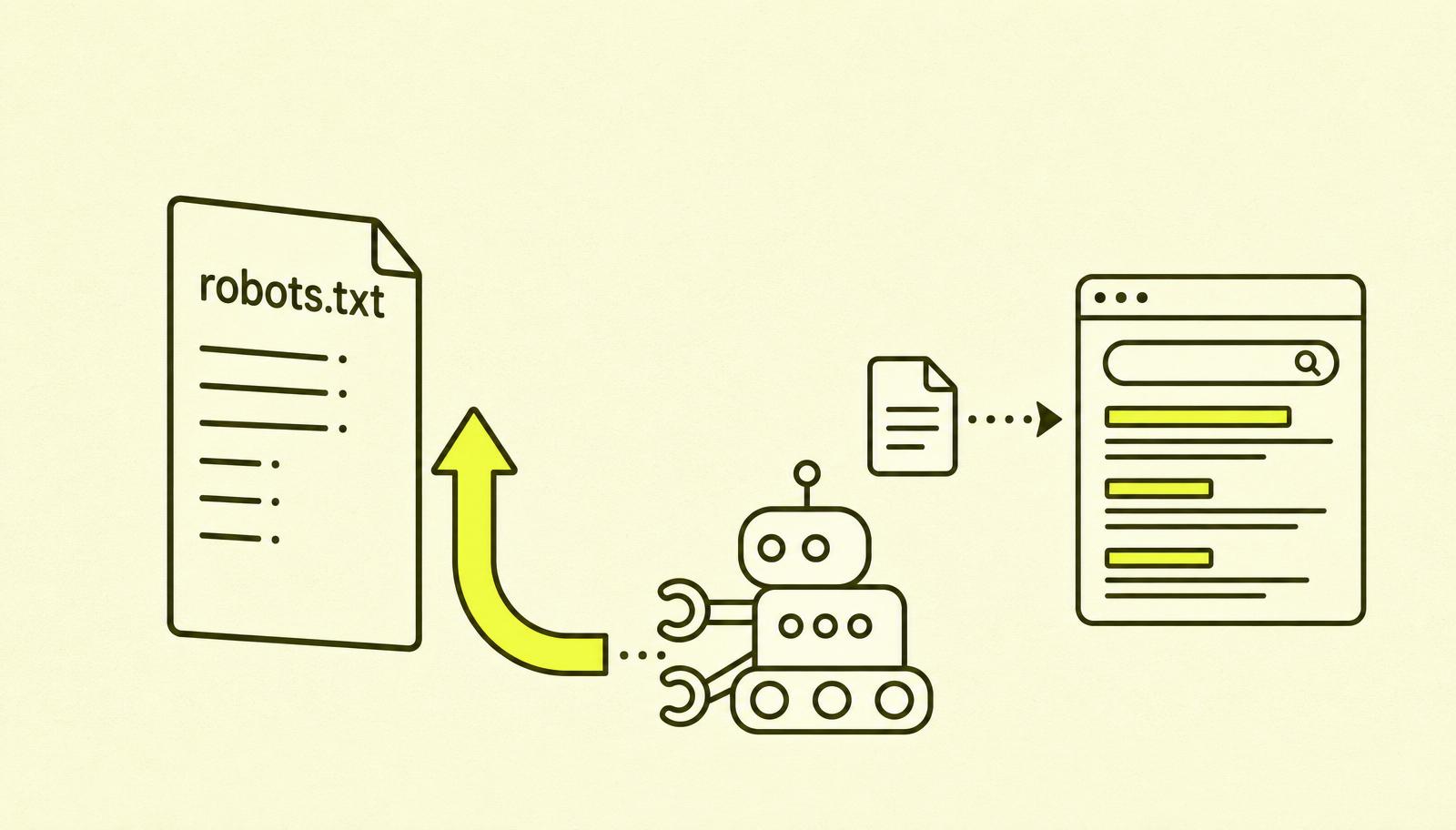
Robots.txt is a simple text file located at the root of your domain, i.e., at eksempel.no/robots.txt. It tells search engines and other automated bots which parts of the site they are allowed to download and read.
The file is a standard dating back to 1994, called the Robots Exclusion Protocol. It was created to give website owners a way to say, "Hey, don't use our bandwidth to fetch these pages."
A minimal example looks like this:
User-agent: *
Disallow: /admin/
Sitemap: https://eksempel.no/sitemap.xml
Translated: "All bots (*), you are not allowed to crawl pages under /admin/. The sitemap is located here."
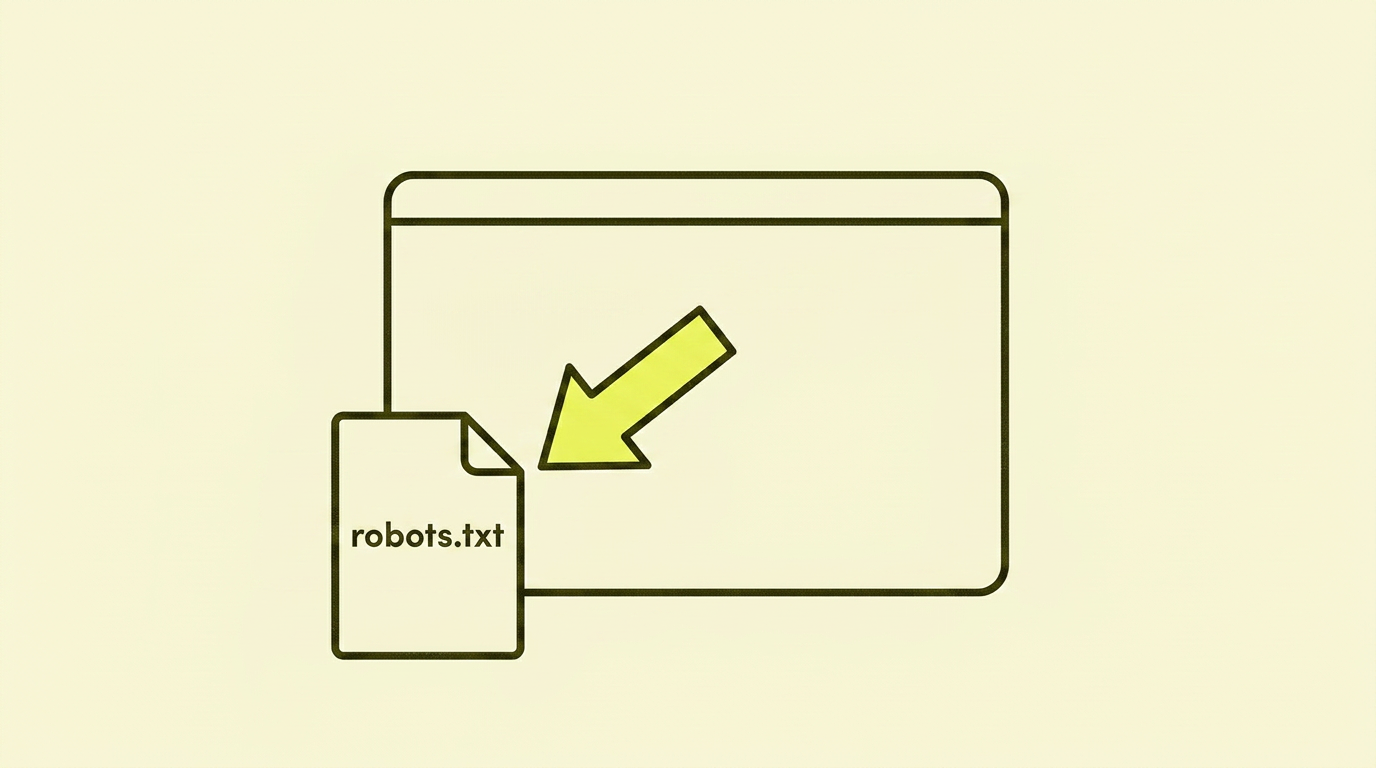
Every single website should have a robots.txt. And because the file always lives at the same location and is public, you can check how others have set theirs up: just append /robots.txt to any domain. Try bbc.co.uk/robots.txt, nytimes.com/robots.txt, or my own at smaaseo.com/robots.txt if you want to see one I've spent a bit of time on, with ASCII art and a little note to the curious humans who scroll all the way down.
The biggest misunderstanding: crawling vs. indexing
This is the point I see go wrong over and over again, in everything from small businesses to large agencies.
Robots.txt controls crawling. Not indexing.
- Crawling means Google fetches and reads the page. You can block this with robots.txt.
- Indexing means Google adds the page to its search results. You cannot block this with robots.txt.
Why does this matter? Because Google can index a URL it has never crawled if other websites link to it. The URL will then appear in search results with the text "No information is available for this page," because Google sees that it exists but isn't allowed to read its content.
How robots.txt is actually structured
A robots.txt file consists of one or more "rule blocks". Each block applies to one or more specific crawlers.
The basic building blocks:
- User-agent: The name of the crawler the rule applies to.
*means "all". - Disallow: A path the crawler is not allowed to fetch.
- Allow: A path that is permitted, typically used to open up a subfolder within a
Disallow. - Sitemap: The full URL to your sitemap.xml. This is global and applies to the entire file.
A slightly more realistic example:
User-agent: *
Disallow: /admin/
Disallow: /kasse/
Disallow: /?filter=
Allow: /admin/offentlig-side.html

User-agent: GPTBot
Disallow: /

Sitemap: https://eksempel.no/sitemap.xml
This file says: all crawlers should stay away from admin, checkout, and URLs with ?filter=, but they are allowed to access one specific admin page. OpenAI's GPTBot is not allowed to crawl anything at all.
Why we block anything: crawl budget
Now for the part people usually skip: why do we Disallow anything in the first place? The answer is crawl budget, and it's the real reason robots.txt still matters in 2026.
Crawl budget is, in short, how many URLs Google is willing to fetch from your domain in a given period. Google itself splits it into two components:
- Crawl capacity: how many requests your server can handle without slowing down. A fast server = a larger budget.
- Crawl demand: how important and fresh Google thinks your content is. Popular, frequently updated pages get more.
The point is that the budget is finite. If Google spends it on /search?q=blue+shoes&sort=price&page=47, your product and category pages don't get visited as often. And that's where the money actually is.
Classic budget drains that should be blocked in robots.txt:
- Internal search results (
/search?q=...): potentially infinite URLs, zero value in Google. - Facets and filters (
?color=,?sort=,?page=): on a store with 10 filters and 5 sort orders, you quickly get millions of combinations. - Cart, checkout, my account: personal and transactional pages Google shouldn't index anyway.
- Pure tracking parameters (
?utm_,?gclid=): they don't change the content, but they do create duplicate URLs.
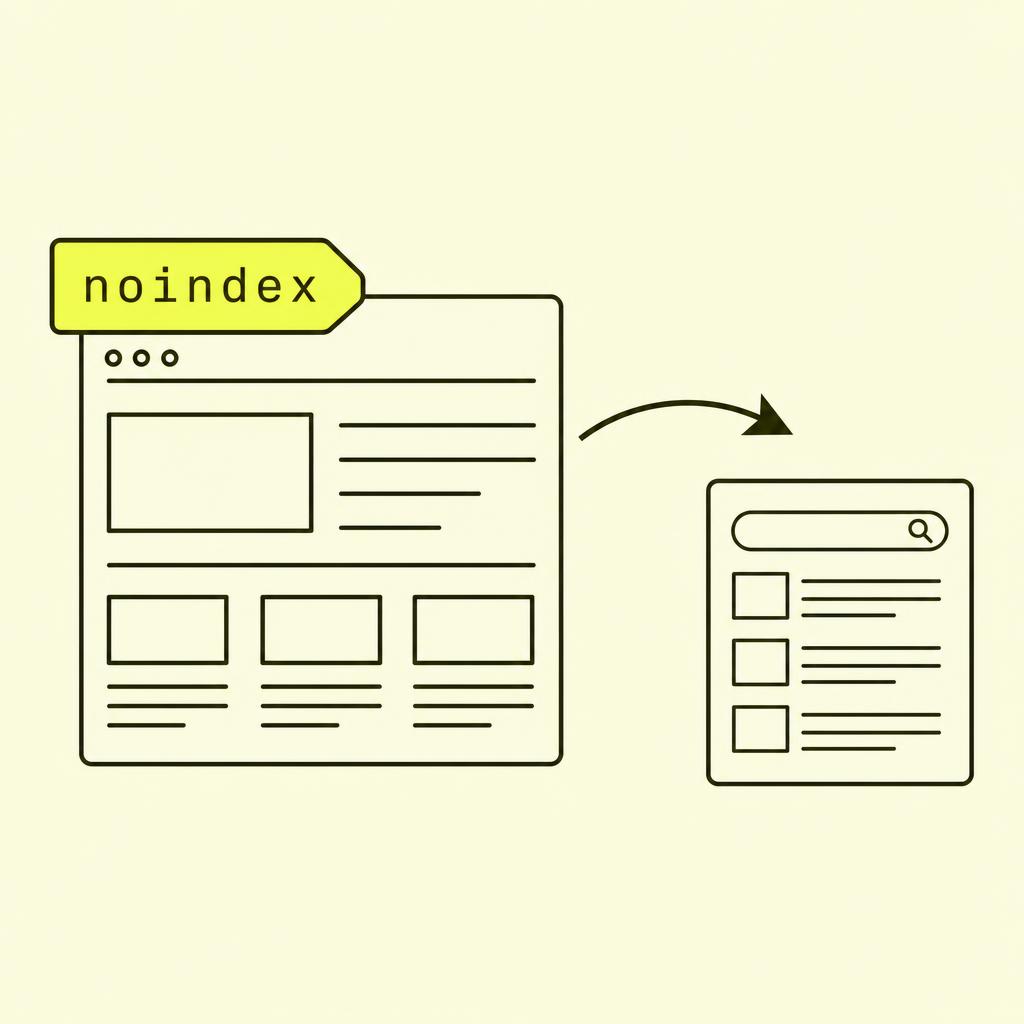
Note that this is about spending the budget more wisely, not about preventing indexing. If a URL is already indexed, it still takes noindex to get it out. Robots.txt just says "don't waste time here, spend it on what matters".
What I often see go wrong with robots.txt
After cleaning up many robots.txt files, I see the same mistakes time and time again:
- A
Disallow: /on the entire domain by mistake. This is the costliest error. One line, and the whole website disappears from Google within a few weeks. It's typically seen after a migration where developers forgot to remove the staging file. - Using robots.txt to hide sensitive content. The opposite happens: you are publicly signalling that an
/admin/folder exists. The file is readable by anyone ateksempel.no/robots.txt. - Blocking CSS and JavaScript. Google needs to crawl CSS and JS to understand how the page looks. If you block these, Google might misjudge mobile-friendliness and layout.
- Expecting Disallow to remove already indexed pages. Robots.txt prevents future crawling but doesn't remove pages already in the index. For that, you need to use a noindex meta tag or Google Search Console's removal tool.
- Conflicting signals. Robots.txt blocks a URL that is also listed in sitemap.xml. Google gets two contradictory messages and makes its own choice. The sitemap should only contain URLs you actually want Google to crawl and index.
Case study: When robots.txt turned out the lights
A client got in touch because their organic traffic had dropped to zero over three weeks following a platform migration. They had spent five weeks on the migration itself, tested everything, and all looked well.
The problem: The developers had used a "development mode" setting in the new CMS that automatically wrote User-agent: * and Disallow: / to robots.txt to prevent the test site from being indexed. When they launched, they forgot to turn off the flag. The live site inherited the robots.txt from the test site.
The action: We fixed the robots.txt the same day, submitted the new file in Google Search Console, and requested a re-crawl of the most important pages. We then added a manual check to their deployment routine: a simple test that fails if robots.txt contains Disallow: / in production.
The result: 60% of traffic returned after two weeks. Full recovery took six weeks. If they had caught the error on launch day, there would have been no traffic drop at all. The technical foundation for a safe migration often hinges on simple checks like these.
How to make a good robots.txt
Here is the checklist I use when I review a robots.txt file:
- Start by allowing everything. Unless you have a very specific reason not to, the starting point should be
User-agent: *andAllow: /. Then, block specific folders explicitly. - Block admin areas, checkout, search results and filter URLs. Pages that provide no value in search and create a lot of noise in your crawl budget should be blocked.
- Don't block CSS, JS or images. Google needs these to understand the page. Blocking them does more harm than good.
- Always include a Sitemap line. Add one or more
Sitemap:lines at the bottom of the file. Use the full URL, not a relative one. - Test your file. Use Google Search Console's robots.txt tester, or run a URL through it, and check whether it's allowed or blocked.
- Have one robots.txt per domain. Subdomains (e.g.,
blog.eksempel.no) need their own robots.txt atblog.eksempel.no/robots.txt.
Your action plan: Step-by-step
| Step | What to do |
|---|---|
| 1 | Open eksempel.no/robots.txt in your browser. Is it there? |
| 2 | Check for a Disallow: / without context. If yes, sound the alarm. |
| 3 | Compare it with your sitemap.xml. Are there conflicting signals? |
| 4 | Test critical URLs in GSC's robots.txt tester. |
| 5 | Clean up unnecessary Disallow lines. Only block what makes sense. |
| 6 | Add Sitemap: at the bottom if it's missing. |
| 7 | Check that CSS and JS are not blocked. Use 'Inspect URL' in GSC. |
| 8 | Monitor the 'Pages' report in GSC for the next few weeks. |
In summary: My take on robots.txt
Robots.txt is one of the most overhyped topics in technical SEO, yet the misunderstandings surrounding it are real and costly. The file is simple, it's short, and it does exactly one thing: determine which URLs should be crawled.
It doesn't decide what gets indexed. It doesn't protect sensitive content. It doesn't remove pages that are already in Google. It's not magic.
But it is critical. One wrong line in your robots.txt can make an entire website invisible. So spend five minutes today opening yours, reading it line by line, and making sure it says what you think it says.