In this article
You don't see a bad redirect. You just notice it when your rankings have vanished and your traffic has plummeted. The good news is that redirects are among the technical SEO fixes you have the most control over, if you do them right from the start.
What is a redirect?
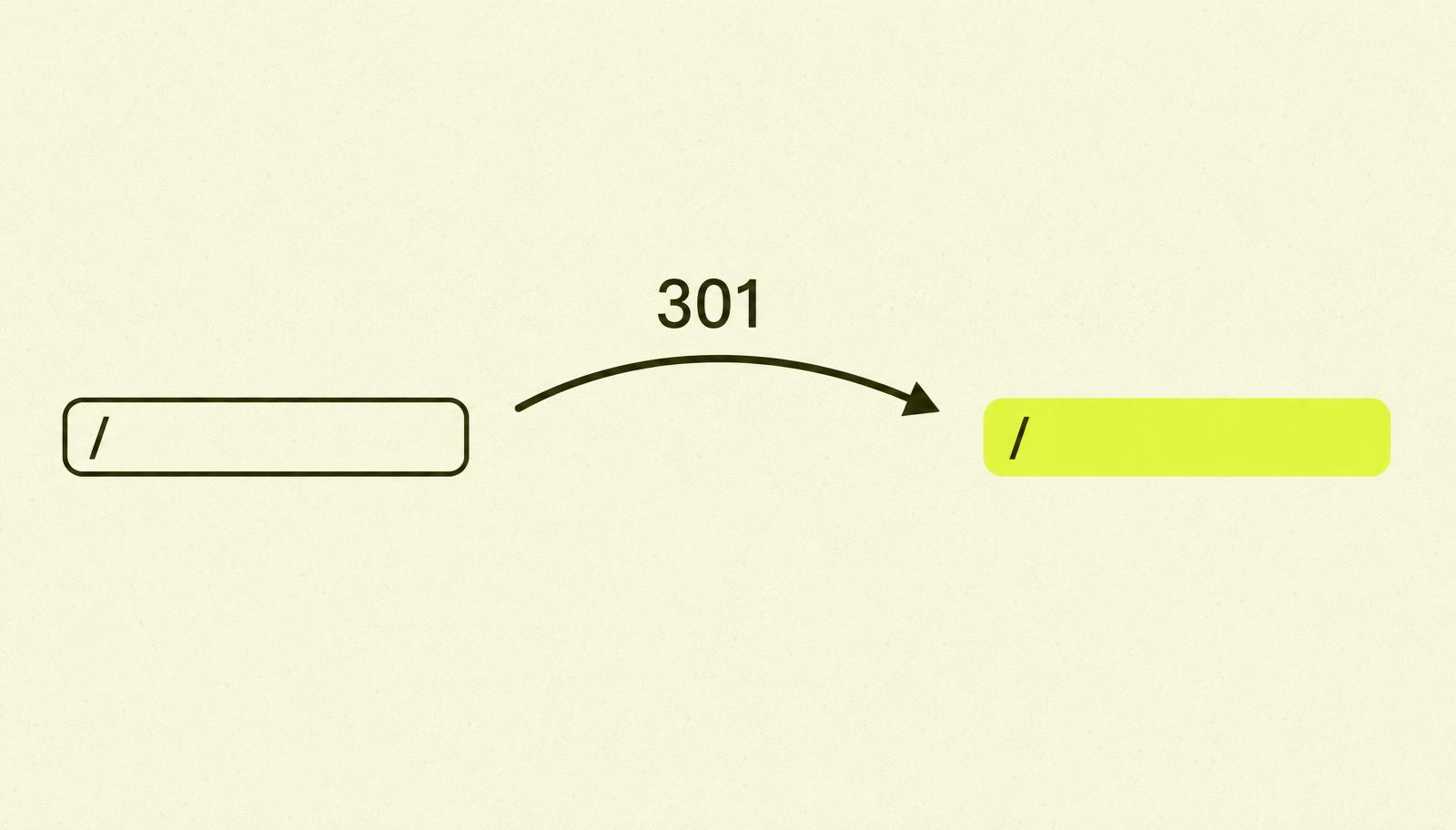
A redirect is the server's way of saying, "this page lives somewhere else now". When a browser or Googlebot requests a URL, the server responds with a 3xx status code and a Location header pointing to the new address.
For the user, it happens silently. The browser follows along to the new URL without you even noticing. For Google, it's a message about what to do with its index: should the old URL be replaced with the new one, or is this just temporary?
The answer to that question lies in the status code itself. And that's where most people go wrong.
301, 302, 307, 308 — What's the Real Difference?
Four redirect codes, two key distinctions. The first distinction: permanent or temporary. The second: whether it preserves the HTTP method (GET, POST) or not.
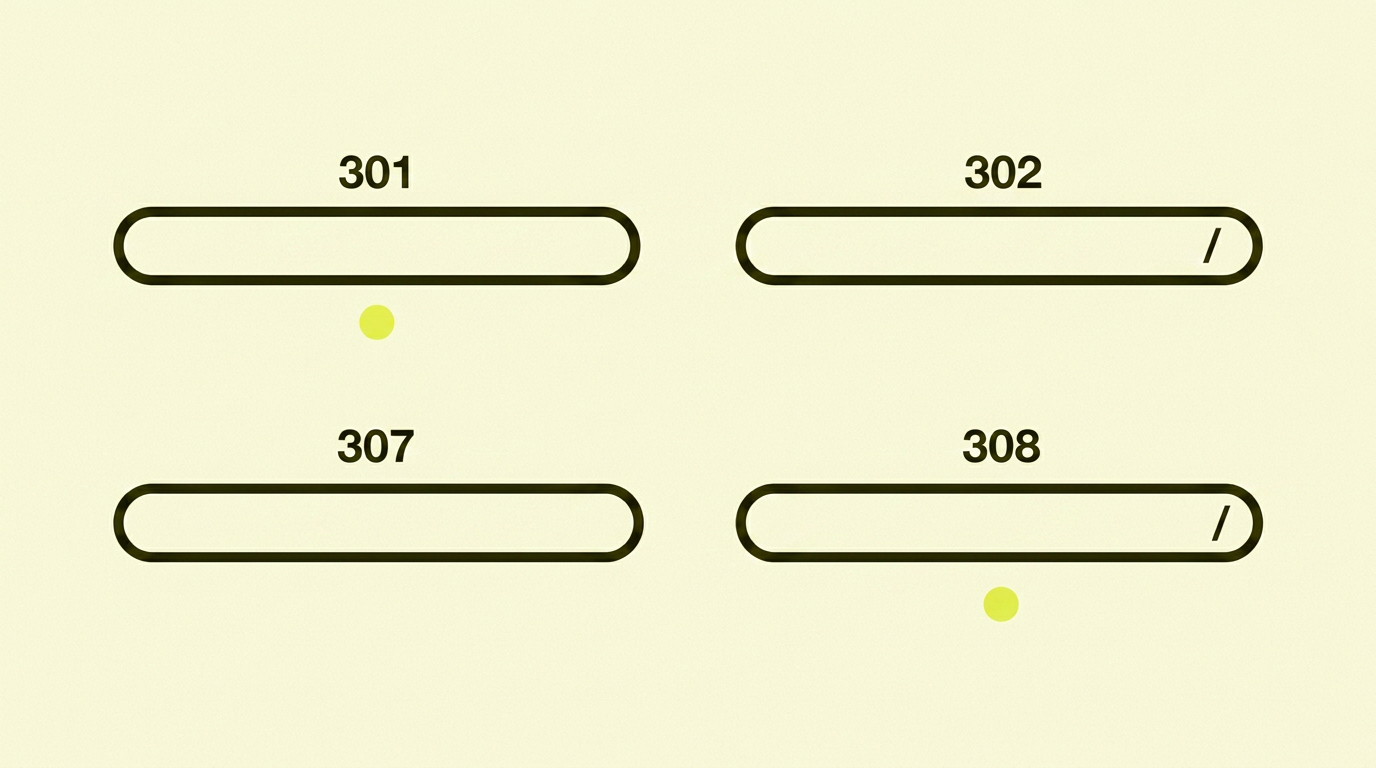
Here's the crucial summary:
| Code | Type | Preserves HTTP Method | Use When |
|---|---|---|---|
| 301 | Permanent | No (in practice, yes for GET) | The page has moved for good — the default choice for SEO |
| 302 | Temporary | No | Content is temporarily elsewhere; you'll return to the old URL |
| 307 | Temporary | Yes | Rarely used — for technical cases where POST must be preserved |
| 308 | Permanent | Yes | Modern alternative to 301, especially for APIs |
For 99% of cases, the choice is simple: use a 301 for permanent moves, and a 302 for temporary ones. If you use the wrong code, you send Google the wrong message, and you risk your rankings not being carried over.
Why Redirect Chains Are a Problem
A redirect chain occurs when URL A redirects to B, which redirects to C, which redirects to D. Each hop is technically a new 301, but the result is anything but neutral.
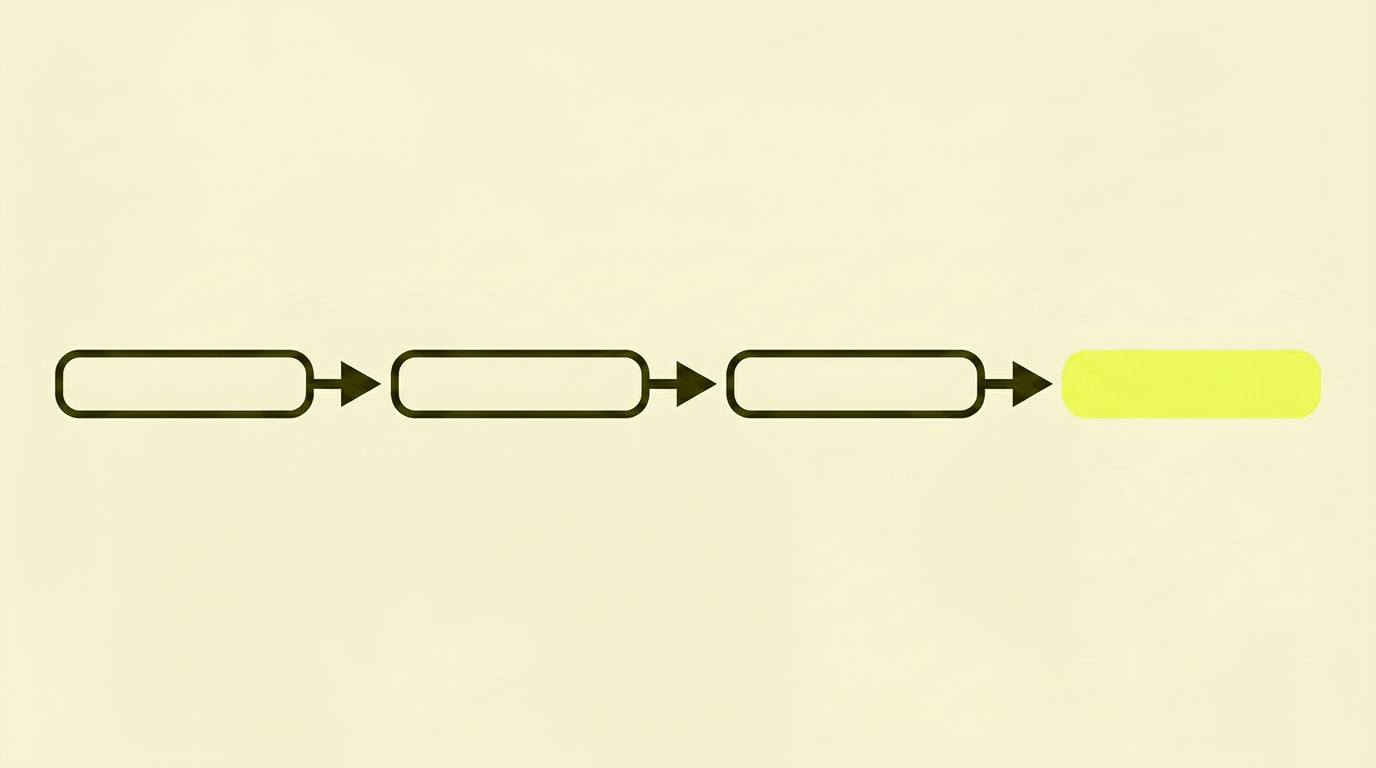
For every extra 301, three things happen: the user waits a little longer, Google loses a bit of link equity along the way, and the risk increases that Google will give up following the chain. According to Google's own documentation, they support up to five redirect hops per crawl, but in practice, they start deprioritising chains long before that.
The most common causes of redirect chains are:
- Migrations stacked on top of previous migrations without a clean-up
- An HTTP → HTTPS redirect combined with a www → non-www redirect, combined with a trailing slash redirect
- Redirects from old category structures that were never consolidated
The solution is always the same: collapse the chain. If A → B → C → D, change the redirects so that A, B and C all point directly to D. One hop each, job done.
What Is a Redirect Plan?
A redirect plan is the document you create before changing your URL structure, migrating platforms, or relaunching your site. It's a one-to-one map from every valuable old URL to a new URL, plus the status code to be used.
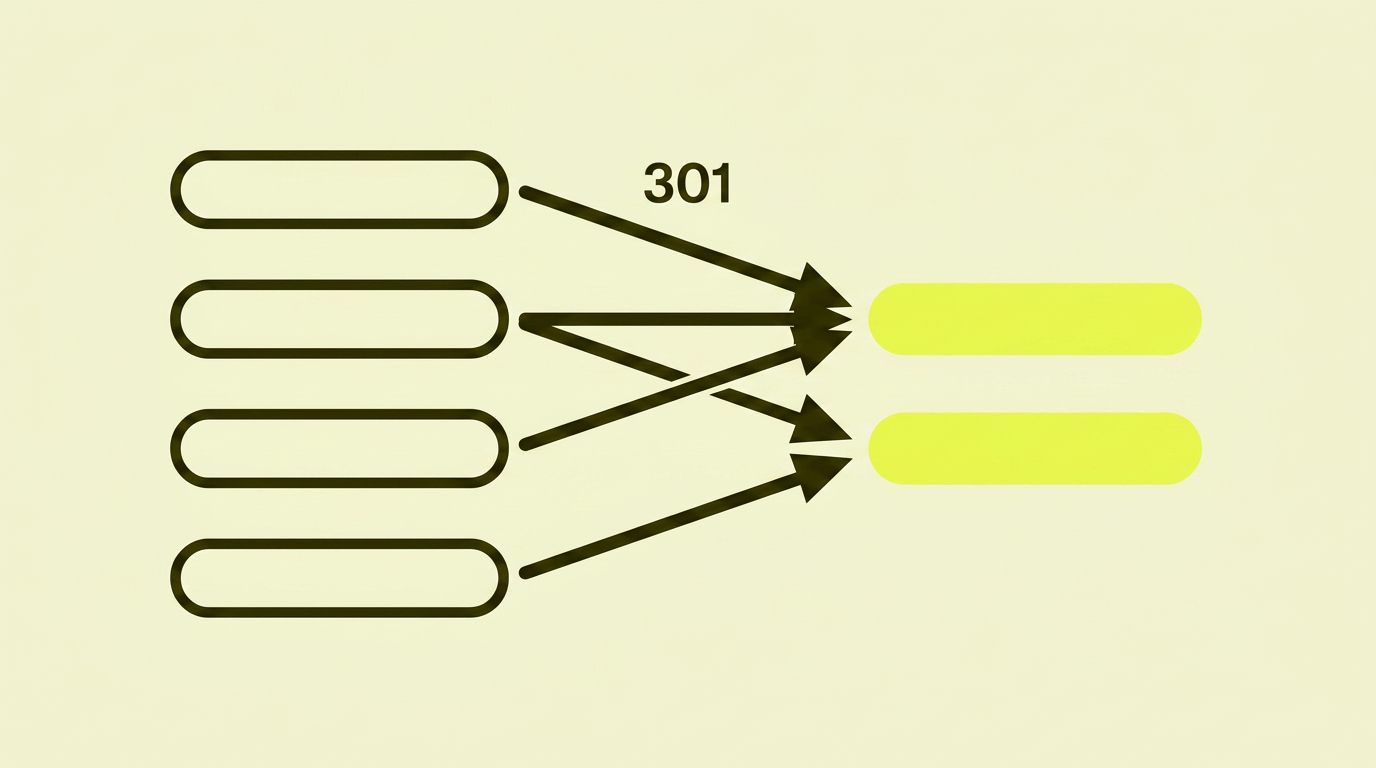
A good redirect plan has four columns: Old URL, New URL, Status Code, and a note on why. It's created in a spreadsheet, verified against a crawl of the current site, and handed to the developer before the relaunch, not after.
This is also the phase where many websites lose traffic during a migration, because some URLs slip through the mapping process and end up as 404 errors on relaunch day.
There are two ways to approach a migration. Either you move everything one-to-one so you lose nothing, or you use the opportunity to clean up your content at the same time. Here's the process for both.
As-is migration: move everything one-to-one
This approach suits you when you're moving to a new platform or structure but want to keep all content as it is. The goal is that no URL returns a 404. I recommend this approach as the default, because it makes any traffic drop after relaunch easier to interpret. If you make too many changes at once, it becomes hard to tell what actually went wrong.
| Step | What to do |
|---|---|
| 1 | Crawl the old website with Screaming Frog. Export all 200 OK URLs. |
| 2 | Supplement with URLs from Google Search Console (Performance → Pages) and any URLs from XML sitemaps, so nothing slips through. |
| 3 | Merge the lists in a spreadsheet, remove duplicates, and sort alphabetically or by folder structure. |
| 4 | Map each old URL to a new URL. Note the status code (almost always 301). |
| 5 | QA: crawl a staging environment after migration and verify that every old URL redirects correctly, with only one hop. |
| 6 | After relaunch: monitor GSC daily for four weeks for unexpected 404 errors. |
Migration with cleanup: analyse, prioritise and consolidate
This approach suits you when you want to use the migration to clean house. You need to know what has value, what can be merged, and what can be removed.
| Step | What to do |
|---|---|
| 1 | Crawl the old website and export all 200 OK URLs. |
| 2 | Pull the top 500 URLs from GSC (Performance → Pages), those with impressions or clicks. |
| 3 | Get inbound links via GSC (Links → Top linked pages). These are especially important. |
| 4 | Merge the lists in a spreadsheet, remove duplicates, and sort by traffic/value. |
| 5 | Review the URLs: keep, consolidate or remove. Pages with no traffic and no backlinks can be given a 410 instead of a 301. |
| 6 | Map the remaining old URLs to new ones. Note the status code (301 or 410). |
| 7 | QA after migration and monitor GSC for four weeks. |
Common Redirect Mistakes I See
After countless redirect plans and migrations, the same mistakes keep cropping up:
- 302s where there should be 301s. The default in many CMSs, costing you rankings without you noticing right away.
- Redirect chains no one has cleaned up. Especially after two or more migrations stacked on top of each other.
- Everything redirected to the homepage. Technically it works, but Google won't consolidate link equity. It's better to let unnecessary URLs return a
410status than to redirect them to something irrelevant. - No mapping of old URLs with backlinks. Inbound links are gold dust. If the page they point to returns a
404, you lose all that value. - Redirects removed too soon. Developers 'tidy up' and remove 301s a year after migration. Don't do it. Let them stay.
- Client-side JavaScript redirects instead of server-side 301s. Google follows them, but more slowly and with some loss. Use your
.htaccessfile, nginx config, or the CMS's redirect module.
In Summary: My Take on Redirects
Redirects are perhaps the simplest, most powerful tool in technical SEO. A single line in a config file can preserve ten years of accumulated rank, or destroy it.
My experience is that businesses that treat redirects as a strategic pre-launch task rarely lose traffic during a migration. Those that tack it on at the end often lose 30–50%, and some never recover to their previous levels.
It's not about advanced techniques. It's about spending an hour with a spreadsheet before you spend six months trying to win back lost traffic.