In this article
The canonical tag is one of the most misunderstood lines of HTML in SEO. Used correctly, it saves you headaches and consolidates your rankings. Used incorrectly, it can quietly delete your entire product category from Google.
What is the canonical tag?
A canonical is a simple HTML tag located in the <head> section of a page, in this format:
<link rel="canonical" href="https://eksempel.no/den-kanoniske-versjonen/" />
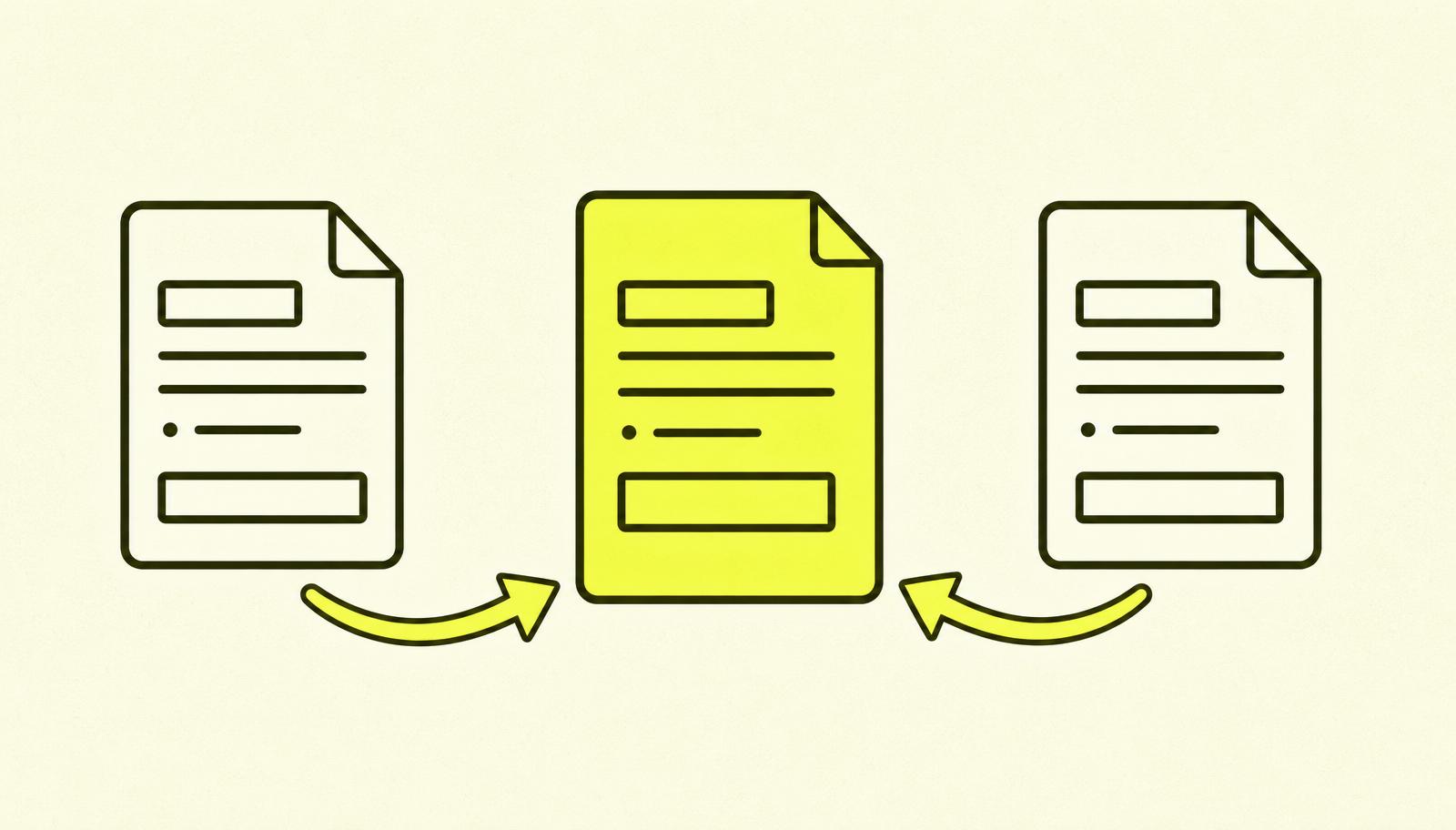
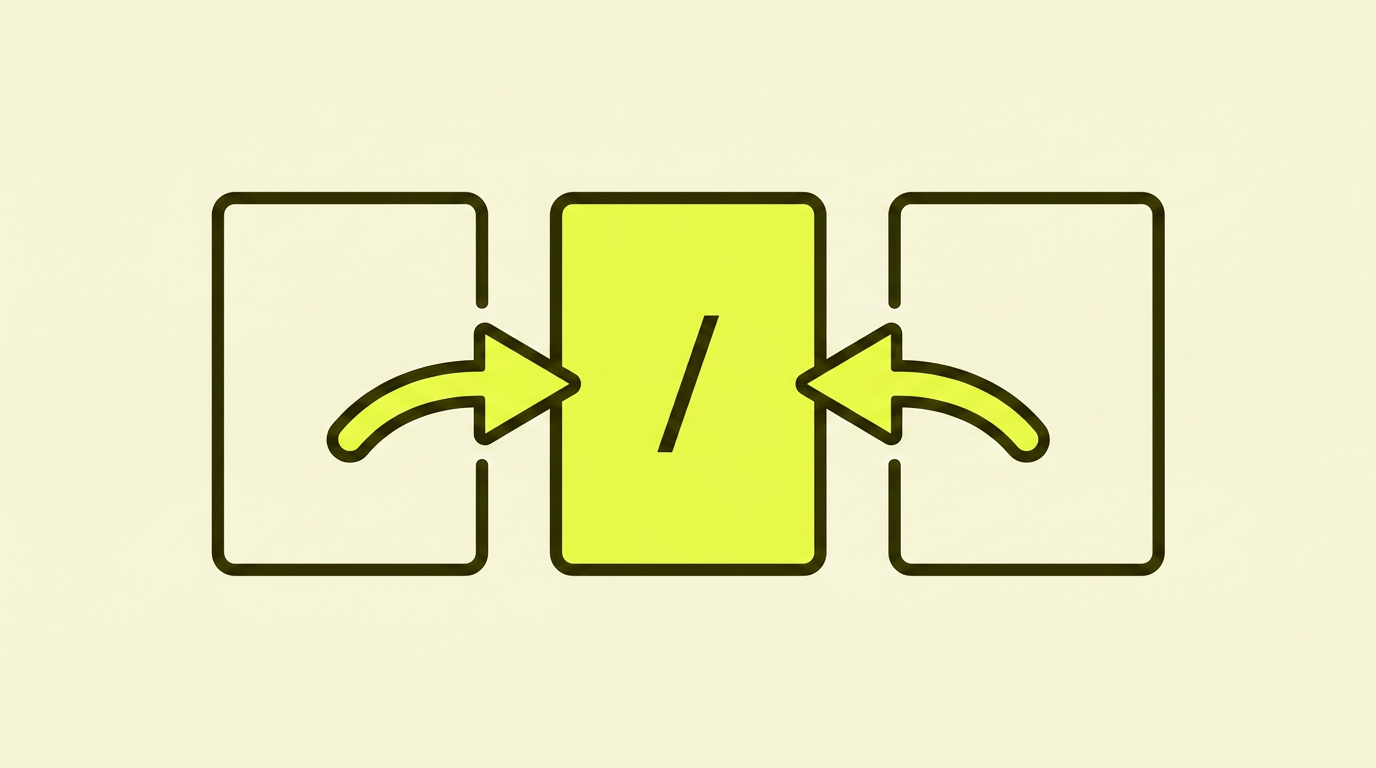
Translated: "Hey Google, if you find the same or similar content on multiple URLs, use this one as the main version."
The tag was introduced jointly by Google, Bing, and Yahoo back in 2009 to solve a specific problem: there are often multiple ways to reach the same content, and Google needed to know which one to show in search results.
Why canonicals are needed
There are surprisingly many ways to end up with the same content on multiple URLs, often without you noticing:
https://eksempel.no/productandhttps://eksempel.no/product/(with and without a trailing slash).https://eksempel.no/product?utm_source=newsletter(tracking parameters).https://eksempel.no/product?colour=black&sort=price(filtering and sorting).https://www.eksempel.no/productandhttps://eksempel.no/product(www vs non-www).http://eksempel.no/productandhttps://eksempel.no/product(HTTPS migration).
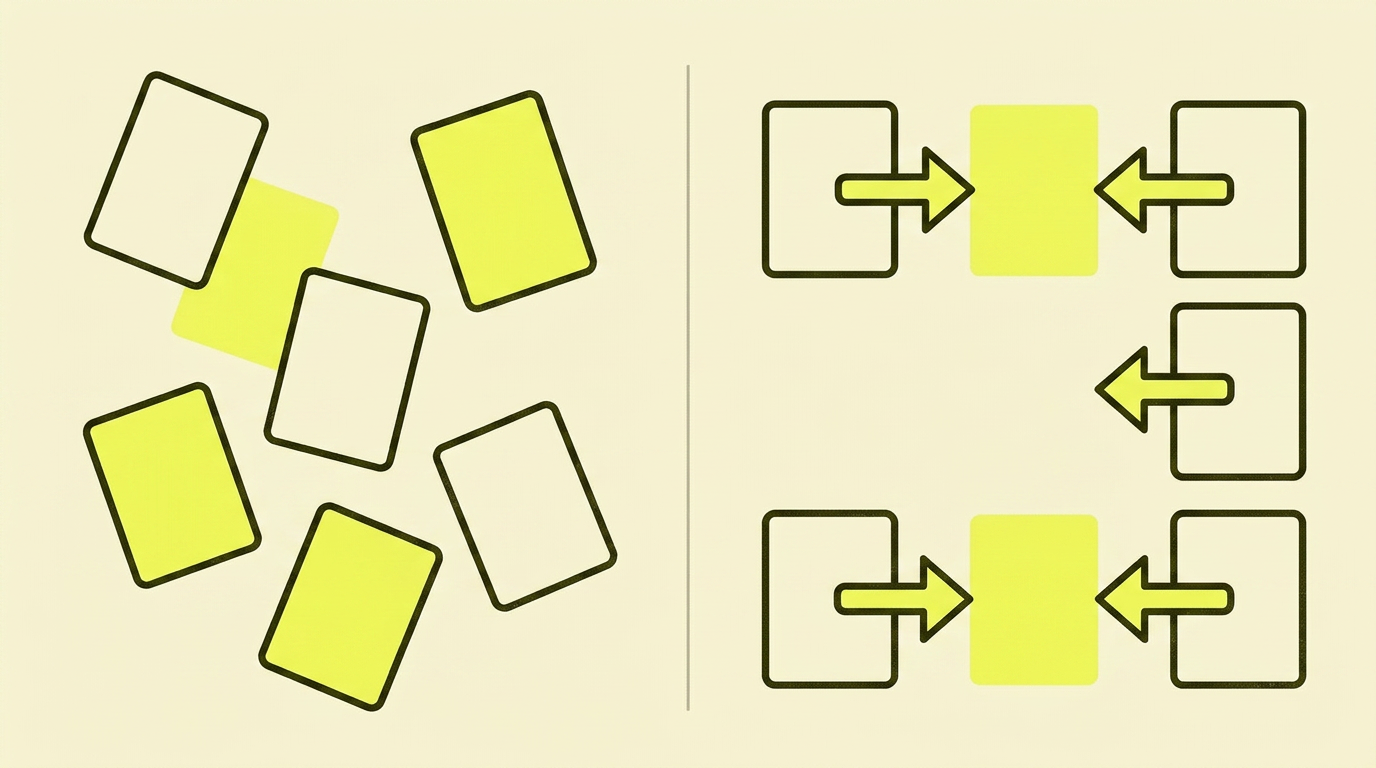
Without a canonical, Google sees all of these as separate pages. Ranking signals (links, clicks, engagement) are spread across the URLs, and no single version gains enough authority to compete. With a canonical, everything is consolidated onto one version.
What a correct canonical looks like
The most correct and safe setup is a "self-referencing canonical": each page points its canonical tag to itself (in its canonical form, without parameters).
For example: On https://eksempel.no/products/shoes/, you'll find this in the <head>:
<link rel="canonical" href="https://eksempel.no/products/shoes/" />
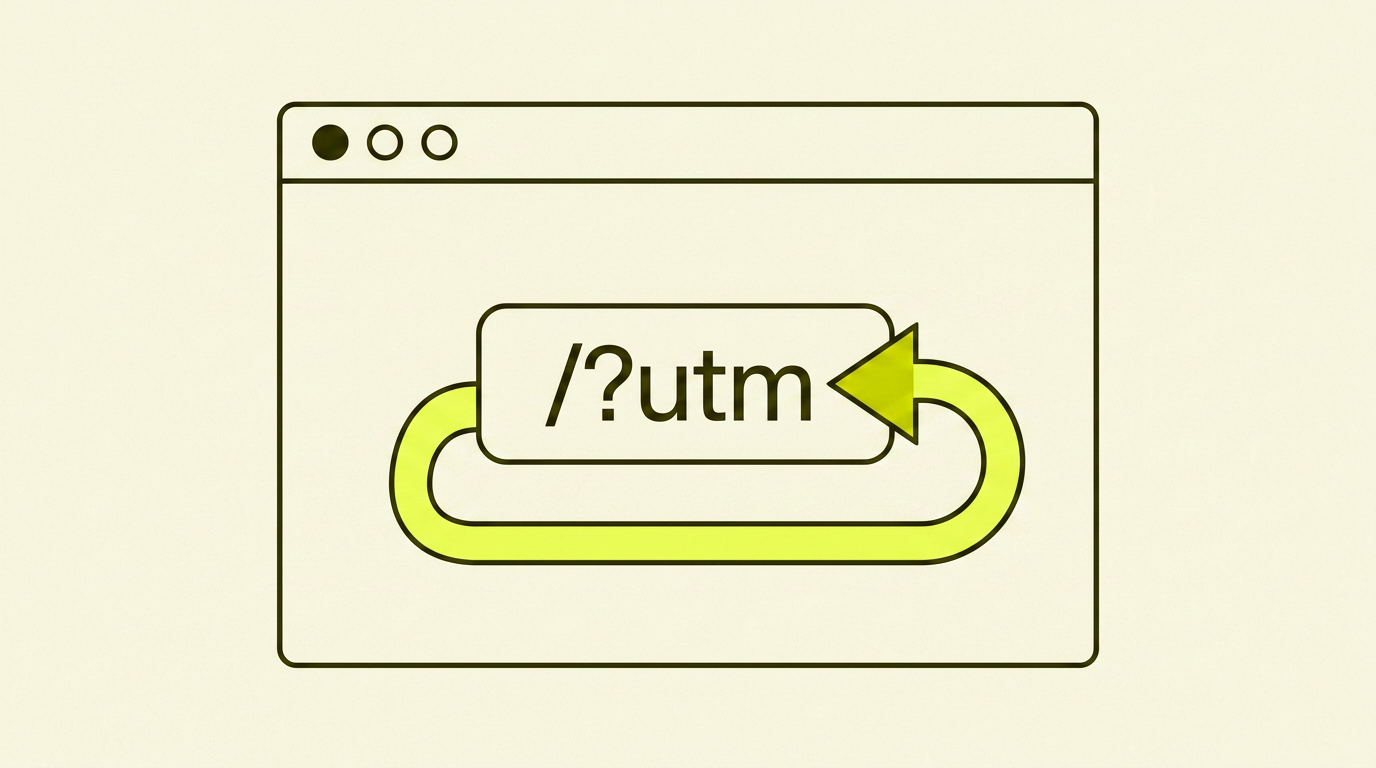
If a user opens the same page via https://eksempel.no/products/shoes/?utm_source=facebook, the same canonical tag is still there. Google understands that the parameter version is a variant and consolidates everything on the main version.
Canonical vs 301 redirect
This is a confusion I see often. The short version:
- 301 redirect = "this page no longer exists here; it has moved permanently". The user and Google are sent to the new URL, and the old one disappears.
- Canonical = "this page still exists, but treat it as a variant of another".
Use a 301 when:
- You have changed your URL structure.
- You have removed a page and want to send people to the closest replacement.
- You have consolidated several pages into one.
Use a canonical when:
- The same content must be available at multiple URLs (e.g., filter and sort URLs).
- You have print versions, mobile versions, or other parallel URLs.
- You syndicate content and want to point back to the original.
Read more about redirects if you're unsure.
This is what I often see go wrong
After many years of auditing e-commerce sites and business pages, the same mistakes reappear:
- The canonical points to the wrong page. A classic mistake: all product category pages have a canonical pointing to the homepage. Google ignores the tag, but the signal is confusing, and sometimes it leads to none of the pages ranking properly.
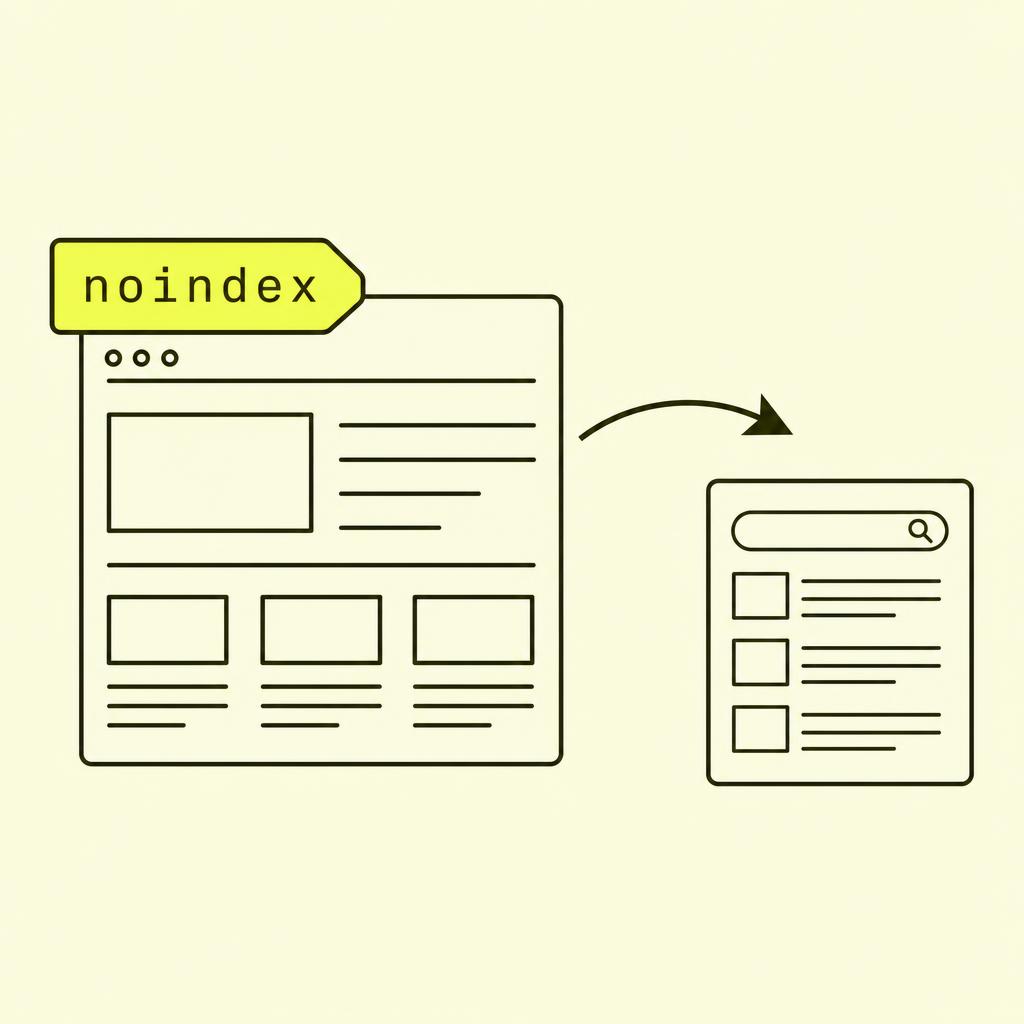
- The canonical points to a noindex page. "This one is canonical" + "don't index the canonical one". Google gets two opposing signals and makes its own choice.
- The canonical points to a redirect. A chain effect: a canonical points to URL A, which redirects to URL B. Google has to follow the chain, and sometimes it just gives up.
- Inconsistent canonicals between filtered URLs. On e-commerce sites with filtering (
?colour=,?sort=), each variant has its own self-referencing canonical instead of pointing back to the base URL. Duplicates explode. - No canonical at all. Modern CMSs set it automatically, but older and custom-built solutions don't. Check the
<head>and look for the line. - Cross-domain canonical without control. You point a canonical from your own site to another domain. Google respects it, and your page disappears from search. This has happened with poorly configured reuse setups.
Case study: When a canonical deleted a product category from Google
An e-commerce store with around 8,000 products contacted me because traffic to one of their most profitable product categories had dropped to zero over three weeks. No major algorithm updates, no migration, no other changes.
The problem: A developer had done a "clean-up" of the template for category pages. In the process, the canonical tag was changed to point to the homepage on all category pages. Google respected the signal, interpreted it as "these pages are just variants of the homepage", and de-indexed the entire category tree.
The action: We fixed the canonical tag the same day to be self-referencing. We submitted an updated sitemap in Search Console and requested a re-crawl of the most important categories.
The result: 40% of the traffic was back after two weeks; a full recovery took four weeks. If no one had noticed the error, the losses would have grown into the autumn season. A single line of HTML, three weeks of revenue.
How to get canonicals right
The checklist I use when auditing a canonical setup:
- All pages have a canonical tag. Not just some, all of them. Modern CMSs do this automatically.
- Self-referencing on the default URL. Without parameters, with the correct trailing slash (or without, consistent with the rest of the site).
- Consistent format. Full URL (
https://), correct case, no random differences. - Never points to a noindex page, a redirect, or a 404. The target must be a page that returns a 200 status code, is indexable, and actually resembles the page pointing to it.
- Filter and sort URLs point back to the base URL.
/products/shoes?sort=priceshould have a canonical pointing to/products/shoes. - Never a cross-domain canonical from your own content. Unless you explicitly want the content to belong to another domain in search.
E-commerce sites: the trickiest context
E-commerce is where canonicals most often go wrong, because filter and sort URLs create vast amounts of duplicates. Here's my standard strategy:
- The base URL for each category (
/products/shoes) has a self-referencing canonical and should be indexed. - Filtered URLs (
/products/shoes?colour=black) either have a canonical pointing to the base URL, are set tonoindex, or are blocked in robots.txt. Choose one solution and stick to it. - Individual product pages have a self-referencing canonical regardless of which category the user came from.
- Sorting parameters always have a canonical back to the base URL. Sorting is a UX feature, not content.
Your action plan: Step-by-step
| Step | What to do |
|---|---|
| 1 | Open 5 different pages on your website, check the canonical in the source code. |
| 2 | Confirm that each one points to itself (in its canonical form). |
| 3 | On an e-commerce site: check at least 3 filtered URLs. Do they point to the base URL? |
| 4 | Run a crawler (Screaming Frog is free for up to 500 URLs). |
| 5 | Filter on "Canonicals" and look for discrepancies, redirects, and noindex issues. |
| 6 | Check "Indexing" in Search Console for "Duplicate, Google chose different canonical than user". |
| 7 | Fix the most critical issues. Prioritise category and product pages. |
| 8 | Monitor the indexing report weekly for one month after making changes. |
Read more about why Google is not indexing your page.
In summary: My advice on canonicals
Canonicals aren't ranking magic, but they are one of the few lines of HTML that can make your website invisible in a couple of weeks if they're pointing the wrong way. Configured correctly, they are almost invisible; they just work. Configured incorrectly, they are among the most damaging technical errors you can have.
Take ten minutes today. Open the source code on three of your most important pages. Check what the canonical is pointing to. If it's anything other than the URL you're on, you have your number one task for the week.