In this article
Noindex is one of the simplest and most dangerous tools in technical SEO. One line of code, and a page disappears from Google. That's the point when you want it to, and a disaster when you don't.
What is noindex?
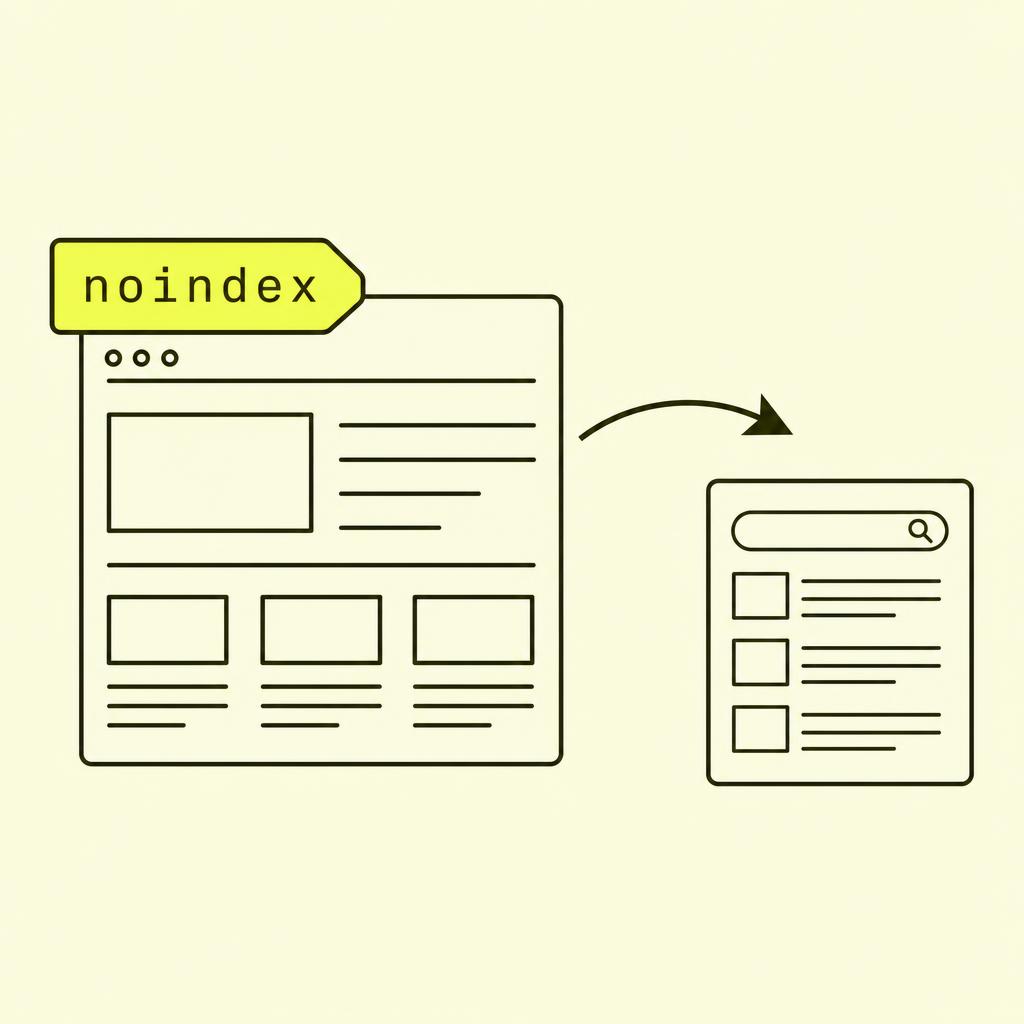
Noindex is a directive for search engines telling them not to show a page in search results. It's part of the "robots meta" standard, which lets you give crawlers precise instructions on a per-page basis.
The most common implementation is a meta tag in the <head>:
<meta name="robots" content="noindex">
Alternatively, you can send the signal via the HTTP header:
X-Robots-Tag: noindex
The HTTP header version is useful for files that don't have an HTML <head>, like PDFs, images, and other resources. Otherwise, they do the exact same job.
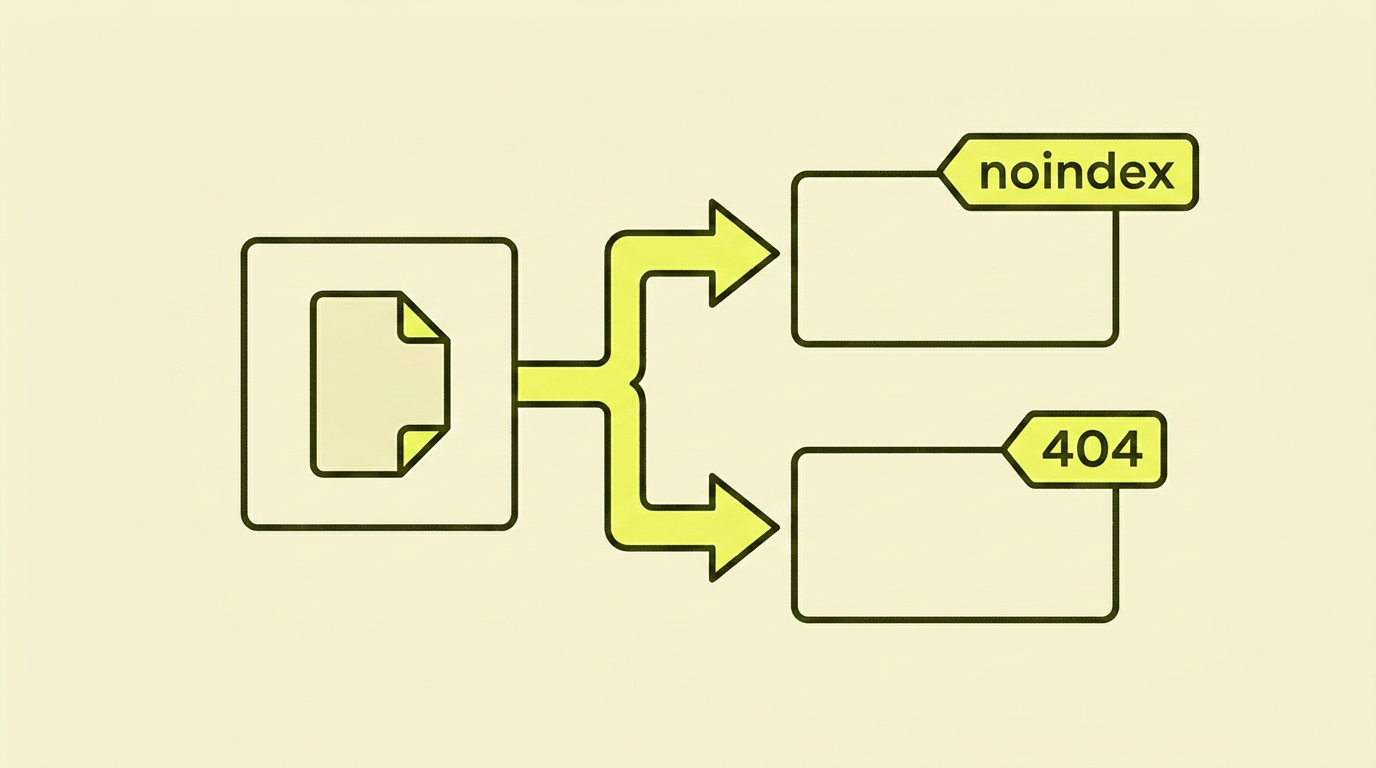
Noindex vs robots.txt vs 404: What Does What
This is the most confusing part for most people, and where many go wrong. Simply put:
- Robots.txt Disallow — "Don't visit this page." Google might still index the URL if other sites link to it, but without any content.
- Noindex — "Feel free to visit, but don't include in search." Google reads the page, sees the directive, and removes it from the index.
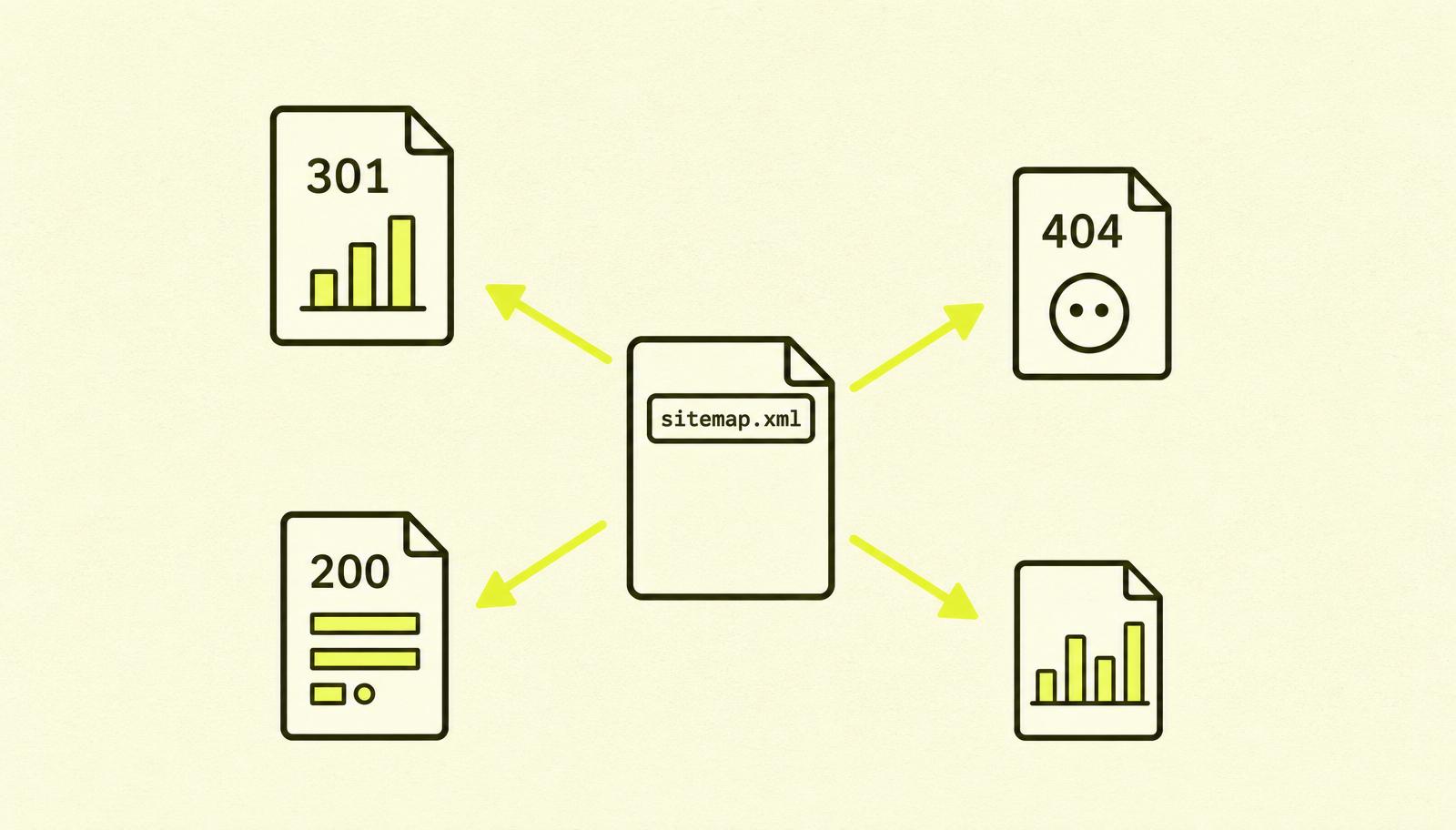
- 404 / 410 — "This page doesn't exist." Google removes the URL from the index after a few crawls.
- Canonical — "This page is a variant of another. Consider the other one the original." Not equivalent to noindex.

The most important rule: don't combine it with robots.txt
This is the single most common noindex mistake I see:
# I robots.txt
User-agent: *
Disallow: /interne-sider/

# I HTML for /interne-sider/hemmelig
<meta name="robots" content="noindex">
Looks sensible, right? "I want to prevent both crawling and indexing." The problem is that Google never gets to crawl the page, and therefore never sees the noindex tag. The result: the URL can remain indexed (from external links), with Google unable to read it to discover it should have been removed.
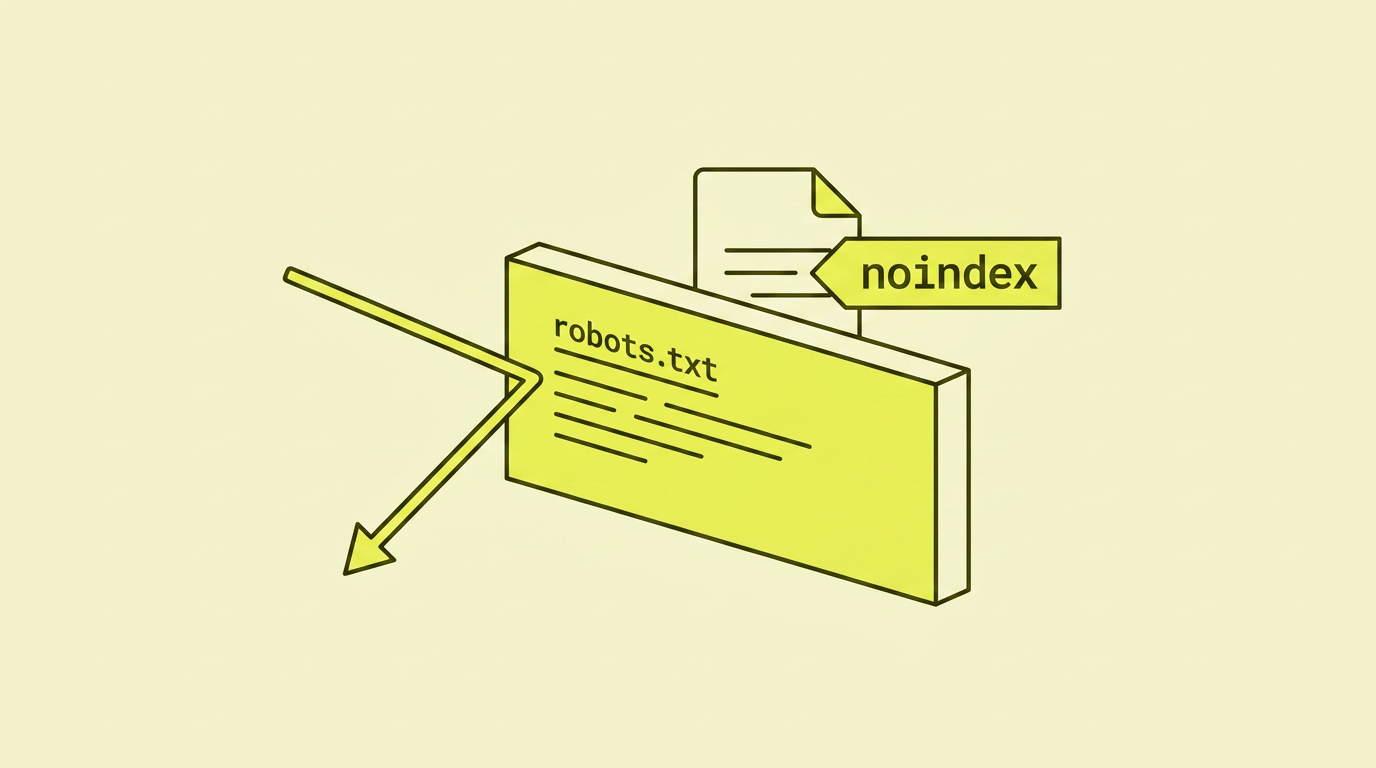
The solution is to choose one of them:
- Want to prevent indexing? Remove the robots.txt block. Let noindex do its job.
- Just want to save crawl budget? Use robots.txt Disallow without noindex.
Never both at the same time on the same URL pattern. I've fixed this mistake on at least 20 sites in recent years.
When noindex is the right tool
Noindex is always suitable when the page needs to exist but shouldn't be in the search results:
- Internal search results — your users' searches on your site shouldn't be in Google.
- Thank you pages after form submissions — traffic to "Thanks for getting in touch" pages is meaningless.
- Shopping cart, checkout, my account — personal pages that don't work out of context.
- Admin and login pages — useful for customers, useless in search.
- Outdated campaign pages — for example, "Summer Sale 2024" which is no longer relevant but is still live.
- Test and staging environments — the entire test domain should have noindex on every page.
- Thin content pages with a lot of duplicate content — for example, tag pages with only 1–2 articles.
When noindex is the WRONG tool
It's just as important to know when NOT to noindex:
- Pages you actually want traffic to. I can't stress this enough, see the case study below.
- Duplicates you want to consolidate ranking signals from. In that case, you want a canonical, not noindex. A canonical points "credit to this one, not me." Noindex just says "not me" without pointing anywhere.
- Deleted pages. Use 404 or 410. Using noindex on a deleted page gives Google an unnecessary back-and-forth ping.
- Pagination (page 2, 3, 4 of a list). Google understands pagination. Don't noindex it, as it can prevent Google from finding products on later pages.
- Pages with thin content you should have improved. The solution is to write better content, not hide bad content. Google has already made up its mind about you.
How to implement noindex
The basic meta tag in the <head>:
<!DOCTYPE html>
<html>
<head>
  <title>Shopping Cart</title>
  <meta name="robots" content="noindex">
</head>
<body>...</body>
</html>
To also prevent Google from following the links on the page:
<meta name="robots" content="noindex, nofollow">
Targeting a specific crawler:
<meta name="googlebot" content="noindex">
Via HTTP header (for PDFs, images, staging):
HTTP/1.1 200 OK
Content-Type: application/pdf
X-Robots-Tag: noindex
For WordPress users: most SEO plugins (Rank Math, Yoast) have simple checkboxes on a per-page basis. Use them, not custom code.
For Shopify: this is handled via robots.txt.liquid or the theme editor. See the article on Shopify SEO.
Case study: 40% traffic drop overnight
A client in the cosmetics industry saw their traffic drop by 40% over 10 days, with no obvious changes.
The problem: A developer had implemented a "coming soon" version of the site on a test domain with <meta name="robots" content="noindex"> on all pages. When deploying to production, they forgot to remove the tag, which had been added as a global template variable. The entire live site inherited noindex on every single page. It took Google 8–10 days to crawl the main part of the site and de-index it.
The action: We identified the mistake the same day the client contacted us, removed the tag across all templates, submitted new URLs in Google Search Console, and requested faster recrawling of the top 100 category and product pages. We also added a manual deployment check that fails the build if it finds a noindex tag on a page that isn't an exception.
The result: Traffic was 75% recovered after two weeks. Full recovery took four weeks. This mistake became the most expensive 5-line code blunder I've seen in a year.
This case is related to the article on site migrations—noindex is one of the things that must be checked both before and after a migration.
How to verify that noindex is actually working
- Google Search Console — "URL Inspection". Enter the URL and see if it's indexed and what the directives are.
- Check the HTML manually. Right-click → "View Page Source", then search for
noindex. - Site search in Google.
site:eksempel.no/hemmelig-side. If it still shows up, you just need to be patient, or something is blocked in robots.txt. - Screaming Frog or a similar crawler. Check "Robots Directives" in the crawl report. Useful for seeing the entire site at once.
- HTTP headers. Use
curl -I https://eksempel.no/sideand look forX-Robots-Tag.
What I often see go wrong
- Noindex on the entire site, forgotten after staging. The number one most expensive mistake. Check the whole domain with Screaming Frog after every launch.
- Combining robots.txt Disallow and noindex. Google never gets to see the noindex tag. Choose one.
- Noindex on the canonical target. If /product?colour=blue has a canonical to /product, but /product is noindexed, EVERYTHING disappears. Check that the canonical target is indexable.
- Using noindex instead of a canonical for duplicates. Duplicates should be consolidated, not hidden. A canonical consolidates ranking signals; noindex throws them away.
- Not checking after deployment. Always do a site: search after a deploy. If the number of indexed pages drops dramatically, you probably have a noindex error.
Your action plan: Step-by-step
| Step | What to do |
|---|---|
| 1 | List all your page types (category, product, blog, admin, search result, thank you page, etc.). |
| 2 | Mark which ones should and shouldn't be in Google. |
| 3 | Check which ones actually have noindex today (using Screaming Frog or GSC). |
| 4 | Fix any mismatches: add noindex where it's missing, remove it where it's wrong. |
| 5 | Verify that no noindexed page is also blocked in robots.txt. |
| 6 | Check canonical targets: are they indexable? |
| 7 | Add a deployment check that fails if noindex is found on unexpected pages. |
| 8 | Monitor GSC for the next few weeks: the number of indexed pages should move towards the expected level. |
In summary: My take on noindex
Noindex is probably the most powerful single tool in technical SEO. One line of code can clean up index bloat that would otherwise take weeks to fix. One line of code can also delete your entire business.
The rule I always return to is this: noindex belongs on pages that need to live on without being in Google. For everything else, it's the wrong tool. If a page is being deleted, use 404. If duplicates need to be consolidated, use a canonical. If you need to save crawl budget, use robots.txt.
Spend five minutes after every launch doing a site: search for your domain. If the number drops unexpectedly, check for an unwanted noindex tag first. That's the explanation 9 times out of 10.