In this article
Few things are as frustrating as knowing you have exactly what a customer is looking for, only for them to give up because they cannot find it. Online store structure is the way products are organised across categories, filters and URLs. A solid structure helps customers find their way and helps Google understand your catalogue.
What is online store structure?
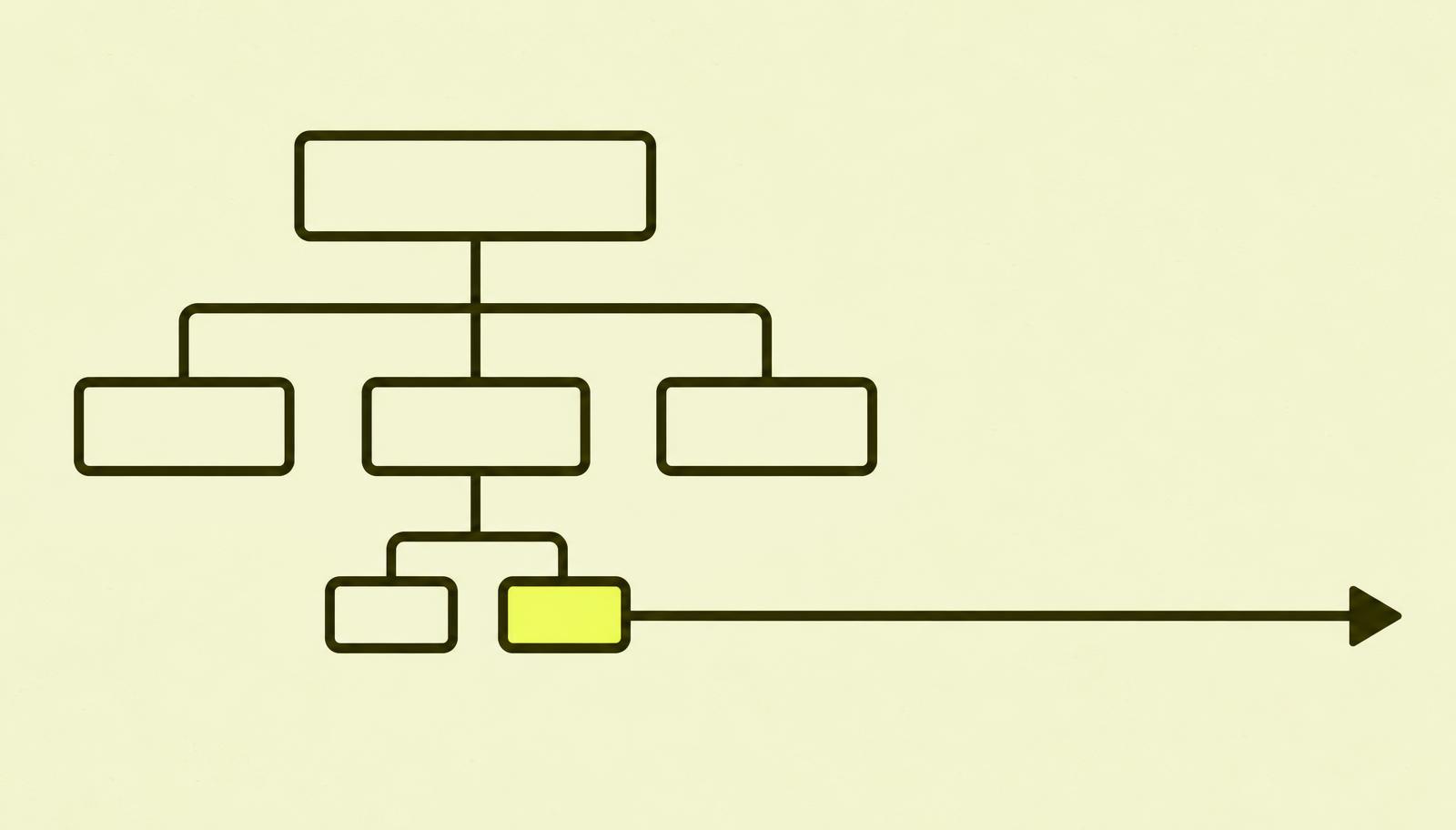
The structure is the map of your shop: which main categories exist, which subcategories sit beneath them, how filters work, and how products link together. In a brick-and-mortar shop, this corresponds to the signage, aisles and shelves.
For search engines, structure is a signal of importance. A category linked directly from the main menu with many products appears far more important than a page hidden five clicks deep.
How should online store categories be structured?
Imagine a small sports shop. The inventory system might organise stock by supplier. Customers, however, think in terms of activities and product types: "running shoes", "hiking jackets", "skis". Structuring around your customer's language provides better navigation and category names that match what people actually search for.
A simple model might look like this:
- Shoes → Running Shoes, Hiking Boots, Kids' Trainers
- Clothing → Jackets, Trousers, Woollen Base Layers
- Equipment → Skis, Backpacks, Head Torches
When reviewing online stores, I see two common mistakes. One is having too many thin categories with only two or three products. The other is having one massive category where customers have to endlessly filter because nobody bothered to divide it up. Both make browsing harder.
Give your most important categories a short introduction at the top or bottom. Two to three sentences explaining what the category contains and what shoppers should consider makes the page far more useful than a bare product grid. See also the guide on internal links for how to link between related categories.
What should you do with filters in your store structure?
Filters are helpful for shoppers. Colour, size, price and brand help narrow down the selection. The trouble is that every combination can generate its own URL. With five filters and numerous values, a small shop can suddenly have thousands of near-identical pages.
Google points out that these faceted navigation URLs can consume a significant amount of crawl budget without providing value. That is why you should distinguish between two types:
- Filters that match a genuine search query, such as "women's running shoes". These may deserve a dedicated, permanent category page with its own page title.
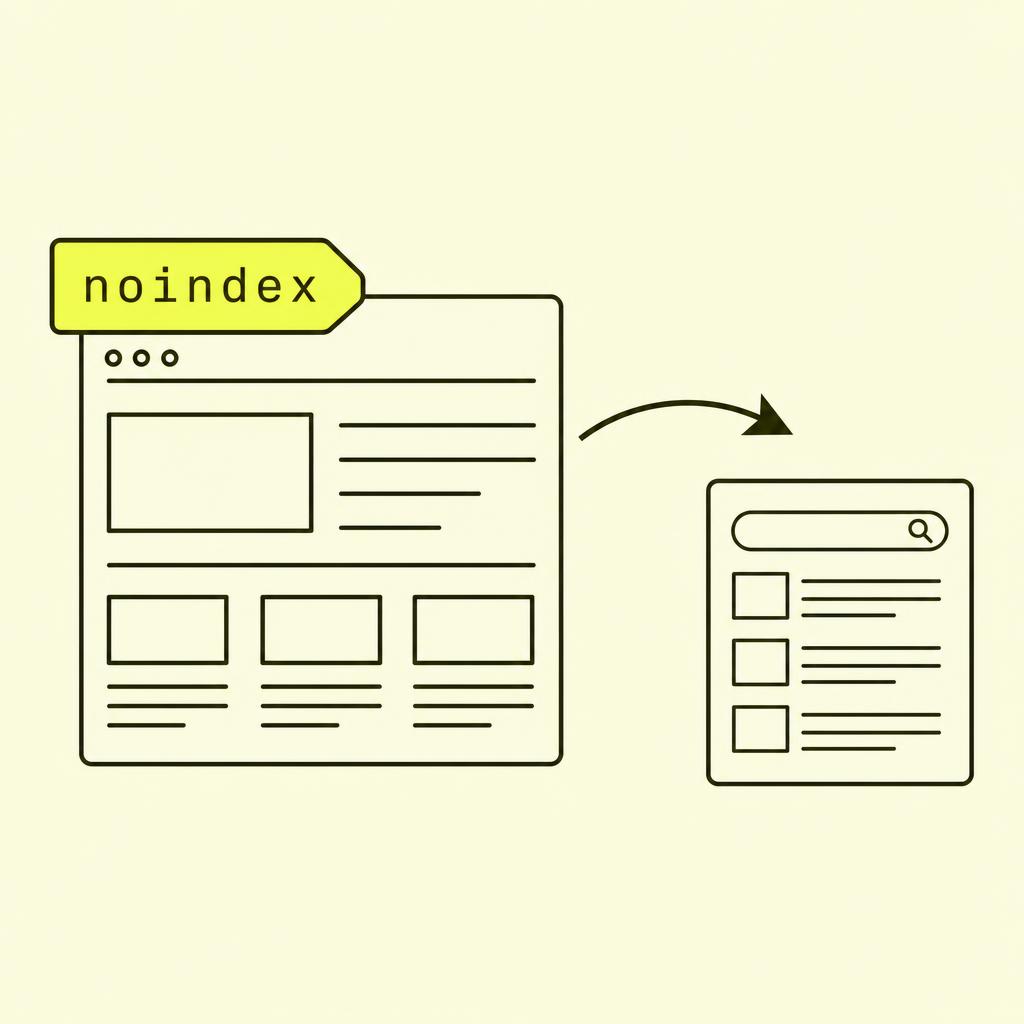
- Filters purely meant for narrowing down results, such as "size 5, sorted by price". These should usually not be indexed.
Why do you need breadcrumbs?
Breadcrumbs are the navigation trail at the top of the page: Home / Shoes / Running Shoes. Customers can see where they are and jump up a level with a single click. This is particularly useful when someone lands directly on a product page from Google.
Breadcrumbs also create internal links back to category pages and clarify your site hierarchy. By adding breadcrumb structured data, Google can interpret the path even more accurately. It should always reflect the real site structure, rather than an artificial version.
How should product URLs be formatted?
The most important rule is that each product must have one permanent URL, even if it features in multiple categories. If the same jacket appears under both "Jackets" and "Sale", both should link to the exact same product URL. If two separate URLs are generated, a canonical tag should point to the primary version.
Many platforms, including Shopify, have their own URL rules. Work within the framework your platform provides while following these best practices.
Online store structure checklist
- Category names that use your customers' vocabulary.
- No main categories containing only a handful of products.
- Short explanatory text on your primary categories.
- A clear plan for which filter pages to index.
- Breadcrumbs on category and product pages.
- One permanent URL per product.
What I often see go wrong with online store structure
- Categories mirror the warehouse, not the customers. Internal product groups rarely match the names people actually search for.
- Every filter combination becomes its own page. Thousands of near-identical URLs eat crawling and spread the signals.
- The product sits in the URL of three categories. The same product gets several URLs, and Google has to guess which one is right.
- Breadcrumbs exist only on mobile or only as an image. Then they help neither the customer nor the search engine.
In short: My advice on online store structure
Structure is the most boring and most profitable SEO job in an online store. I always prioritise category pages before individual products, because that is where broad, ready-to-buy searches land.
Start by writing down the ten searches you most want to win. Does each have a clear category page? If not, you know where to start.