In this article
Sitemap.xml isn't a magic bullet, but it's perhaps the easiest technical file to get right. And yet, I see it ignored, misconfigured, or full of clutter in almost every SEO project.
What is sitemap.xml?
Sitemap.xml is a structured XML file that lists the URLs you want search engines to know about. It acts as a table of contents for your site: a simple, machine-readable list that says, "Here are my pages, please feel free to stop by."
The simplest sitemap looks like this:
<?xml version="1.0" encoding="UTF-8"?>
<urlset xmlns="http://www.sitemaps.org/schemas/sitemap/0.9">
  <url>
    <loc>https://example.com/</loc>
    <lastmod>2026-08-01</lastmod>
  </url>
  <url>
    <loc>https://example.com/services/</loc>
    <lastmod>2026-07-28</lastmod>
  </url>
</urlset>
Each <url> block contains at least one <loc> (the URL) and preferably <lastmod> (last modified). The format is an open standard, Sitemaps Protocol 0.9, which Google, Bing, and other major search engines respect.

Why sitemap.xml is worth the effort
For a small site with 20 pages and a good internal linking structure, you don't strictly need a sitemap. Google will find everything anyway. But in practice, a sitemap is useful for three reasons:
1. Faster discovery of new pages. When you publish a new article, your CMS automatically adds it to the sitemap. Google sees the change and stops by sooner than it otherwise would have.
2. Covers pages that aren't well-linked. Pages deep in the structure or without many internal links (for example, an old case study) risk being overlooked. In the sitemap, they are visible.
3. A troubleshooting tool in Search Console. When you submit your sitemap to GSC, you get a report on how many URLs were submitted, how many are indexed, and why the rest are not. It's the best diagnostic tool you can get for free.
What should (and shouldn't) go in a sitemap
The rule is simple: the sitemap should only contain URLs you actually want in the search results. Anything else creates noise and conflicting signals.
Yes, include these:
- Canonical URLs (the version you want Google to index).
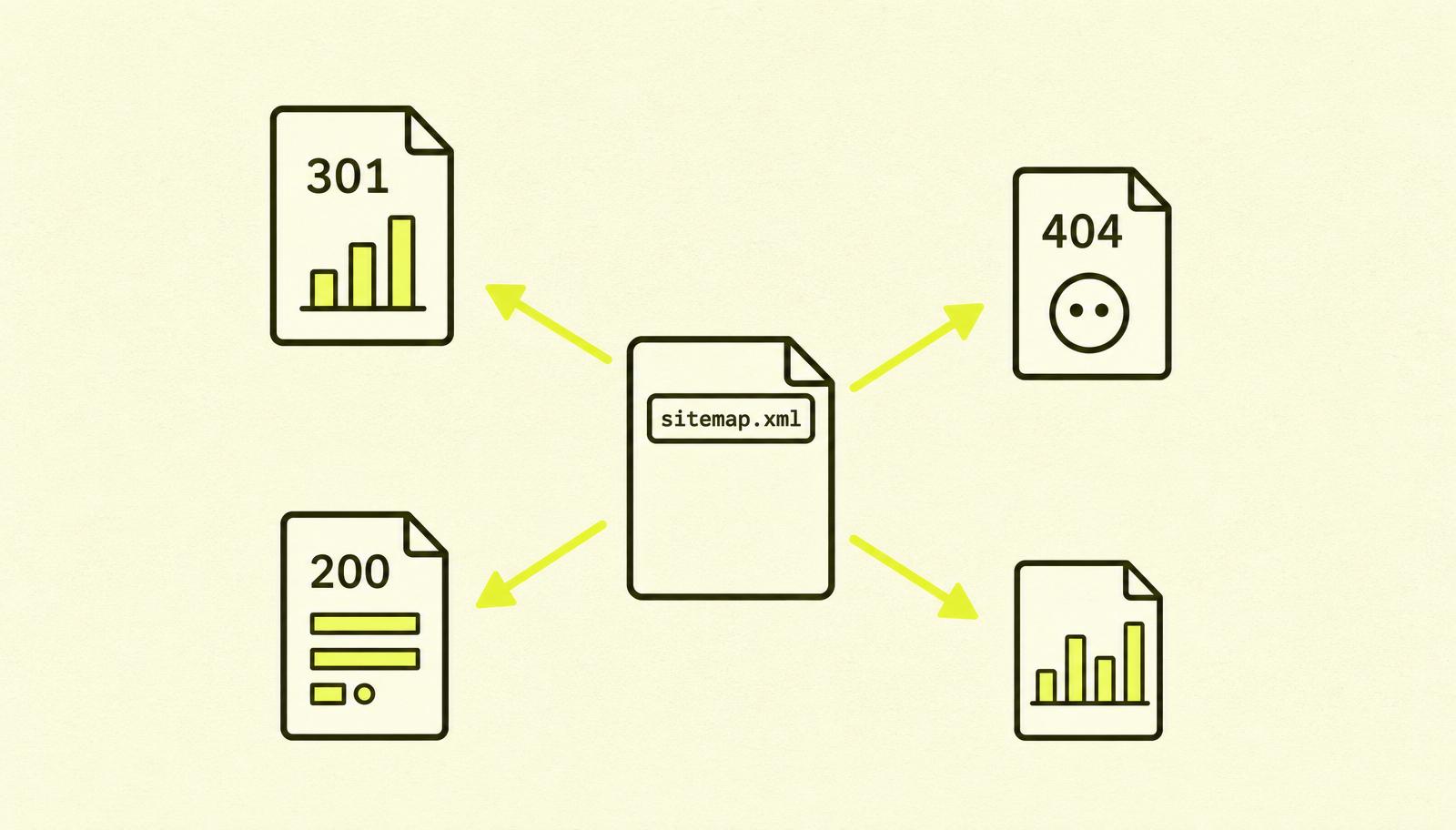
- Pages with a 200 status code.
- Pages that are not
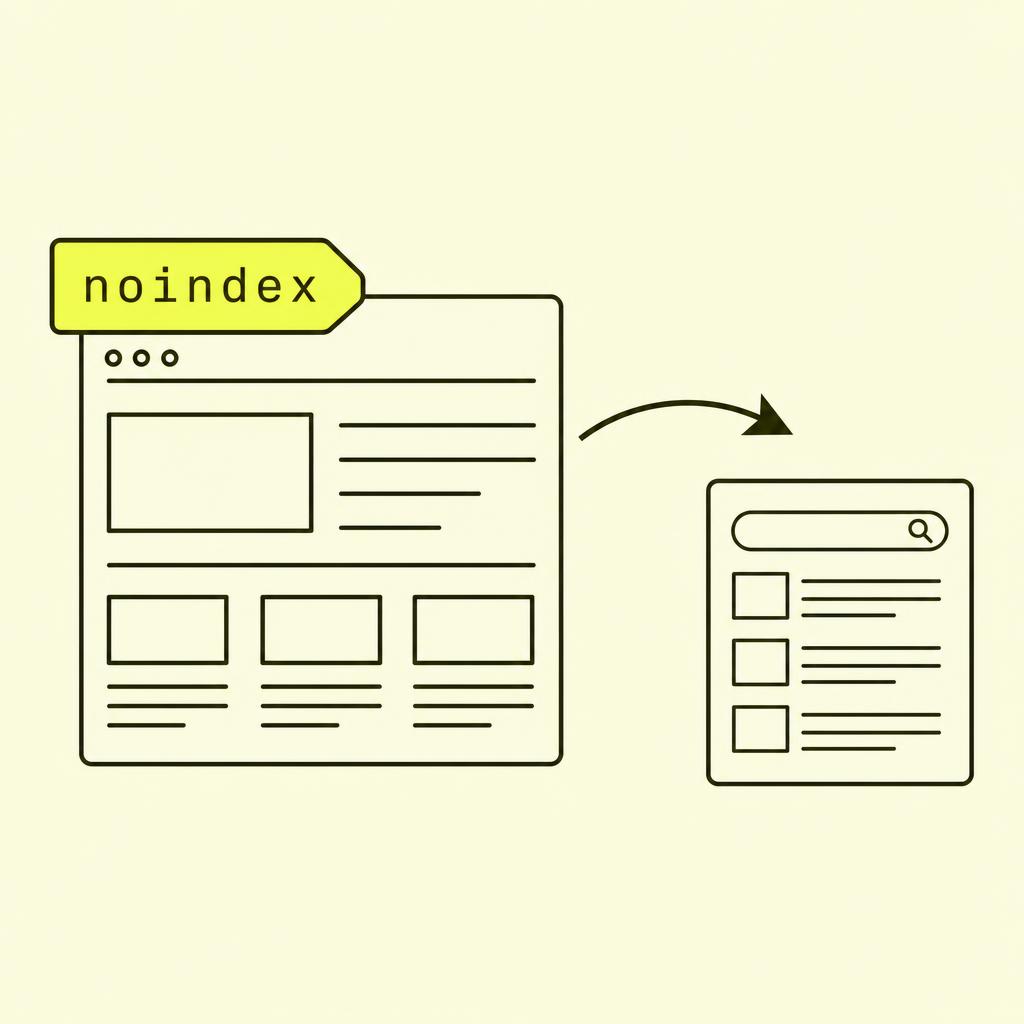
noindex. - Pages that are not blocked in robots.txt.
No, do not include these:
noindexpages.- Redirects (301, 302, 307).
- Error pages (404, 410).
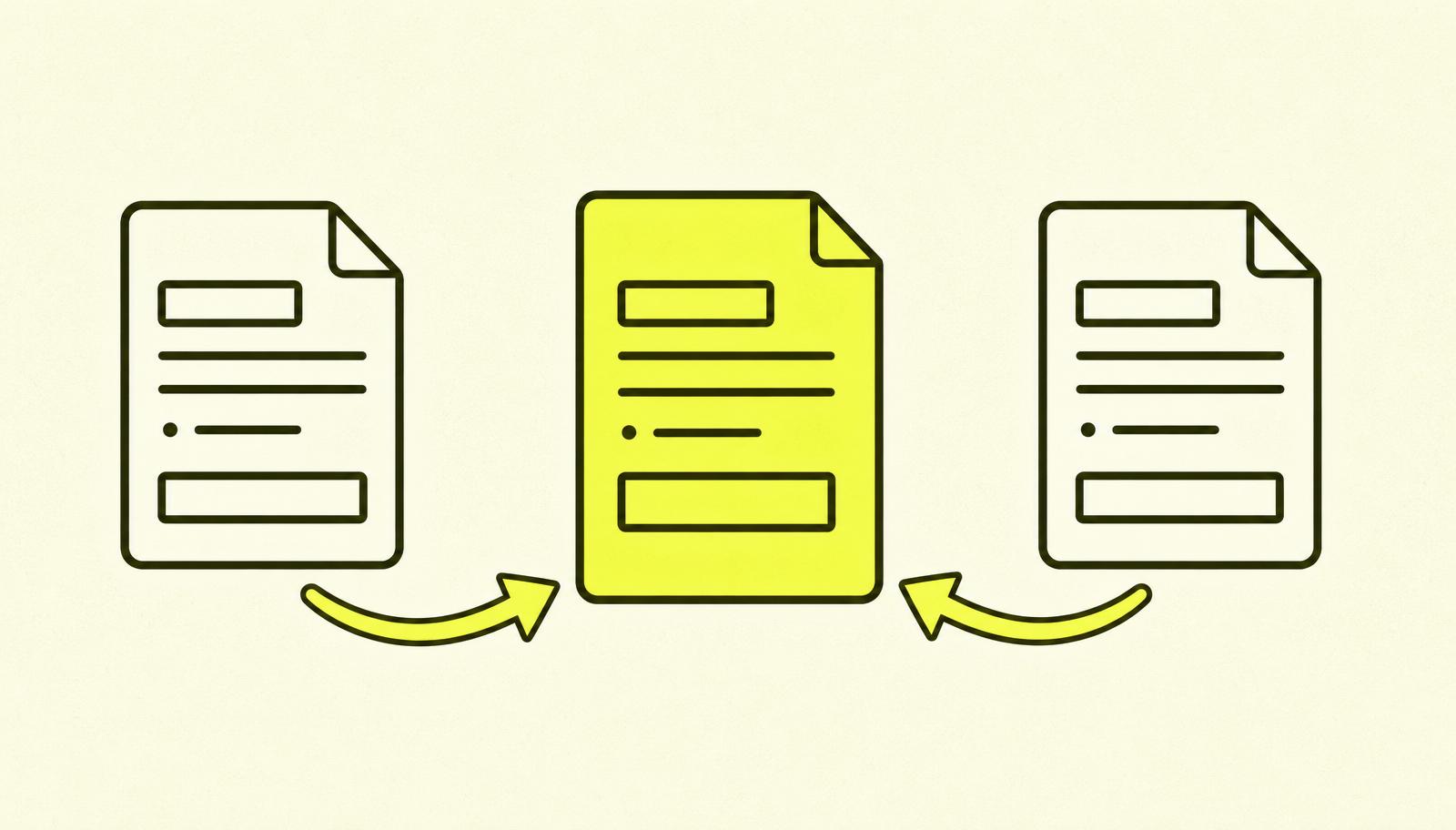
- Duplicates (the version that is not canonical).
- URLs with tracking parameters (
?utm_). - Filters, facets, and search results pages.

How sitemap, robots.txt, and noindex work together
This is one of the things that confuses people the most, so let me break it down clearly:
- Sitemap says: "These URLs exist, please feel free to look at them."
- Robots.txt says: "Do not crawl these URLs."
noindexsays: "Feel free to crawl, but don't include in the search results."
If you put a URL in your sitemap that is also blocked in robots.txt, Google gets two opposite messages. The same thing happens if a sitemap URL has a noindex tag: you're signalling "important!" and "don't show!" at the same time.
Google will decide for itself what to believe. And even when it makes the "right" choice, it costs crawl budget to process conflicting signals.
Read more about robots.txt if you're unsure what it actually controls.
What I often see go wrong
After cleaning up many sitemaps, I see the same patterns:
- The sitemap contains redirects. The developers changed the URL structure but forgot to update the sitemap. Now half the URLs point to old pages that redirect to new ones. Google has to crawl through the chain every time.
- The sitemap is static from 2019. The website has launched 200 new pages since then, but the sitemap remains unchanged. Google gets an outdated list and has no idea about the new content.
- The sitemap contains
noindexpages. Landing pages from old campaigns or admin pages that should have been hidden. A conflicting signal. - No
<lastmod>. Without a date, Google has to guess when the URL was last changed. With a correct<lastmod>, it prioritises new and updated pages faster. - One giant sitemap with 100,000 URLs. The protocol allows a maximum of 50,000 URLs or 50 MB per file. If this is exceeded, you must split it into a sitemap index.
- Never referenced from robots.txt. Bing and smaller search engines won't find the sitemap without a
Sitemap:line in robots.txt.
Case Study: The Sitemap That Held Back Indexing
A client with around 1,200 products in their online shop complained that new products took weeks to appear in Google. We checked their sitemap.
The problem: The CMS had generated a sitemap that included all products, but also all the filter URLs (/products?colour=black, /products?sort=price, and so on). The sitemap contained 47,000 URLs, of which less than 5% were actual product pages. Google was spending its crawl budget on filter URLs that provided no value.
The action: We configured the sitemap generator to exclude all URLs containing a question mark. We added <lastmod> with the actual modification date for each product. We submitted the new sitemap in Search Console and requested a re-crawl.
The result: Within three weeks, the average discovery time for new products went from 14 days to 2 days. The indexing rate (the proportion of submitted URLs that were actually indexed) rose from 38% to 91%.
How to create a good sitemap.xml
- Automatic generation. Manual sitemaps always become outdated. All serious CMS platforms (Shopify, WordPress with Yoast or Rank Math, TanStack Start, Next.js) generate a sitemap automatically. Use that feature.
- Only canonical URLs with a 200 status code. No redirects, no 404s, no duplicates.
- Correct
<lastmod>. The actual modification date, not today's date for every publish. - Reference it from robots.txt.
Sitemap: https://example.com/sitemap.xmlat the bottom of the file. - Submit it to Google Search Console. Under "Sitemaps" in the left-hand menu. Check its status there weekly.
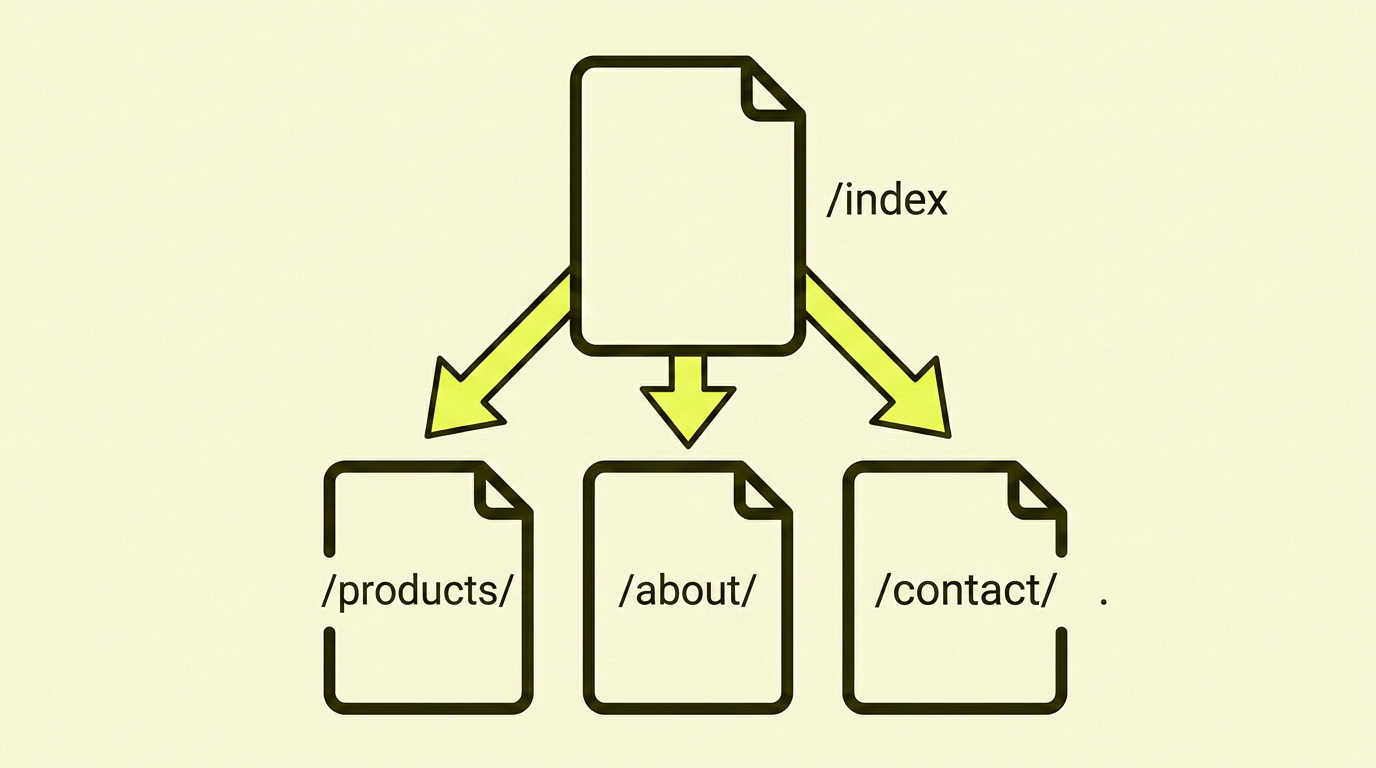
- Split up large sites. Over 50,000 URLs? Create a sitemap index that points to separate sitemaps, preferably one for each content type.
Your Action Plan: Step-by-Step
| Step | What to do |
|---|---|
| 1 | Open example.com/sitemap.xml. Does it exist? Is it structured correctly? |
| 2 | Count the URLs. Compare with the number of actual pages you have. |
| 3 | Check a random sample of URLs. Are they all 200 and canonical? |
| 4 | Check your robots.txt to see if there's a Sitemap: line. |
| 5 | Submit the sitemap to Google Search Console (if you haven't already). |
| 6 | Check the "Sitemaps" report in GSC after a week. Are there any errors? |
| 7 | Remove any URLs that are noindex, redirects, or blocked in robots.txt. |
| 8 | Enable automatic generation if you're using a static sitemap. |
Summary: My Take on sitemap.xml
A sitemap isn't ranking magic. It won't fix thin content, bad links, or slow hosting. But it is the easiest technical file to get right, and the errors it can hide can choke your indexing for weeks or months without you noticing.
Take ten minutes today. Open your sitemap, count the URLs, and click on a few at random. Do they have a 200 status? Are they canonical? Are they pages you actually want in search results? If the answer to all three is yes, you have one of the better sitemaps out there.