Innhold i denne artikkelen
Running an online store on Shopify and wondering why your competitors are ranking higher — even when your products are better? The problem is rarely the products. It's the structure, the content, and the technical decisions behind the scenes.
What is Shopify SEO?
Shopify SEO is the work of making a Shopify online store visible in Google's organic search results — without paying per click.
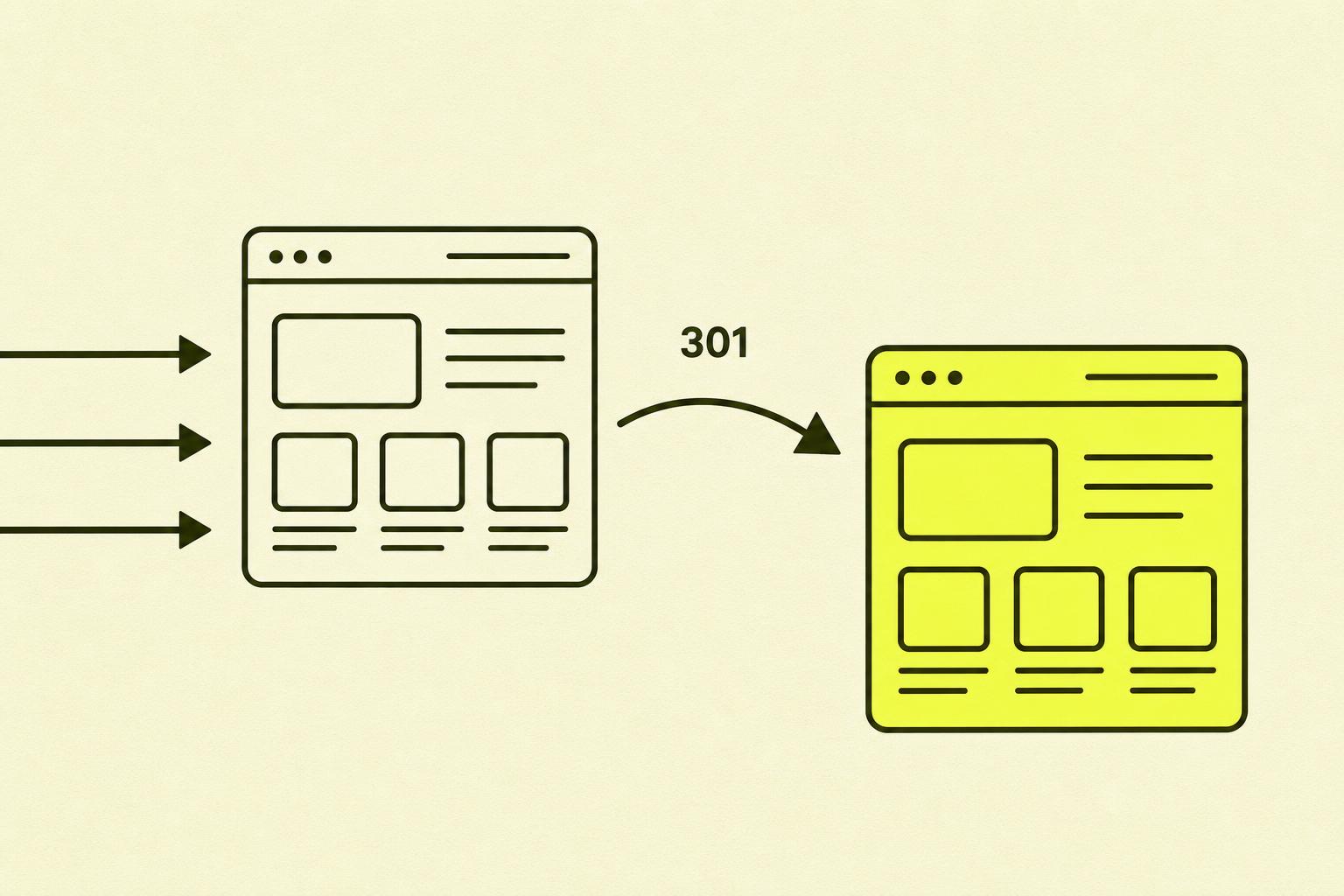
Shopify is, by default, an SEO-friendly CMS. The platform offers built-in 301 redirects, noindex tags, structured data for products, and an automatically generated sitemap.xml. It uses the Fastly CDN and browser caching for speed.
But Shopify has one well-known weakness: the platform automatically generates duplicate content across product and category pages. This affects almost every Shopify store, and many owners aren't aware of it.
How does Shopify SEO work in practice?
Google crawls your online store just like any other website. It reads the content, follows internal links, and determines which pages are most important based on structure and signals.
For Shopify stores, this means three things must be in place: Google must be able to find and index the right pages (not the duplicates), the pages that get indexed must have content that answers what customers are searching for, and the technical infrastructure must not slow down crawling or harm the user experience.
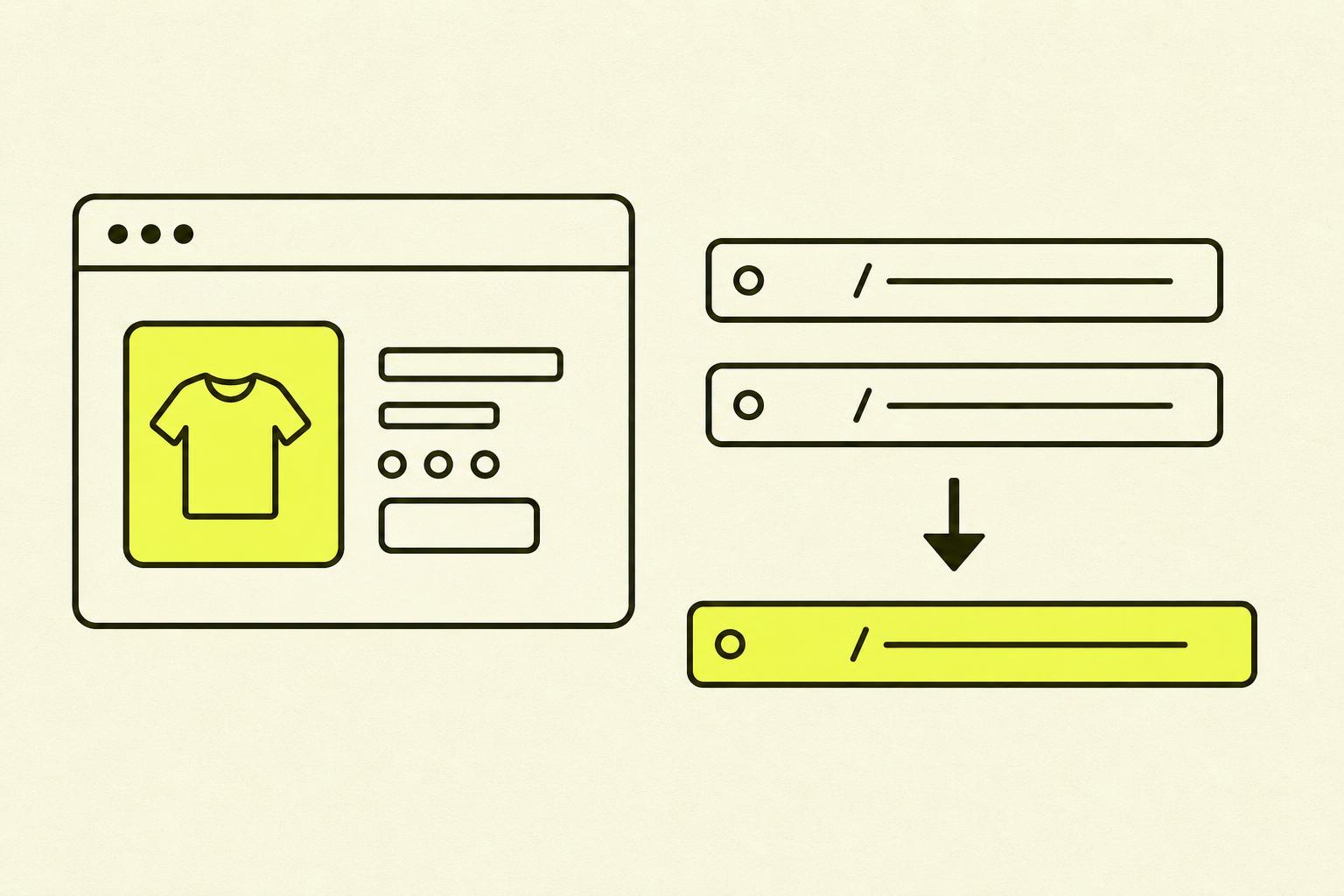
Shopify's duplicate content problem occurs in two ways:
| Problem | Cause | Solution |
|---|---|---|
| Duplicate product pages | Shopify allows /products/ and /collections/.*/products/ for the same product | Adjust the product-card snippet to point to the canonical URL |
| Duplicate collection pages | Pagination parameter (?page=1) creates copies of the first page | Ensure paginated pages canonicalise to the non-paginated URL |
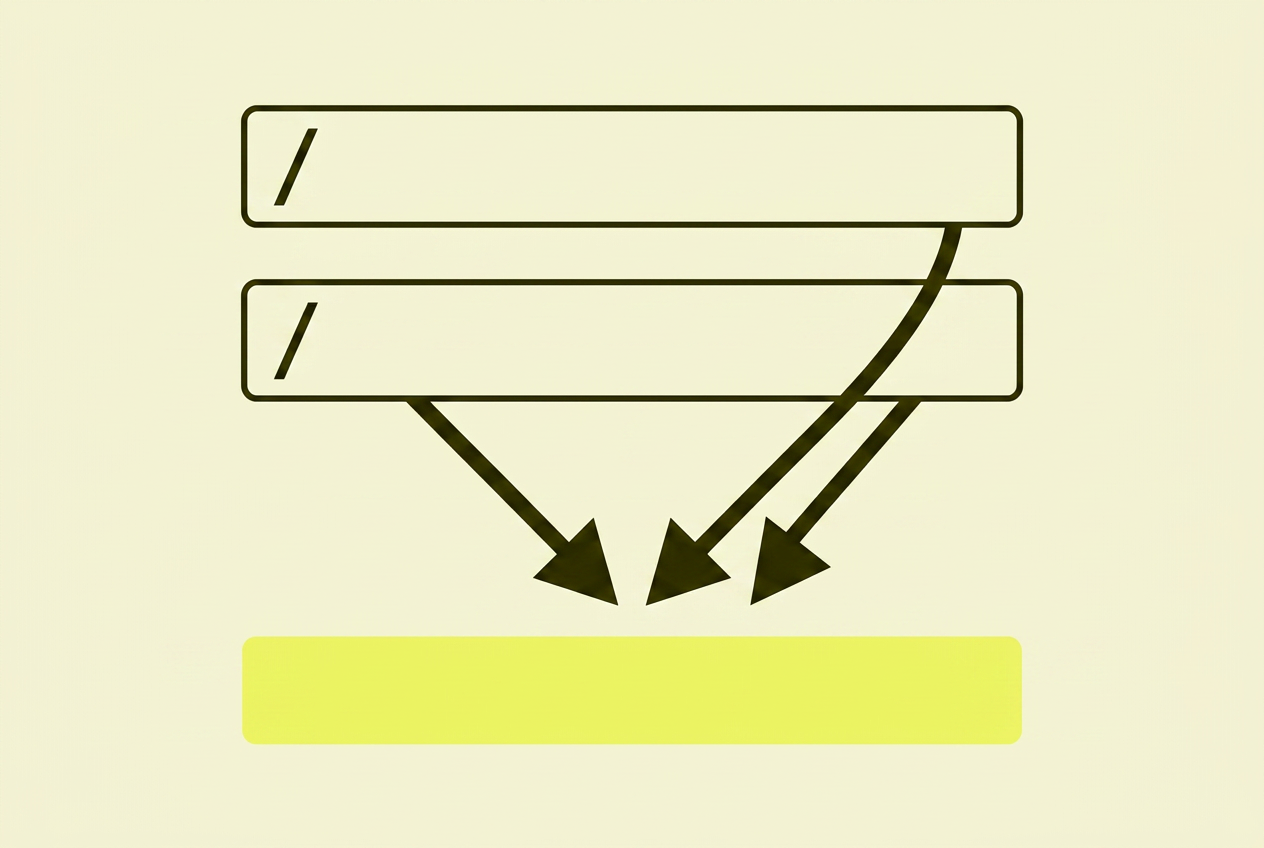
My recommendation: Solve the duplicate content problem before you do anything else. It's the single factor that most often holds Shopify stores back, and all other actions will have a better effect once the underlying structure is clean.
What I often see go wrong with Shopify SEO
After many Shopify audits, I see the same prioritisation mistakes repeated.
- Metadata before fixing duplicates. You can have perfect meta titles, but if Google indexes the wrong URL version, it won't help much.
- The blog gets forgotten. Many see the blog as a luxury. But Google is increasingly showing informational content over product pages for many searches. Without informational content, you lose traffic from customers on their way to making a purchase.
- App chaos. Every app you add generates JavaScript and CSS that Google has to crawl. Unused apps slow down the site and eat up your crawl budget.
Shopify SEO: How to get it right
Good Shopify SEO is about working in the right order. Technical foundation first, then content.
Fix the technical foundation: Canonical URLs, robots.txt, sitemap, and redirects must be in place and correct. Use Google Search Console to verify that Google is actually indexing the pages you want it to index.
Build content around search intent: Don't write product descriptions just to fill space. Answer what a potential customer is actually wondering: what is the product, who is it for, what makes it different from the alternatives?
Use the blog strategically: Identify keywords where Google shows informational content over product pages. Create blog content that covers these topics, and link to relevant product pages with descriptive anchor text.
Your action plan: Step by step
| Step | What to do | Time |
|---|---|---|
| 1 | Keyword analysis: create a table with URL and primary keyword — never use the same keyword on two pages | 2–4 hrs |
| 2 | Fix duplicate content: adjust the product card snippet to point to canonical /products/ URLs | 1–3 hrs (developer) |
| 3 | Optimise meta titles, descriptions, and URLs in the "Search Engine Listing Preview" | Ongoing |
| 4 | Verify Product and Breadcrumb schema via the Rich Results Test | 30 min |
| 5 | Delete unused apps, compress images, consider lazy loading | 1–2 hrs |
| 6 | Connect GSC and GA4, check Search Console weekly | 15 min/week |
Summary: My take on Shopify SEO
Shopify is a good starting point for SEO — but the platform isn't flawless. The duplicate content problem is real and underrated, and it requires active effort to manage.
The good news: most of the challenges are solvable with the right knowledge and a structured approach. You don't have to do everything at once. Start with keyword analysis and fix the technical foundation. You can build the rest gradually.
Further reading on Shopify SEO
- Google Search Central — Google's own guidelines for indexing and structured data
- Google Search Console — free monitoring of indexing, keywords, and technical errors
- Google Rich Results Test — verify that your structured data is working correctly
- Ahrefs Blog — data-driven studies on e-commerce and SEO
- Crush.pics — image compression tailored for Shopify