In this article
Hosting might seem like a boring line item on an invoice. But I've seen more SEO problems start with the wrong hosting than with the wrong content, and they are often much harder to spot.
What is hosting, really?
Hosting is the service that stores your website and serves it to visitors. All websites are stored on a computer somewhere, and your hosting provider runs that computer. No hosting, no website.
When someone types yourdomain.co.uk into their browser, this is what happens behind the scenes:
- The browser asks the DNS: 'Where is yourdomain.co.uk located?'
- The DNS replies with an IP address that points to your server.
- The browser contacts the server and requests the page.
- The server sends back the HTML, CSS, images, and JavaScript.
- The browser renders everything into what you see on screen.
Every single step takes time. And your hosting controls how fast steps 3 and 4 are, which are often the slowest.
How Hosting Affects SEO
Google has never said 'server X gives a higher ranking than server Y'. But the effect is real, and it comes through three channels:
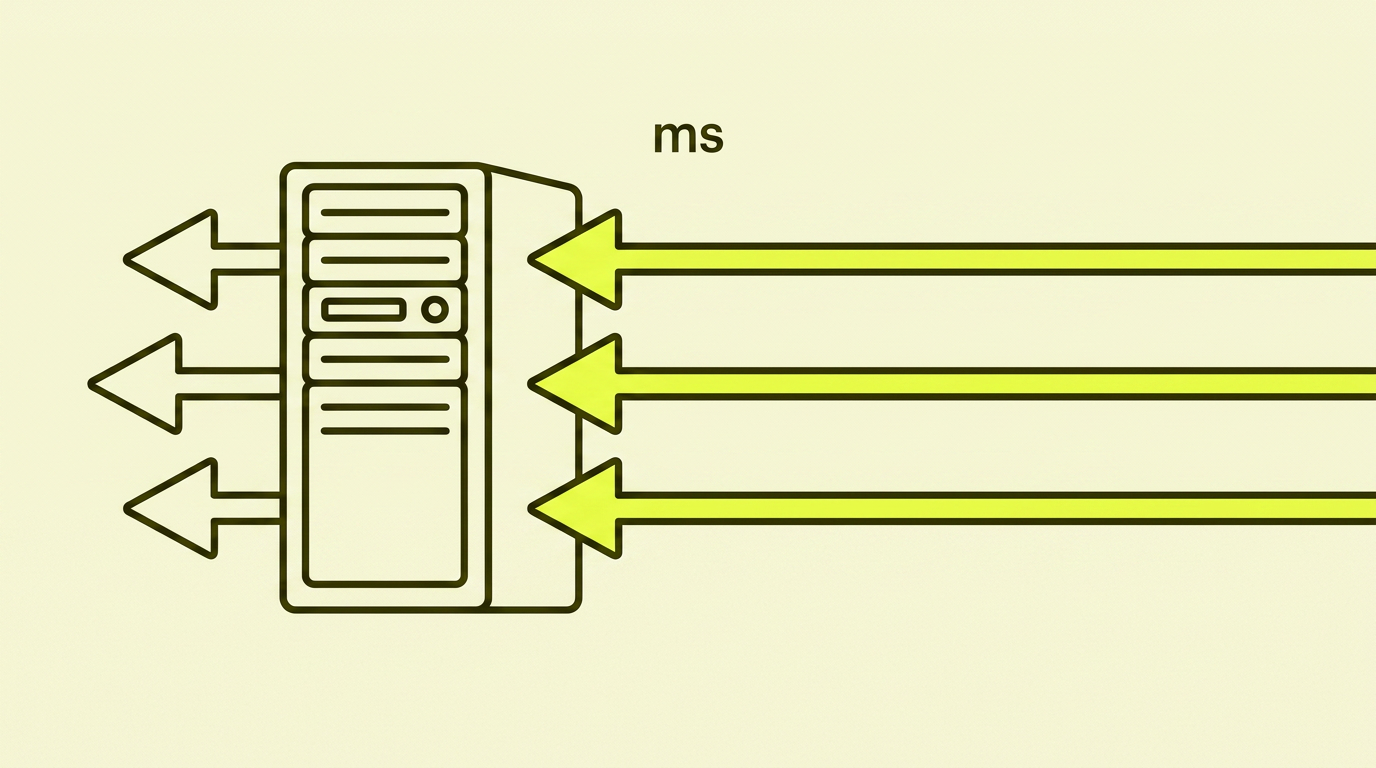
1. Speed (Core Web Vitals). Google measures how quickly your page loads and responds. A slow server = a slow TTFB (Time to First Byte) = poorer Core Web Vitals = a weaker ranking, especially on mobile.
2. Uptime and Crawl Success. Google's crawler visits your site continuously. If the server is down or slow when it arrives, Google gets an error. If this happens often, Google lowers its crawl rate. It then takes longer for new pages to be indexed, and old pages are updated less frequently.
3. Security and Signals. SSL is a ranking signal, and your host must support it. Modern protocols like HTTP/2 and HTTP/3 provide faster delivery, and all reputable hosting providers offer them.
Types of Hosting, Explained Without Jargon
Shared Hosting. Your website is located on the same server as many others. It's cheap (£3 to £10 per month), easy to get started with, and fine for static sites and small blogs. The problem: if one of your 'neighbours' gets a traffic spike, everyone slows down. This is okay for very low demands, but I rarely recommend it for businesses that depend on their website.
VPS (Virtual Private Server). You get a dedicated part of a server with guaranteed resources. It typically costs £10 to £50 per month. Better performance, more control, but it requires some technical understanding or an administrator to help you.
Cloud and Managed Platforms. Vercel, Netlify, Cloudflare Pages, AWS, Google Cloud. They scale automatically, deliver globally, and handle most of the maintenance. They're more expensive with high traffic, but much easier to run. Perfect for modern JavaScript websites and e-commerce stores that experience traffic spikes.
Dedicated Server. The entire physical machine is yours. It's powerful and flexible, but also expensive and demanding. Reserved for large websites that truly need it.

A Server in the UK, or Not?
This is a question I get a lot, and the answer is nuanced.
A server physically located in the UK saves a few milliseconds for British visitors compared to a server in Frankfurt or Amsterdam. But the difference is often only 20 to 50 ms, which is noticeable in lab tests but hardly perceptible to a person using your site.
What matters more is:
- A CDN in front of the server. Cloudflare or Fastly cache static files in hundreds of locations globally, including London and Manchester. With a CDN, the origin server's location hardly matters for images, CSS, and JS.
- A fast database and backend. For dynamic content (products, search, personalisation), the bottleneck is the backend code and the database, not geography.
- HTTP/2 or HTTP/3. Modern protocols provide a bigger performance gain than where the server is physically located.
In short: a modern server in Ireland or the Netherlands with a CDN in front often beats a 'British' server without a CDN. Aim for actual loading times measured from the UK, not for flag emojis in the data centre.
What I Often See Go Wrong
- The cheapest possible shared hosting for an e-commerce store that gets traffic spikes. The first big campaign or Black Friday hits, and the server goes down. Google tries to crawl, gets 503 errors, and lowers the crawl budget.
- No SSL, or a misconfigured SSL. Google flags the site as 'Not Secure,' Chrome shows a warning, and the conversion rate plummets in minutes.
- HTTP/1.1 is still in use. Images and files load sequentially instead of in parallel. The TTFB becomes twice as high as it needs to be.
- No uptime monitoring. The site is down for three hours on a Sunday night, and nobody notices until Monday morning. Google has already logged several errors.
- Hosting chosen by an acquaintance ten years ago. The server has gradually worsened, the protocols are outdated, and no one has dared to touch it. Classic low-hanging fruit.
Case Study: When Hosting Held Back SEO
A client with a Shopify store had great content and good links but was still ranking lower than expected. We ran a Core Web Vitals test and found an LCP (Largest Contentful Paint) of 4.2 seconds. Their competitors were at 1.8 to 2.5.
The problem: The store was on cheap shared hosting from a local agency, with no CDN. Images were served from a server in Oslo, uncompressed, and in full resolution. The TTFB alone was 1.1 seconds.
The action: We moved their DNS behind Cloudflare (the free plan was enough), enabled automatic image optimisation, and set up caching rules for static files. The hosting itself wasn't changed, just the 'facade' in front of it.
The result: The LCP dropped from 4.2 to 1.6 seconds within a week. Within four weeks, they had moved up one to two positions for 60% of their tracked keywords. No content changes, no new links.
How to Choose Hosting for an SEO-Friendly Website
- Aim for a TTFB under 400 ms from your main market. Test it. Don't trust the marketing copy.
- Demand SSL, HTTP/2 or HTTP/3, and gzip or Brotli compression. This is the 2026 minimum, not a luxury.
- 99.9% uptime as a minimum. Ask for an SLA (Service Level Agreement), not just a promise on their website.
- A CDN should be included or easy to add. Cloudflare's free plan is often all you need.
- Scalable. Can you upgrade resources as traffic grows, or do you have to migrate everything to a new plan?
- Real UK or English-speaking support. When your server goes down at 2 a.m. on a Saturday, you want someone you can call.
Your Action Plan: Step-by-Step
| Step | What to do |
|---|---|
| 1 | Run pagespeed.web.dev on your homepage and a product page. Note the LCP and TTFB. |
| 2 | Check your uptime for the last 90 days. The free version of UptimeRobot is enough to get started. |
| 3 | Test if SSL, HTTP/2, and compression are active (use securityheaders.com). |
| 4 | Check 'Crawl stats' in Search Console. Do you see any 5xx errors? |
| 5 | Compare your TTFB with a competitor you respect. If you're far behind, that's a signal. |
| 6 | Enable Cloudflare (or a similar CDN) if you don't already have one. |
| 7 | Contact your hosting provider about specific performance or uptime issues. |
| 8 | If their answer is 'buy a more expensive plan' without any explanation, consider switching. |
Summary: My Opinion on Hosting
Hosting is the foundation SEO stands on. You don't notice it when it's working, but it ruins everything when it's not. The vast majority of businesses I work with can get a significant SEO boost just by putting Cloudflare in front of their existing server and enabling HTTP/2. It's an hour's work and a few pounds a month.
If you're choosing a new host, think of it as the infrastructure behind everything else you build. Save money on other lines in your marketing budget, not this one.