In this article
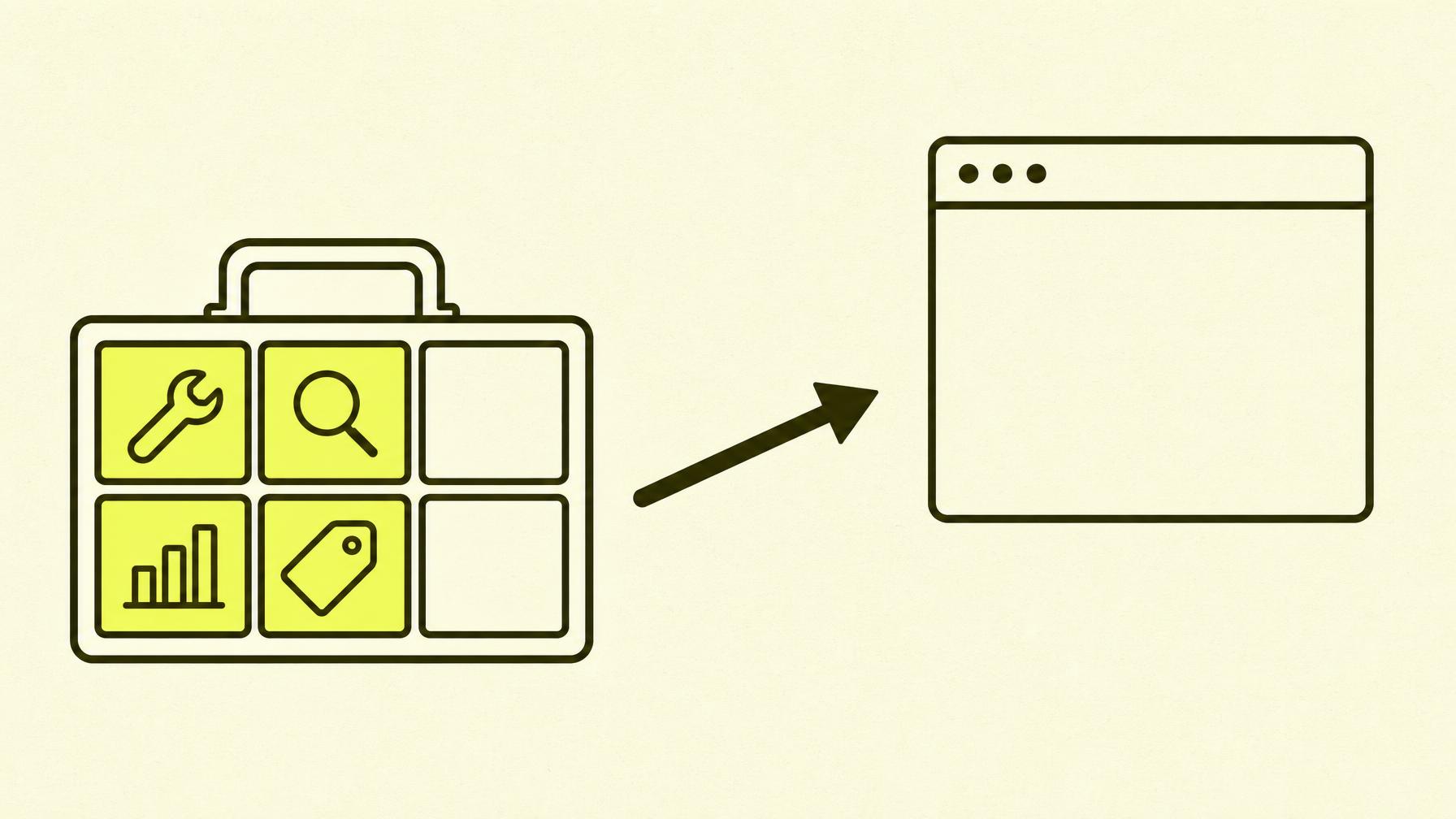
Expensive tools don't equal good SEO. I've worked with everyone from bootstrapped startups to established companies, and the truth is that free tools cover 80% of the job — if you know what to look for.
Here's the toolbox I actually open every week.
1. Google Search Console — The Foundation
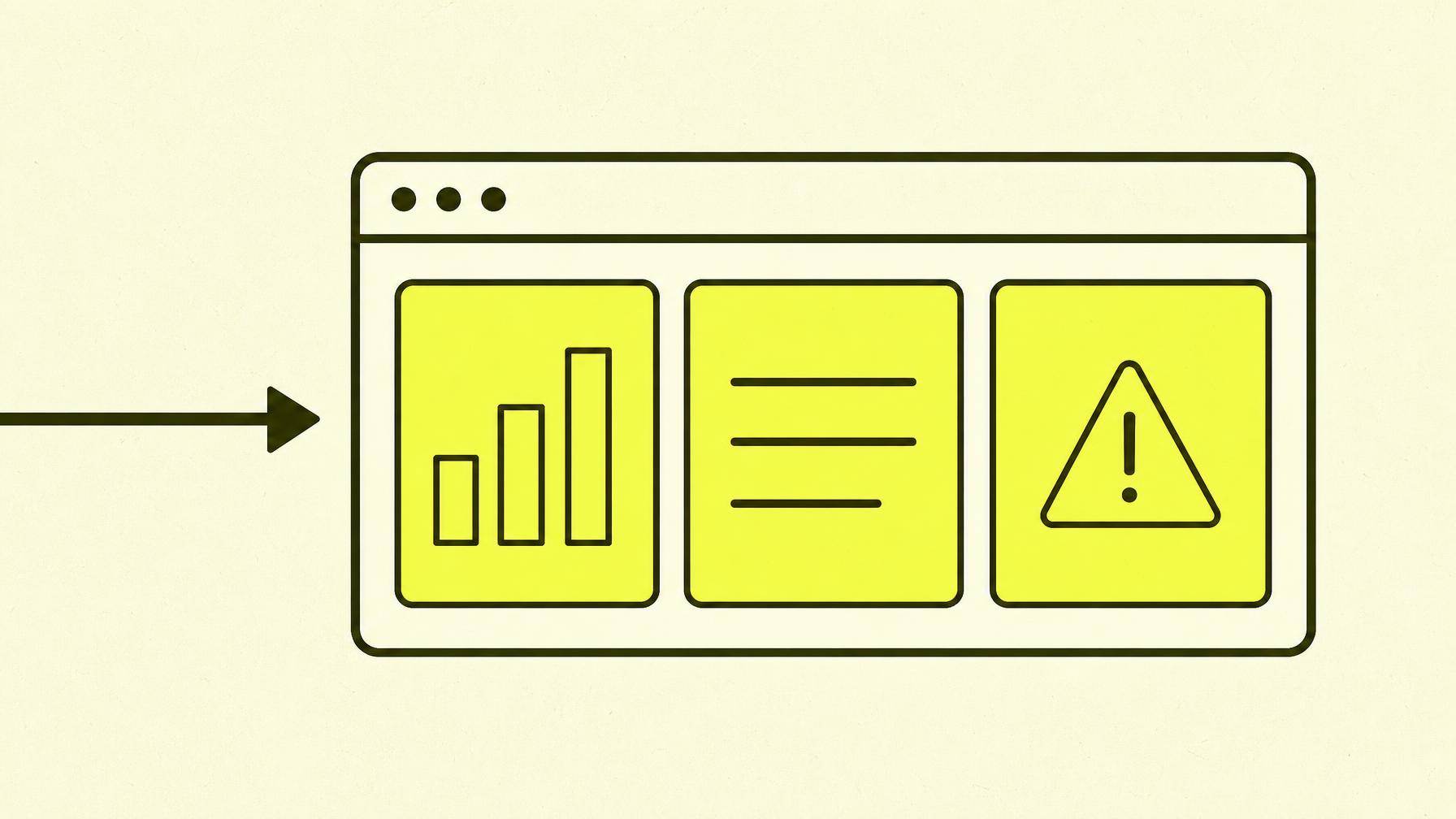
If you're only going to use one tool, use Search Console. It's free, it's from Google, and it's the only place you can see what Google is actually doing with your website.
You'll get answers to:
- Which pages Google has indexed
- Which keywords bring you impressions and clicks
- Which pages have technical problems
- Which pages have dropped in traffic — and when
What Search Console doesn't do is tell you what you should do. That's where you need an interpreter — whether it's you or someone you hire.
I've written a separate guide to Google Search Console if you want to get started.
2. Google PageSpeed Insights — Speed Without the Bullshit
Speed is a ranking factor, especially on mobile. PageSpeed Insights gives you a score, shows you exactly what's slow, and links it to Core Web Vitals — the three metrics Google publicly states they care about.
You get:
- Performance score from 0–100 for mobile and desktop
- LCP (Largest Contentful Paint) — how quickly the main content loads
- INP (Interaction to Next Paint) — how responsive the page feels
- CLS (Cumulative Layout Shift) — whether elements jump around while the page is loading
The number itself means less than the trend. A page that scores 45 today and 70 in three months is on the right track. A page that scores 90 but has an unstable graph over time might have something going on under the surface.
3. Google Trends — What People Are Actually Wondering
Trends is underrated. It doesn't show volume, but it shows direction. Trying to choose between two keywords for an article? Compare them in Trends. Want to know if a topic is seasonal? Trends will tell you.
I use it especially when I need to:
- Choose between two similar keywords
- Plan my content calendar around seasonal trends
- Check if a 'hype word' is actually growing or just a bubble
4. ChatGPT / Claude — Not for Data, but for Thinking
AI tools can't replace Search Console or a crawler. But they are excellent for:
- Brainstorming titles and meta descriptions
- Writing the first draft of an article's outline
- Finding patterns in text (e.g., repetitive phrasing)
- Translating and simplifying complicated explanations
- Checking if a page is clear enough
I use AI as an extra brain, not a replacement. It can't see your website live. It doesn't know what your competitor did yesterday. It can't replace experience and data.
5. Screaming Frog — Free Technical Scanning
Screaming Frog is a desktop application that crawls your website just like Google would. The free version covers 500 URLs, which is enough for a great many small business websites.
It finds:
- Broken links
- Missing or duplicate titles
- Images without alt text
- Pages that aren't being indexed
- Redirect chains and status codes
For a website with a hundred pages, this is worth its weight in gold. You get a technical health report in minutes, not hours.
6. Google Itself — The Underrated Competitor Analysis
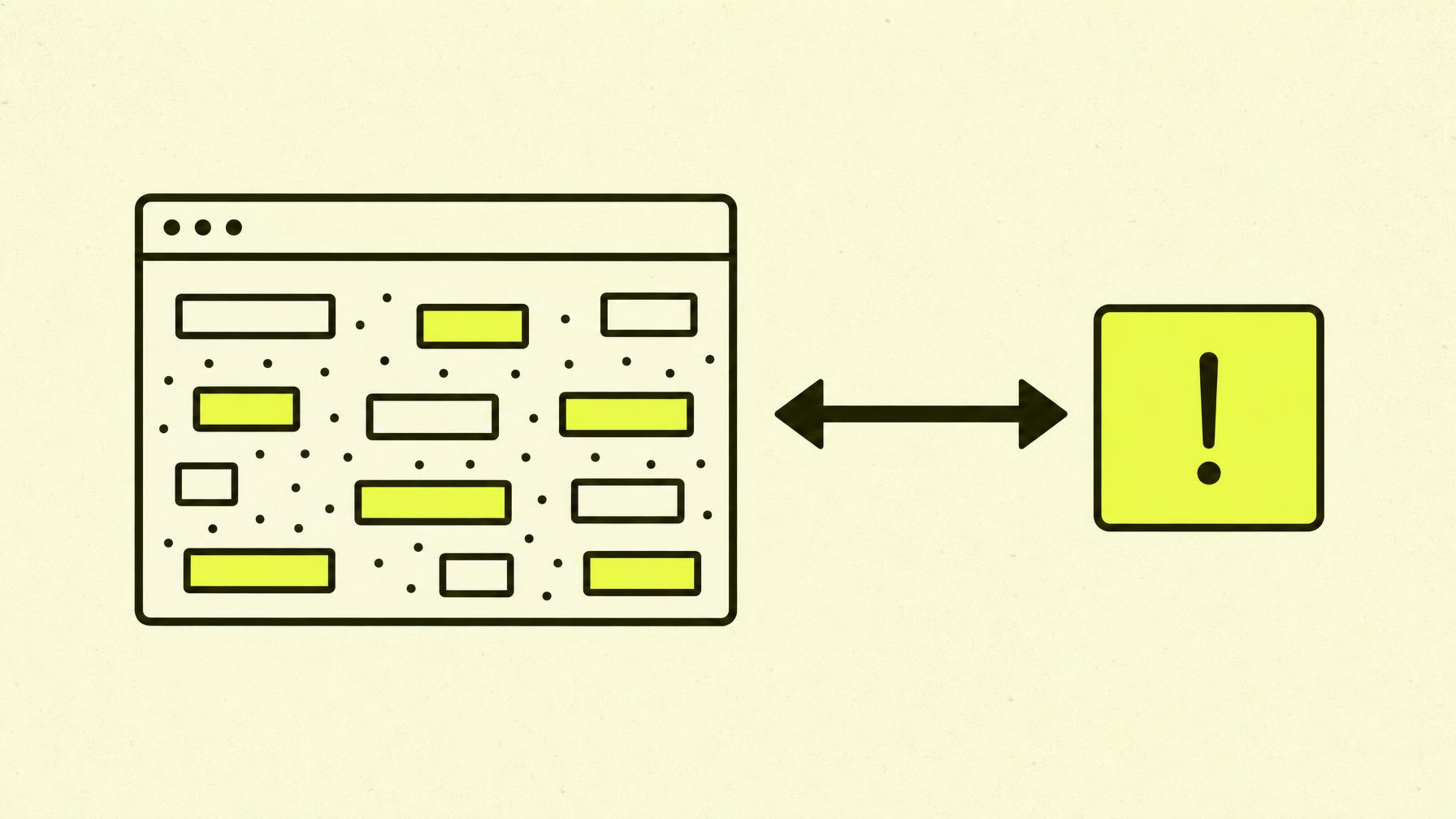
Open a private browser window, search for the keyword you want to rank for, and see what comes up. It's free, and it gives you more insight than many tools:
- What are competitors writing in their titles?
- What type of content is ranking — articles, product pages, local results?
- Are there image carousels, 'People also ask' boxes, videos or maps?
- Which websites are allowed to be there?
This is competitor analysis without a filter. All you need is time and a notepad.
7. My Own Free SEO Analysis
I built a free SEO analysis tool precisely because most tools either drown you in data or require you to know what you're looking for. The analysis looks at:
- Technical health
- GEO and AI visibility
- Speed and mobile performance
- What you should prioritise
It takes less than two minutes. Use it as a starting point, and combine it with the tools above to dig deeper.
What You Don't Need at the Start
Paid tools like Semrush, Ahrefs or Moz are powerful, but they aren't mandatory. Consider paying only when you:
- Have many hundreds of pages to monitor
- Need to do deep competitor analysis regularly
- Need accurate search volume data for many keywords
- Are working on content planning for multiple markets or languages
Until then, the free tools are your strongest allies.