In this article
When discussing AI in SEO work, it is easy to focus on copywriting, even though the biggest gain lies in reducing manual data wrangling. MCP for SEO is a standardised way to connect an AI assistant to SEO data and tools, and you only need it when it handles a recurring task better than your current workflow.
What is MCP for SEO?
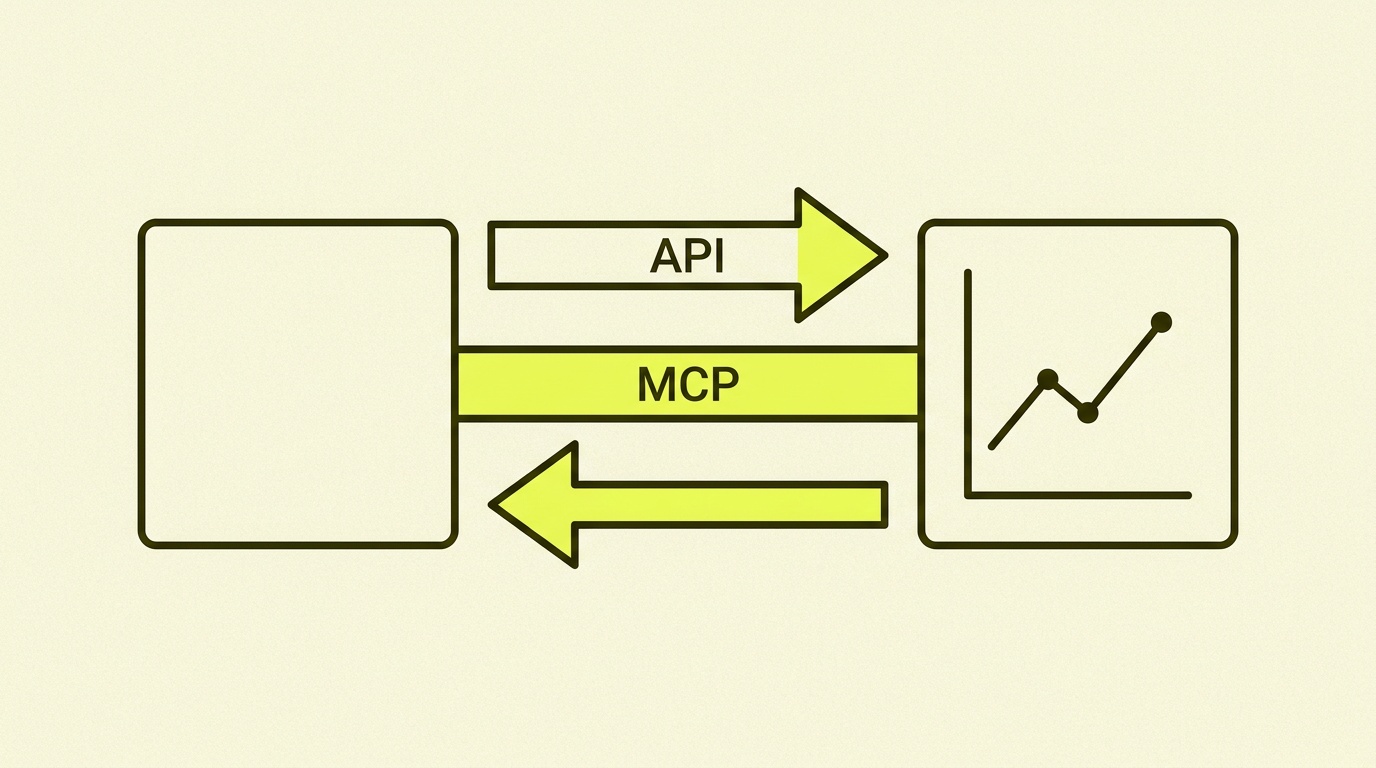
MCP stands for Model Context Protocol. It is an open protocol for how an AI application can communicate with external tools and data sources. In an SEO setup, that might be Search Console, an analytics tool, a CMS, or an internal database.
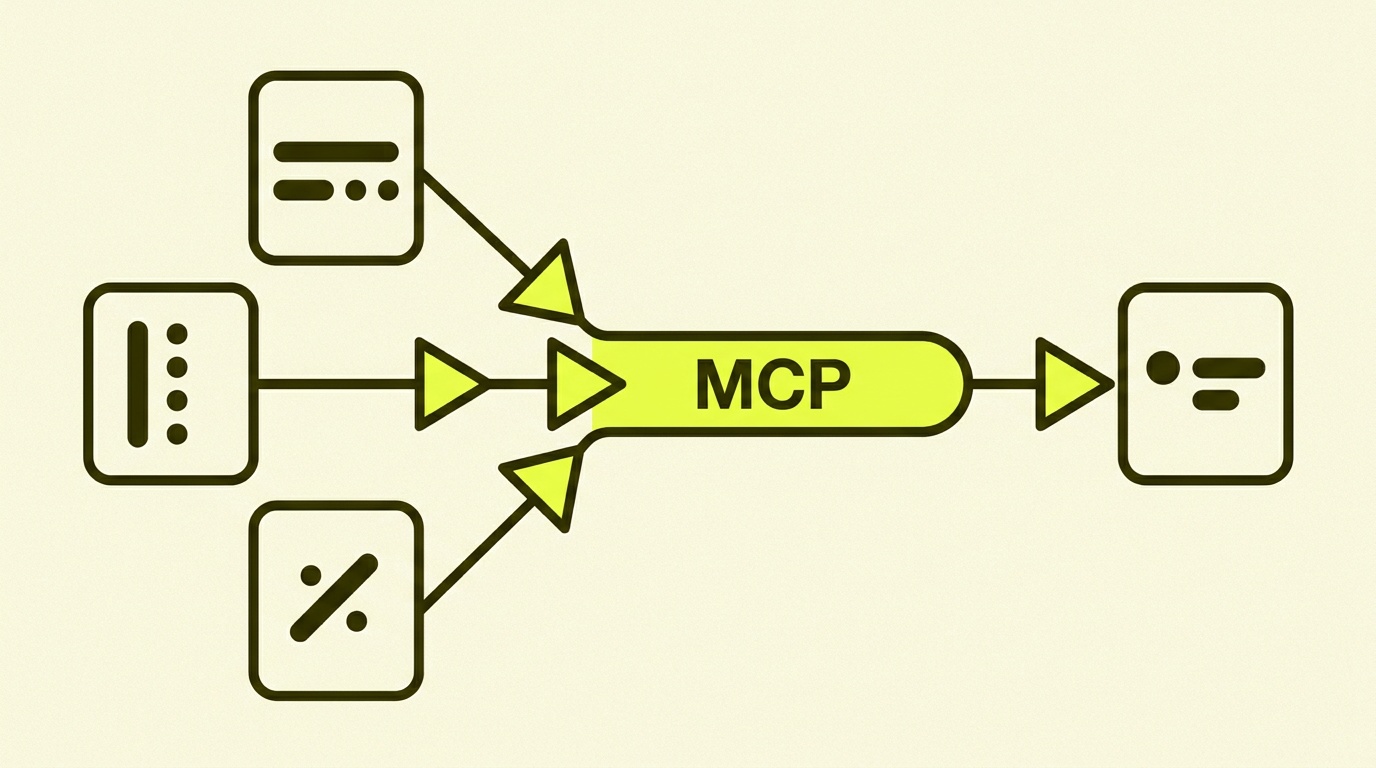
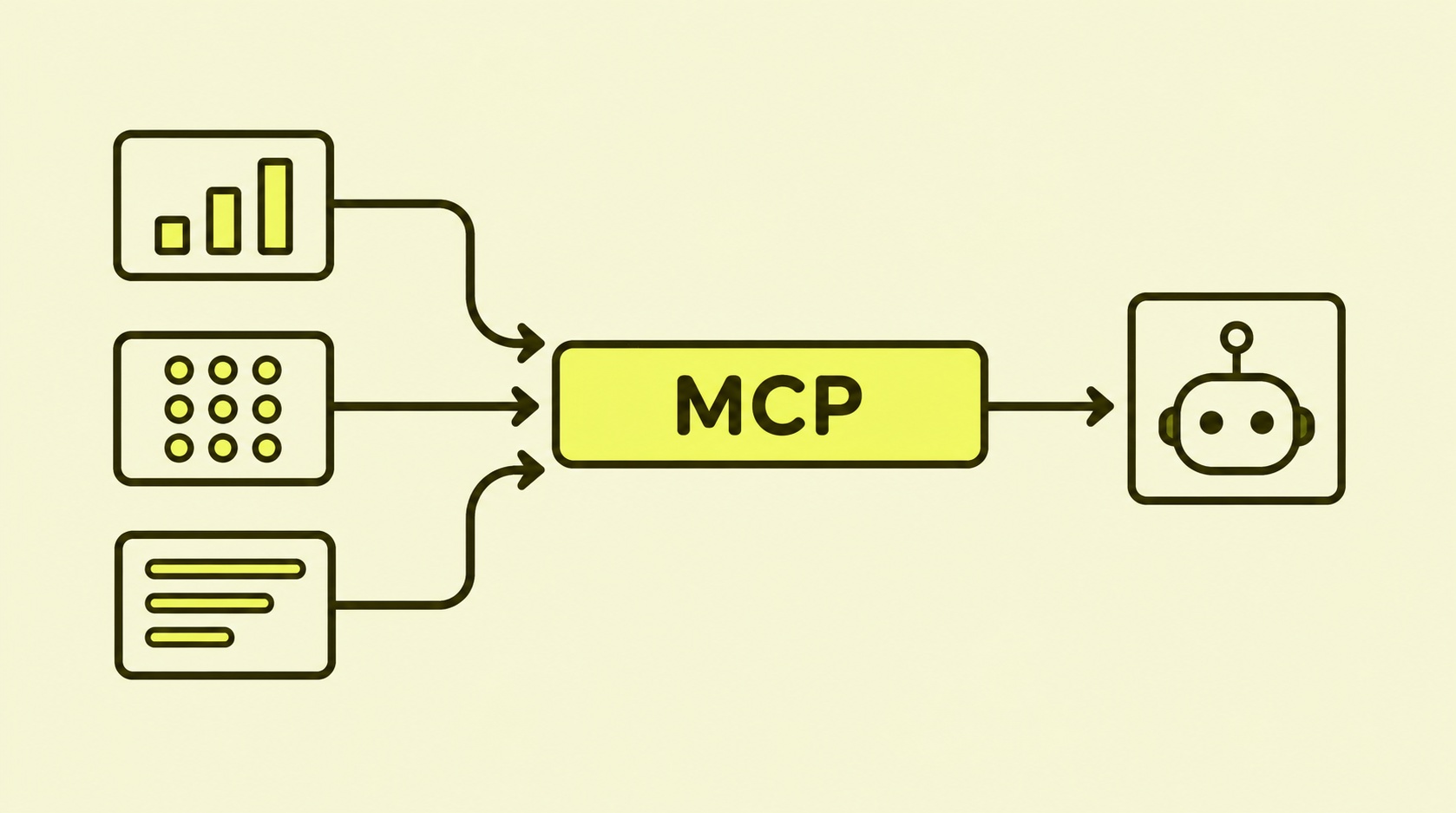
You can think of MCP as a common contact point between your AI assistant and your systems. The AI application is the host, an MCP client maintains the connection, and the MCP server provides specific functions or data. The server can run locally on your machine or remotely on the internet.
This does not mean the language model automatically "understands SEO". It gains the ability to request data or use a tool, and then interprets the response. The quality of the data source, the tool, and your prompt therefore all affect the final result.
What can MCP do in SEO work?
An MCP server can offer tools the AI can use, resources it can read, and pre-built prompt templates. What is possible is determined by the server and the permissions you grant it.
In practice, an SEO setup can pull performance metrics, identify pages with drops in traffic, compile keyword data, or fetch content from a page. Some setups can also create drafts or modify data. That is precisely why you should clearly distinguish between read access and write access.
MCP can, for example, help you to:
- pull the week's most significant changes from Search Console
- compare your own pages with publicly accessible competitor pages
- identify content that has not been updated in a long time
- produce an initial draft of an executive summary with links back to the underlying data
The AI can still misinterpret figures, apply suboptimal filters, or mix up date ranges. Ask for date ranges, dimensions, and sources in the answer, and verify figures before using them in decisions.
When is MCP for SEO worth it?
MCP is most valuable when you carry out the same type of data collection repeatedly, and when the data already resides in a system with an API or another accessible connector. In that scenario, you can replace manual coordination without giving up your professional oversight.
For a small website with infrequent analyses, a standard export from Search Console might be quicker and simpler. If you are new to the tool, start with the Google Search Console guide. You should not build an integration just to avoid downloading one CSV file a month.
I would consider MCP when several of these points apply:
- You run the same queries across multiple domains.
- You spend significant time copying data between tools.
- You have a consistent report or audit routine that can be standardised.
- You can restrict access to specific data and actions.
- Someone owns the setup and can maintain it when APIs or providers change.
How do you get started with MCP for SEO?
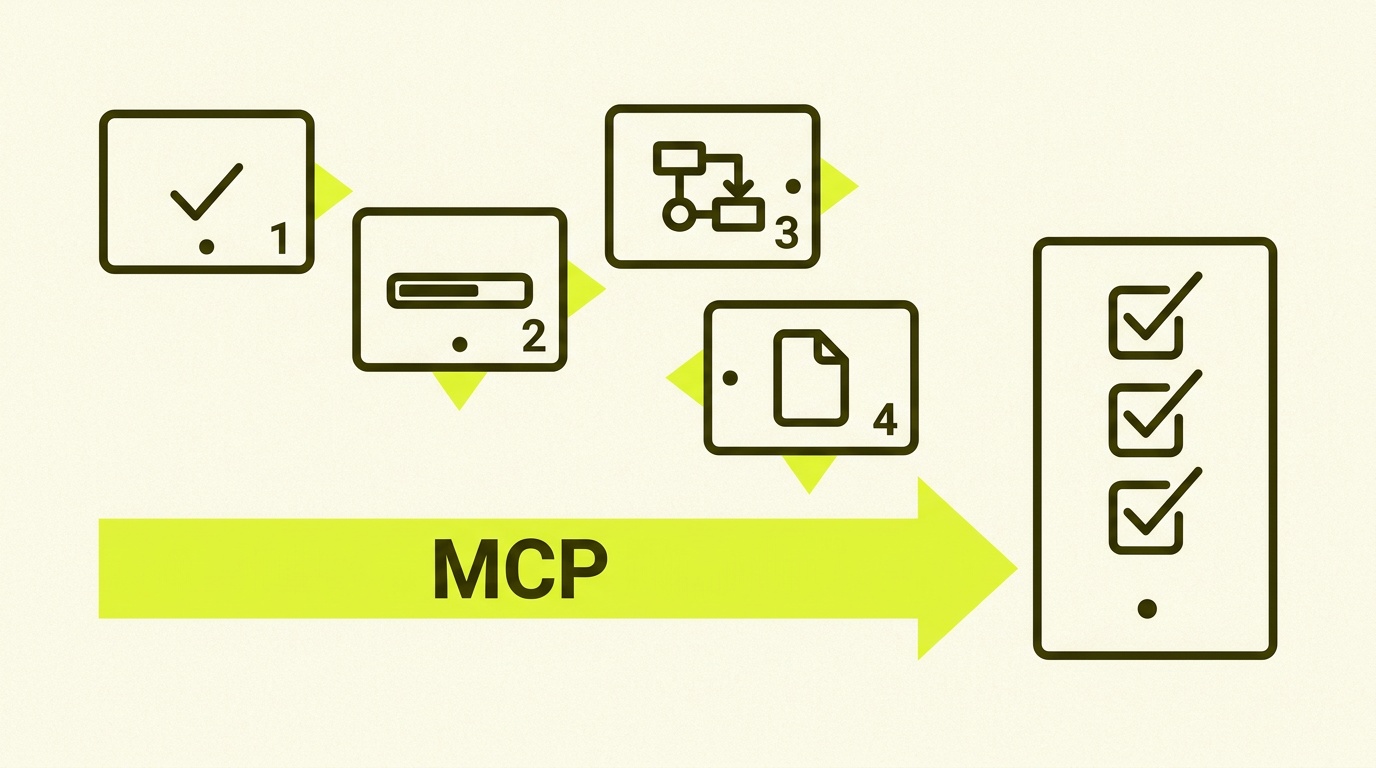
Start with the workflow, not a long list of available servers. Choose one task with a measurable outcome, such as a weekly traffic brief or a monthly list of content that needs refreshing.
1. Define inputs and expected outputs
Write down what data is required, which time frame should be compared, and what a good response looks like. A vague request like "analyse my SEO" yields vague results. "Find pages with the largest drop in clicks over the last 28 days compared to the preceding 28 days, and display the metrics for each page" is far easier to verify.
2. Choose your connector and access levels
A pre-built remote connector can be practical for cloud services. A local server might suit files and tools on your own computer. When building custom solutions or using third-party servers, you must know who hosts them and where data is processed.
Apply the principle of least privilege. For analysis, read-only access is usually sufficient. The guide on MCP, GDPR, and security provides a concrete checklist before connecting client data.
3. Test against a known benchmark
Run the same query in the original tool and through MCP. Check dates, the selected Search Console property, filters, and totals. Only when the numbers make sense is it sensible to use the output in a report.
The practical Search Console guide demonstrates a safe starting point. Once the connection is working, you can try four practical MCP workflows for SEO.
What does MCP for SEO cost?
The protocol itself does not come with a subscription fee. The cost comprises the AI service, any MCP server or hosting middleware, API usage, maintenance, and the time spent on setup and verification.
A pre-built connector might require minimal effort, but it is not necessarily free or maintenance-free. A custom setup gives you more control, yet demands greater technical responsibility. You should therefore calculate the total cost of the workflow, not just the price of a single API call.
What I often see go wrong with MCP for SEO
- Choosing the tool before the task. A long list of integrations adds no value without a concrete, recurring job to do.
- Treating the response as gospel. The AI might use the wrong date range or interpret average position too rigidly.
- Granting broader permissions than needed. A read-only analysis does not require permissions to publish or delete.
- No one owning maintenance. APIs, access tokens, and provider terms change, and someone needs to notice when the old workflow stops working.
In short: My advice on MCP for SEO
MCP is valuable when it eliminates friction between your question and the data you already hold. Connecting as many tools as possible to an AI assistant is not an end in itself.
Start with one report you generate frequently, stick to read-only access, and cross-reference the output against the source. If you save time without losing traceability or control, you have a solid foundation to build upon. If you want help setting up such a workflow for your team, see how I work with AI workflows for SEO.