In this article
When I see reporting work become unnecessarily tedious, it is usually because the same figures are retrieved and interpreted from scratch every week. You can connect Search Console to Claude with MCP using a server that communicates with the Search Console API, but you need to verify the connection against known figures before you trust the outputs.
What is MCP for Search Console?
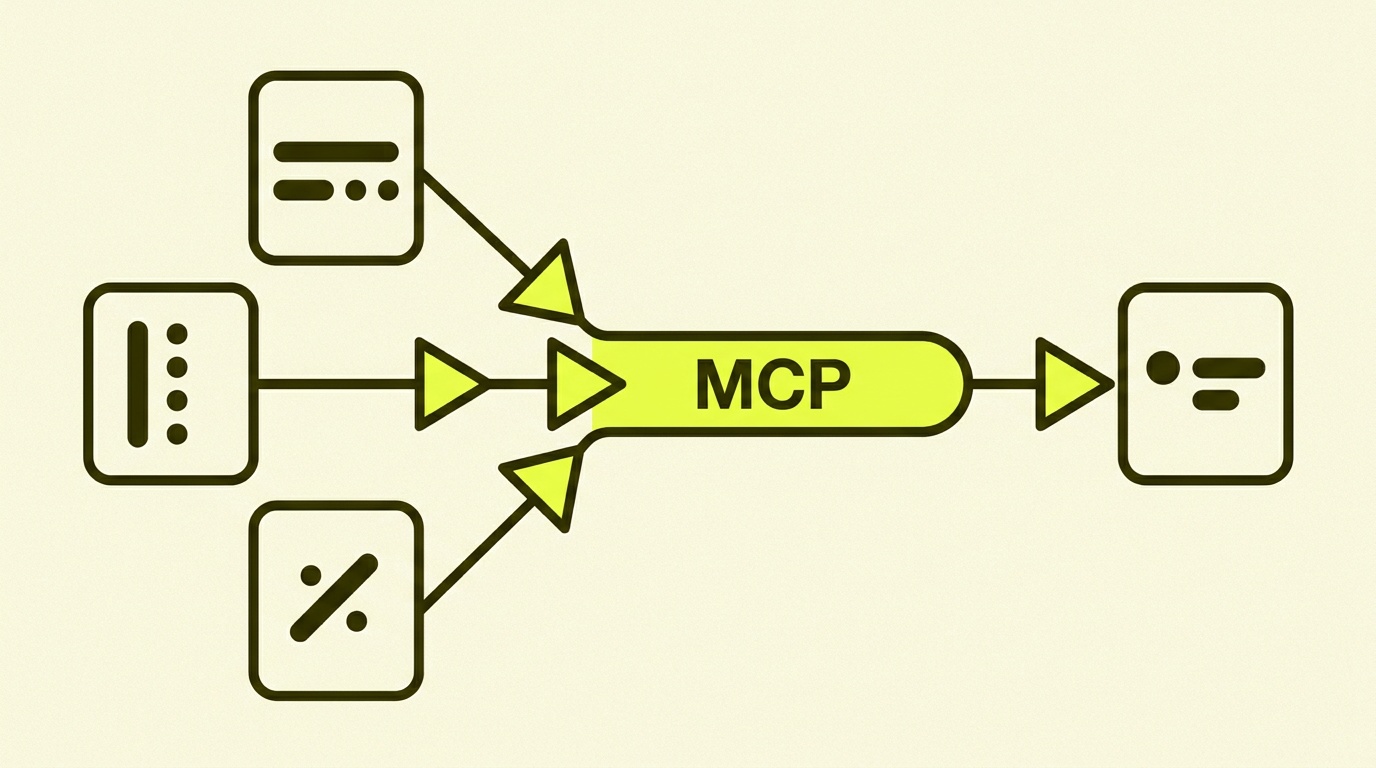
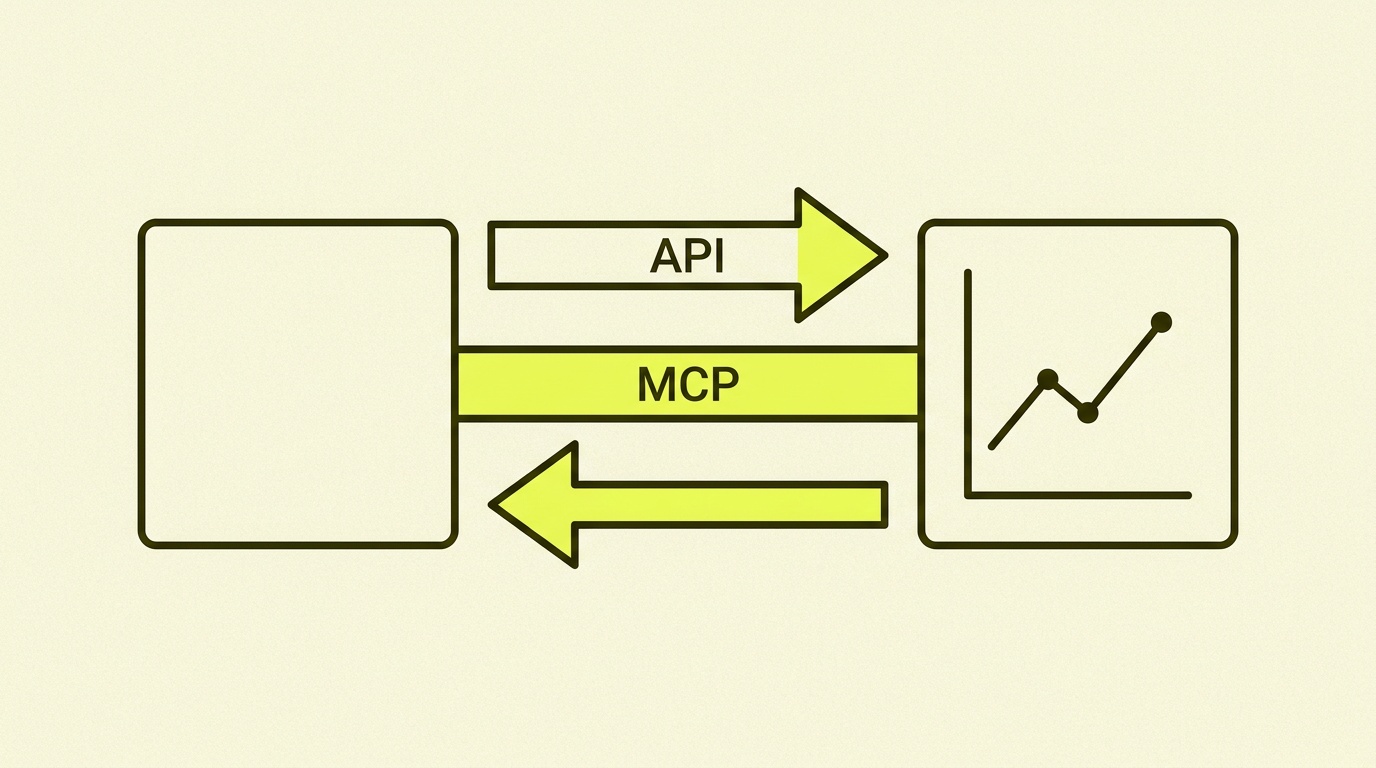
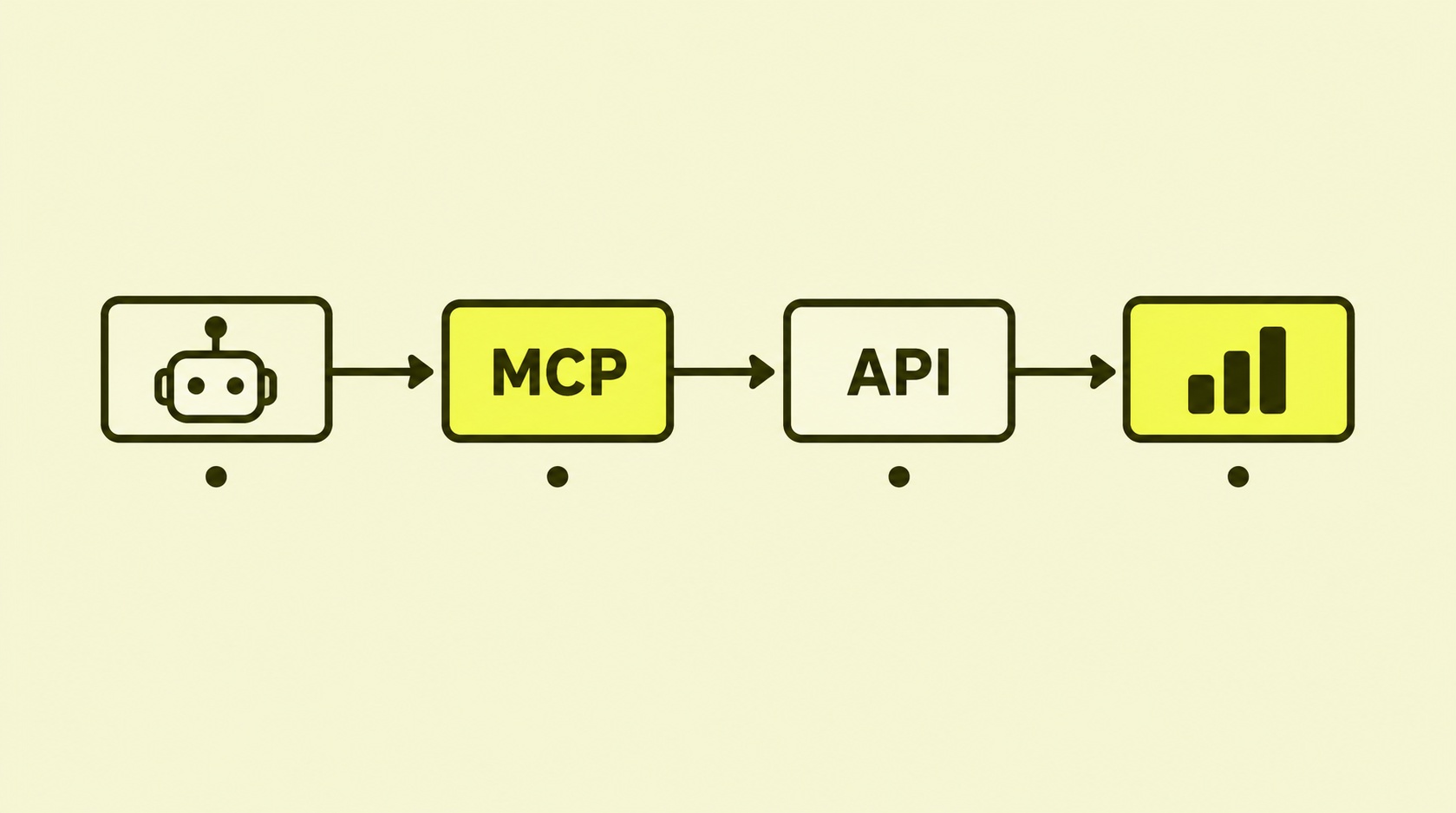
MCP for Search Console means that an AI application can use an MCP server to retrieve specific data from Search Console. The server acts as an intermediary: it receives a structured tool call, makes an API request, and returns data that the AI can summarise or analyse.
There are multiple ways to build or host such an intermediary. I am therefore not basing this on a specific third-party package or an official MCP server from Google. Before you install anything, you must establish who built the server, where it runs, which Google permissions it requests, and whether it can perform actions beyond reading performance data.
If you need the fundamentals first, read what MCP for SEO is. For client data, you should also carry out the checks in the guide to MCP, GDPR, and security.
How do you connect Search Console to Claude with MCP?
The exact setup depends on the server you select. The workflow below applies regardless, making it easier to spot a flawed configuration before it creeps into your reporting.
1. Choose a server and verify who is behind it
Document whether the server is local or remote, which tools it exposes, and how authentication is handled. With a remote connection, Claude connects to the server from Anthropic's cloud infrastructure, not just from your local machine.
Avoid pasting a Google API key or any other secret directly into a chat. Instead, follow the server's documented authentication flow and use a dedicated Google account or service account where supported and appropriate.
2. Grant access to the correct Search Console property
The user authorising the request must have access to the specific property you want to analyse. A domain property and a URL-prefix property are not interchangeable in the API call. Always double-check the exact URL or the sc-domain: identifier.
Start with a single property and the minimum required permissions. For performance analysis, Google's read-only scope webmasters.readonly is the relevant one. Do not grant access to all client properties if the workflow only concerns one domain.
3. Add the connection to Claude
For a remote MCP server, you can add a custom connector from Claude's integrations area and complete the provider's authorisation flow. Local servers follow a different setup in the desktop application. Refer to the documentation for the specific version and plan you are using, as menu options and capabilities can change.
Once the connection is active, start by asking which Search Console tools are available. That will show you whether the server can only list properties, or if it can also retrieve performance broken down by page and query.
What Search Console data can MCP retrieve?
The Search Analytics API can return clicks, impressions, click-through rate, and average position. You can request data grouped by date, page, query, country, and device, among others, depending on what the MCP server supports.
A reliable server makes these parameters explicit. You should be able to see the exact property, date range, search type, and dimensions used in the query. If the output is merely a ready-made narrative without these underlying parameters, it becomes impossible to audit.
The API does not provide an exact replica of everything you can see or inspect in Search Console. Nor is it a substitute for GA4, a site crawl, or URL-level indexation status. Indexing problems are better diagnosed with the Google indexing guide. Choose the right data source for the question you are trying to answer.
How do you test MCP and Search Console against actual figures?
Open the performance report in Search Console while running your tests. If you need a refresher on the report, see the Google Search Console guide. Choose a date range far enough in the past that the data has fully stabilised, and take note of your filters and dimensions. Google notes that data is generally available after two to three days.
Try this verification prompt:
Retrieve clicks, impressions, CTR, and average position for this Search Console property from 1 to 28 October 2026. Use the web search type, group by date, and state the exact API parameters you use. Do not calculate changes or provide commentary.
Then compare the overall totals and a few individual dates. Run the same query grouped by page, and check the top ten against Search Console. Minor discrepancies may stem from data grouping rules or truncated rows, but they should never be ignored outright.
Finally, test a concrete analysis:
Identify the pages with the largest absolute drop in clicks from 1 to 28 October 2026 compared to the preceding 28 days. Display both periods, the change in clicks and impressions, and clearly separate raw figures from your analysis.
Which Search Console pitfalls should you watch for in MCP?
The same week can yield completely different numbers if one query targets a URL-prefix property and another targets the domain property. Also check that comparison windows are identical in length, and avoid comparing a recent, incomplete date range against an established, finalized one.
Be particularly cautious with search query reports. Search Console withholds anonymised queries and only displays the top rows in many exports. As a result, the sum of a query-level table often will not match the property's overall total.
Average position is also not an absolute ranking for a given page. It fluctuates based on query variations, devices, and search result features. Use the metric to identify directional trends, not to promise a guaranteed rank.
What I often see go wrong with MCP and Search Console
- The wrong property is selected. The output looks polished, but it queries a different URL scope than the report you are validating against.
- Date ranges are ambiguous. Terms like "this month" and "last month" are used without explicit start and end dates or equal comparison windows.
- Query lists are assumed to be complete. Anonymised and truncated rows explain why row sums and headline totals diverge.
- The third-party server has not been vetted. The connector is deployed before confirming who actually has access to the client's data and logs.
In short: My advice on MCP and Search Console
Connect one Search Console property, stick to read-only access, and establish two fixed test prompts with explicit date ranges. Once the outputs match your Search Console reports, you can build a reliable weekly analysis routine.
Ultimately, it is the workflow that delivers the value. Take a look at four practical tasks where MCP can save time, and always use Search Console as your source of truth whenever a number looks off.