In this article
When assessing whether an AI workflow is genuinely useful, I look for tasks that repeat every week or month. MCP can save time on morning briefings, competitor checks, content refreshes, and keyword analysis because the assistant pulls from the same data sources every time, while you retain full control over the conclusions.
What is an MCP workflow for SEO?
An MCP workflow is a structured sequence where your AI assistant uses one or more MCP connections to fetch data, structure the response, and deliver a specific outcome. For instance, it can fetch Search Console data, inspect an XML sitemap, and generate a prioritised list with direct links to the sources. If MCP is new to you, first read what MCP for SEO is and when it pays off.
There is no magic in the analysis itself. The real benefit is that every step remains consistent and you avoid manually copying data between multiple tabs. A well-designed workflow therefore states explicitly which data to use, how to compare it, and what the assistant must not do.
Before using these examples, ensure your connection works. Start with MCP and Search Console if you need the setup, and review the security and GDPR checklist before handling client data.
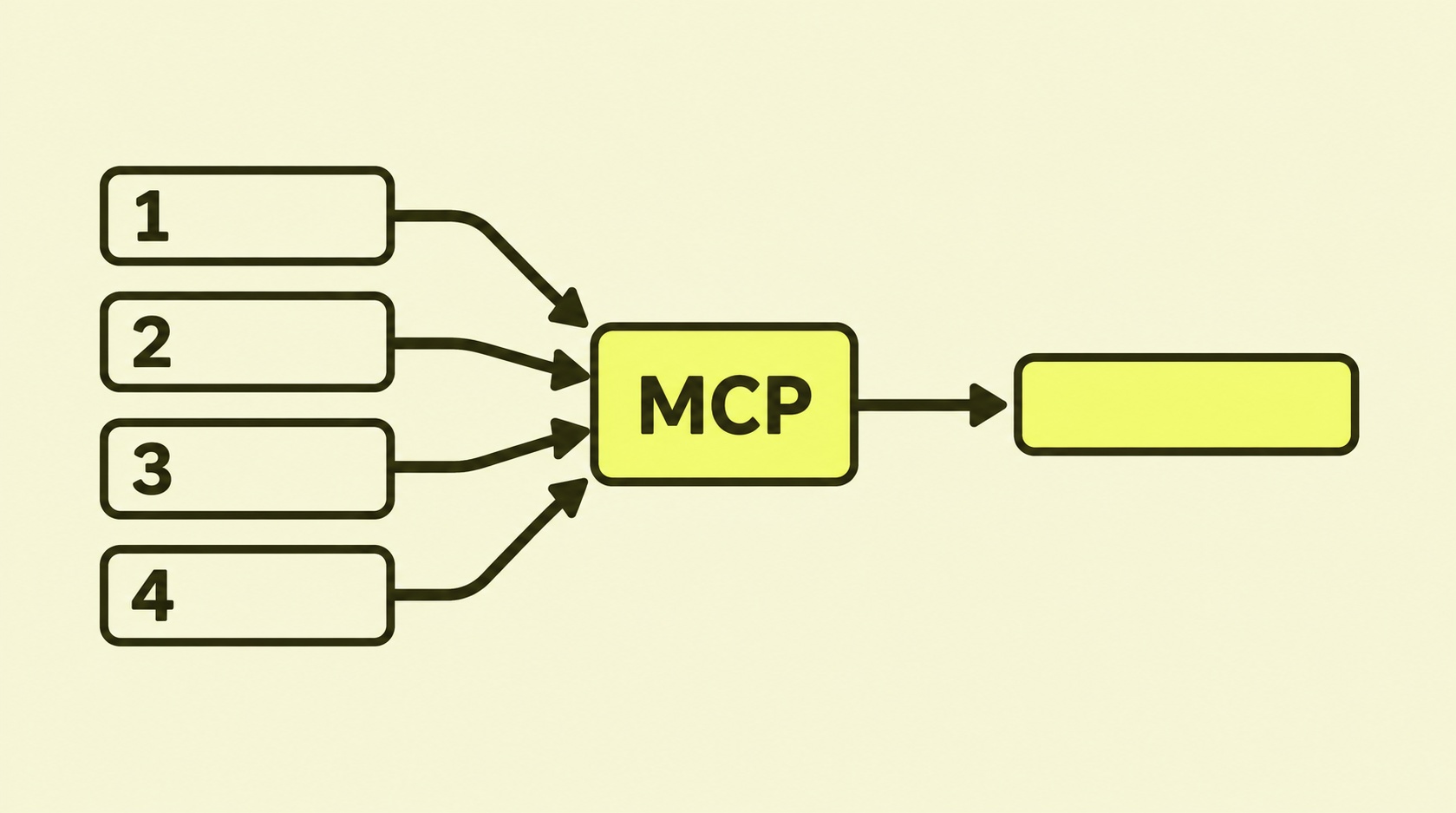
Which 4 MCP tasks save time each week?
The four workflows below can be used independently. I wouldn't connect all four across every client all at once. Pick the one that removes an existing bottleneck and test it on a single domain first.
1. Morning briefing per domain
A regular briefing gives you traffic numbers, rankings, and unexpected changes before you have to open five separate reports. The MCP server can pull Search Console data, plus GA4 or a rank tracking tool if connected.
Generate a morning brief for this domain. Compare the last 7 days with the preceding 7 days in Search Console. Display clicks, impressions, and average position, the five pages with the largest absolute change in clicks, and new search queries with an average position below 10. State exact dates and data sources. Separate raw numbers from interpretation, and do not suggest action steps until after presenting the data.
Ask for both absolute and percentage change. On smaller domains, low click volumes can produce wild percentage swings. Also, avoid interpreting the most recent days until the Search Console data has settled.
MCP is not a scheduler. For actual morning delivery, you will need a scheduled run in your AI host or an external automation tool, pointing to a delivery channel like email or Slack. Treat the first week as a manual test run.
2. Quick situational check before client pitches
Here you combine your own search data with public competitor pages. It is particularly useful when someone asks: "Why is this domain outranking mine?" It gives you rapid hypothesis generation, not a definitive verdict on Google's algorithm.
Investigate why the competitor's page might be outranking ours for this search term. Fetch our actual impressions, clicks, and average position from Search Console. Fetch both public web pages and compare search intent, depth of coverage, structure, internal links, and clear trust signals. Create a table of observable differences and label all explanations as hypotheses. Do not make assumptions about the competitor's traffic or technical history.
The output should be a concise list of findings you can present in a client meeting, backed by URLs and verifiable on-page elements. Never let the AI fabricate competitor clicks or conversions, it has no access to them.
3. Monthly content refresh alert
A refresh alert flags content that has aged and balances it against actual performance metrics. MCP needs publication or modification dates from the CMS or sitemap, ideally paired with Search Console data. Always inspect the lastmod field, as it does not always represent a meaningful content update.
Run this month's content refresh alert. Identify articles that have not had an editorial update in over 9 months. Cross-reference with Search Console for the last 28 days versus the same period last year, or the preceding 28 days if year-on-year history is unavailable. Prioritise pages with historical or current traffic and pages supporting core commercial services. Return the top 5 with URL, last update date, click change, emerging relevant search queries, and specific sections that appear outdated. Do not recommend updating the date without making substantive content changes.
This is far more actionable than a plain list of older pages. A well-written, evergreen guide does not necessarily need a rewrite, whereas an article containing outdated figures and dropping impressions should sit at the top of your queue.
Consider adding a manual business value attribute if your CMS or tracking spreadsheet supports it. Otherwise, a heavily trafficked yet commercially irrelevant post might dominate the list. When deciding whether to update or prune underperforming content, consult the guide to content pruning.
4. Keyword analysis with MCP and proprietary data
Your own Search Console data provides an ideal starting point because it reveals where your site is already getting impressions. MCP can extract queries and URLs with an average position between 8 and 20, then help you group them by search intent.
Fetch search queries and landing pages from Search Console for the last 3 months with an average position between 8 and 20. Exclude branded searches. Group queries by shared landing page and probable search intent, preserving the original query strings and metric figures within each group. Suggest three prioritised actions based on impressions, relevance, and proximity to existing content. Do not invent search volumes that do not exist in the source data.
Instruct the assistant to separate raw metrics from its own topical groupings. Two similar terms may represent distinct intent, and an average position is never a guarantee that a single tweak will bump you to position one.
Use the output to refine an existing page before jumping to publish a new one. Check whether one page can satisfy the entire cluster, and whether creating a new page might cannibalise existing rankings. Google consistently rewards unique, helpful content designed for people, rather than spin-off pages spun out for minor keyword variants.
How to prioritise SEO MCP workflows
Pick a workflow that delivers value even when executed manually. If a briefing, alert, or keyword review is already useful as a manual prompt, it makes an excellent candidate for MCP.
Measure the time saved, but scrutinise output quality as well. Verify how many findings are accurate, how many trigger meaningful work, and how frequently you have to correct hallucinated or misplaced figures. A shorter report is not necessarily a better report.
Once a workflow proves reliable, standardise the prompt and set up scheduling. Keep publishing, page deletions, and live modifications strictly outside automated routines until you have robust approvals and audit logging in place.
What I often see go wrong with MCP workflows for SEO
- Automating before verifying the data. The wrong property or date range then gets queried on repeat every single week.
- Treating every anomaly as an urgent task. Routine seasonality and minor statistical noise get elevated to high-priority alerts when proper thresholds are missing.
- Overconfident competitor analysis. Public observations get mistaken for confirmed insights into a competitor's private performance.
- Treating the update date as the goal. Refreshing dates without improving factual depth, structure, or real user value.
In short: My advice on MCP workflows for SEO
Start with the content refresh alert or a weekly briefing on a single domain. Both are straightforward to verify, deliver immediate value, and require only read access.
Once your baseline data is stable, layer in competitor checks and keyword clustering. Let MCP handle the repetitive data extraction, while keeping prioritisation, strategic assessment, and publishing firmly in your own hands. If you want the workflows tailored to your team, see how I work with AI workflows for SEO.