In this article
You can have the world's best article, but if Google has to guess what it is, it often guesses wrong. Schema is how you stop hoping.
What is structured data—and why does Google use it?
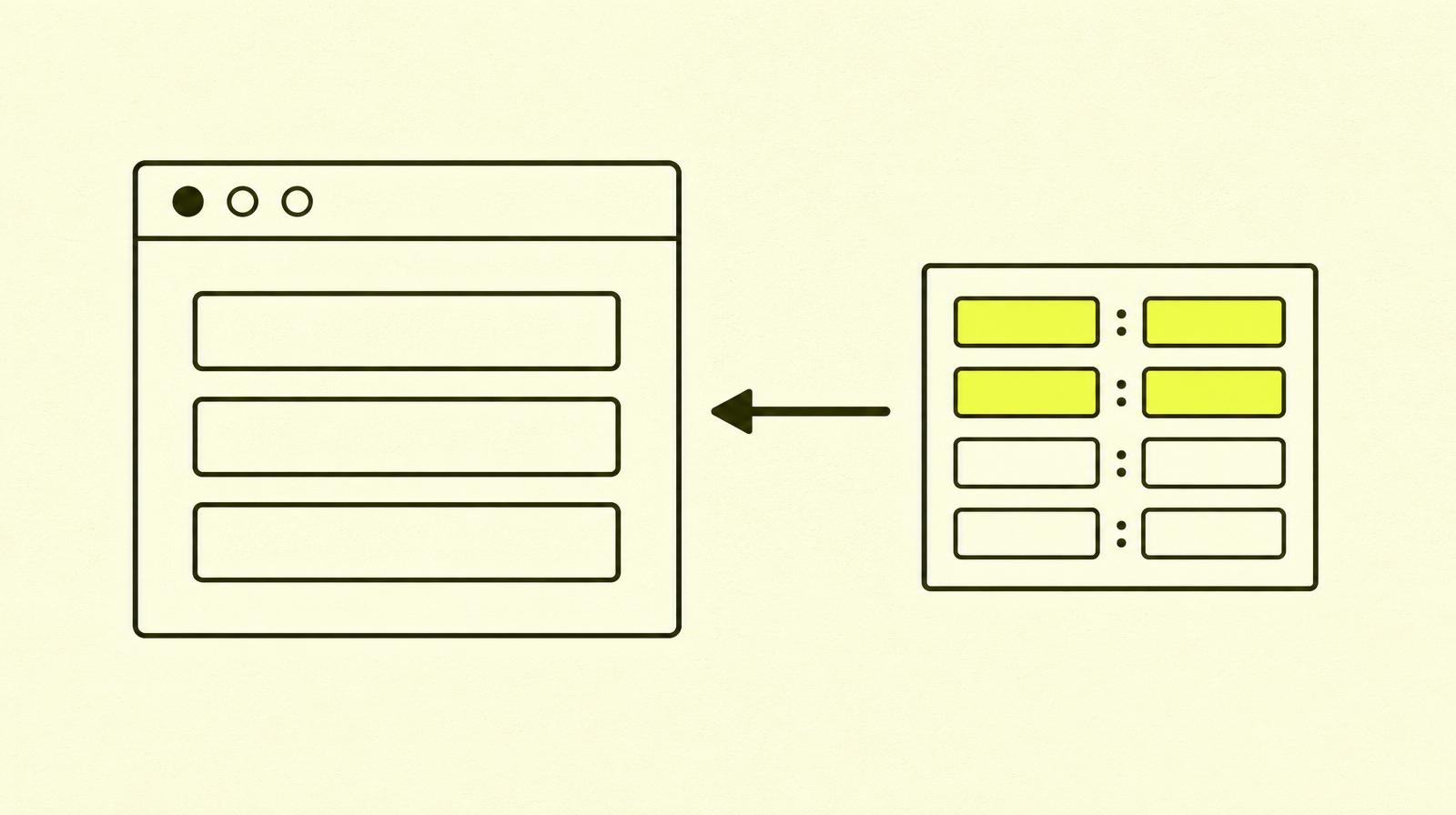
Structured data is a way of marking up content so machines can understand what it is, not just what it says. A normal webpage says, "Coffee from Ethiopia, 250 NOK, 4.8/5 stars (127 reviews)". Structured data says: { "type": "Product", "price": "250", "currency": "NOK", "rating": "4.8", "reviewCount": "127" }.
For Google, the difference is enormous. Without schema, the search engine has to interpret, guess, and make statistical assumptions. With schema, it knows exactly what each field means—and can display it as rich results in the search.
Three reasons you should care:
- Rich results. Stars, prices, FAQ accordions, breadcrumbs, article cards. All of these require schema to be displayed. Rich results take up more space and get a higher CTR.
- Better understanding for AI. ChatGPT, Perplexity, and Google's AI Overviews read structured data. The right schema makes you easier to cite as a source—one of the pillars of GEO.
- Consistency across platforms. Facebook, LinkedIn, Slack—all use parts of the same markup (
og:*tags are related) to build preview cards when someone shares your URL.
Schema.org, JSON-LD, and formats: what you actually need
The jumble of words can be confusing, so let me clarify:
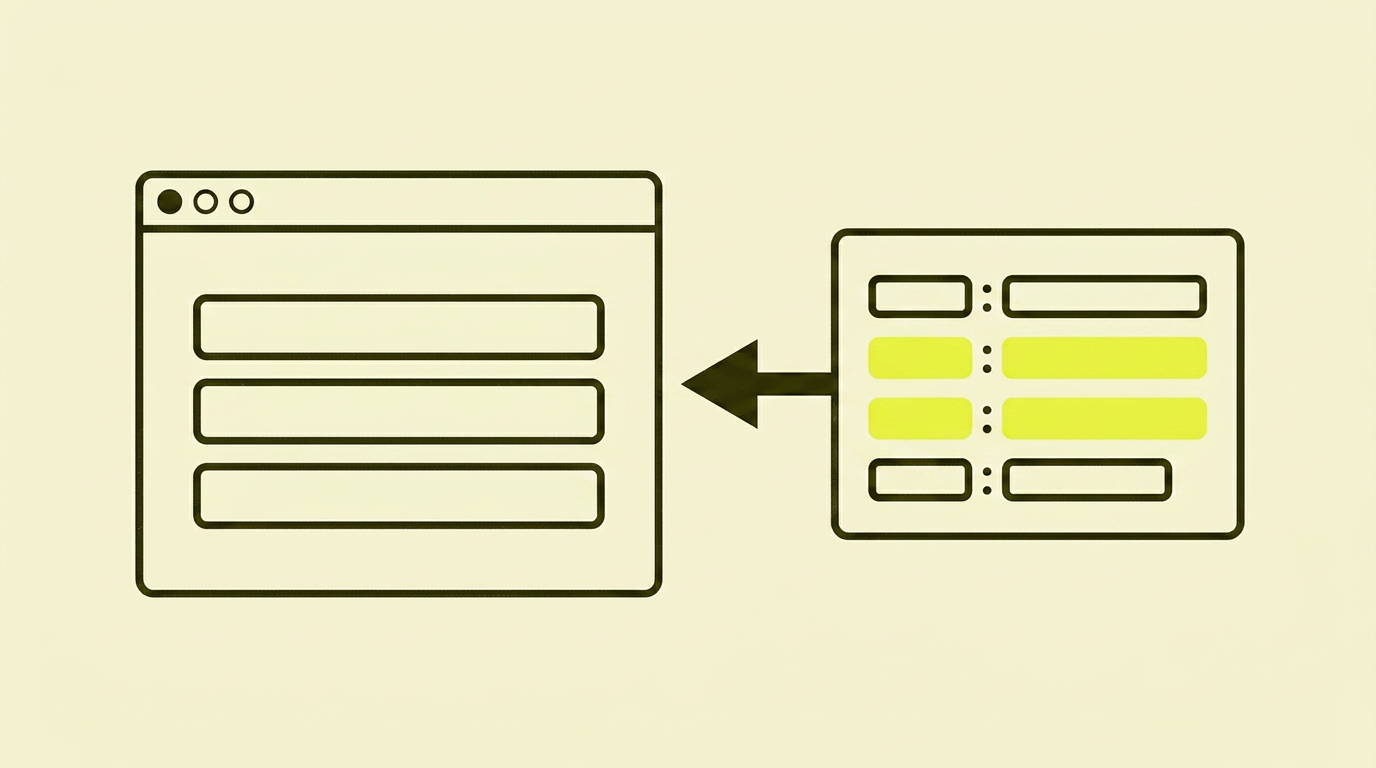
- Schema.org is the vocabulary—the dictionary that defines types (
Article,Product,Person,Event) and the properties they have. - JSON-LD, Microdata, and RDFa are three ways to write schema in HTML. Google supports all three but recommends JSON-LD. So should you.
- Structured data is the general term for all these things combined.
JSON-LD is the easiest because it's a single block you add to the <head> (or <body>), without having to pepper your HTML with attributes. Here's what a simple article markup looks like:
<script type="application/ld+json">
{
  "@context": "https://schema.org",
  "@type": "Article",
  "headline": "Structured data og schema.org: SEO-guide",
  "datePublished": "2026-07-20",
  "author": { "@type": "Person", "name": "Anabel" },
  "publisher": { "@type": "Organization", "name": "SmåSeo" }
}
</script>
One block. No inline markup. Everything Google needs.
The most important schema types—what you should implement first
Not all 800+ types on schema.org are relevant. Here are the ones that give the best return on your time:
- Organization (homepage) — who you are, your logo, social profiles. The foundation of your Knowledge Graph entry.
- Article / BlogPosting (articles) — author, date, main image. Qualifies you for article cards in Google Discover and AI Overviews.
- BreadcrumbList (all pages) — home › tips › technical seo › this page. Replaces the URL in the search result with a neat breadcrumb trail. Easy to implement, with an underrated effect. Closely related to how you use internal links in general.
- FAQPage (where you have Q&As) — can show expandable FAQs directly in the search results. Google has restricted when this is shown since 2023, but it still affects AI Overview citations.
- Product (e-commerce store) — price, availability, currency, reviews. The basis for stars and pricing in search results.
- LocalBusiness (physical shop/service) — address, opening hours, map coordinates. Gives you visibility in local search and Google Maps.
- Person (your about page) — who you are, expertise, social profiles. Builds E-E-A-T signals.

The GEO angle: why schema suddenly matters even more
Google's AI Overviews, Perplexity, and ChatGPT actively use structured data to decide who gets cited. This isn't speculation—it's documented in Google's own AI Overviews documentation and in how Perplexity describes its source selection.
Specifically, schema helps with:
- Author identity (
PersonwithsameAslinks to LinkedIn, X, etc.). AI models trust named authors more than anonymous pages. - Publication date (
datePublished+dateModified). Fresh content is prioritised for time-sensitive questions. - Source credibility (
OrganizationwithsameAs,foundingDate,address). Helps the model distinguish a "real company with a track record" from a "random blog". - Structure in longer answers (
FAQPage,HowTo). Models prefer to cite structured content because they can extract sections directly.
How to implement it—step by step
A systematic approach that works for sites with 5 pages or 5,000:
- Map what you have. Go to Google Search Console → “Enhancements”. You'll see which schema types Google has discovered. Compare this with what you should have.
- Prioritise by page type, not individual pages. Write one template per page type (article, product, category, homepage) and let your CMS fill in the fields automatically.
- Use JSON-LD. Place the block in the
<head>or just before the</body>. If you have a CMS with schema support (Astro, TanStack Start, Sanity, WordPress with Rank Math/Yoast), use the built-in function. Don't write your own script if one exists. - Fill in all required fields — Google has a list for each type on Search Central. Missing properties mean the page won't qualify for rich results.
- Don't lie. Schema you can't back up with visible content (fake reviews, made-up authors) can lead to manual penalties.
- Test everything before publishing. Always.
How to verify that it works
Two tools, free, to be used every time:
- Rich Results Test — Google's official test. It shows if the page qualifies for rich results and what types it finds.
- Schema Markup Validator — the technical validation against the schema.org standard. It catches invalid types and properties that the Google test ignores.
Run both on every page type before you roll it out at scale. And—this is important—run the Rich Results Test again after a few weeks in production. Google changes its requirements, and your perfect implementation might become outdated.
The most common mistakes I see
- Copying schema from a generator without changing the fields. "Author: John Doe" ends up on the entire site.
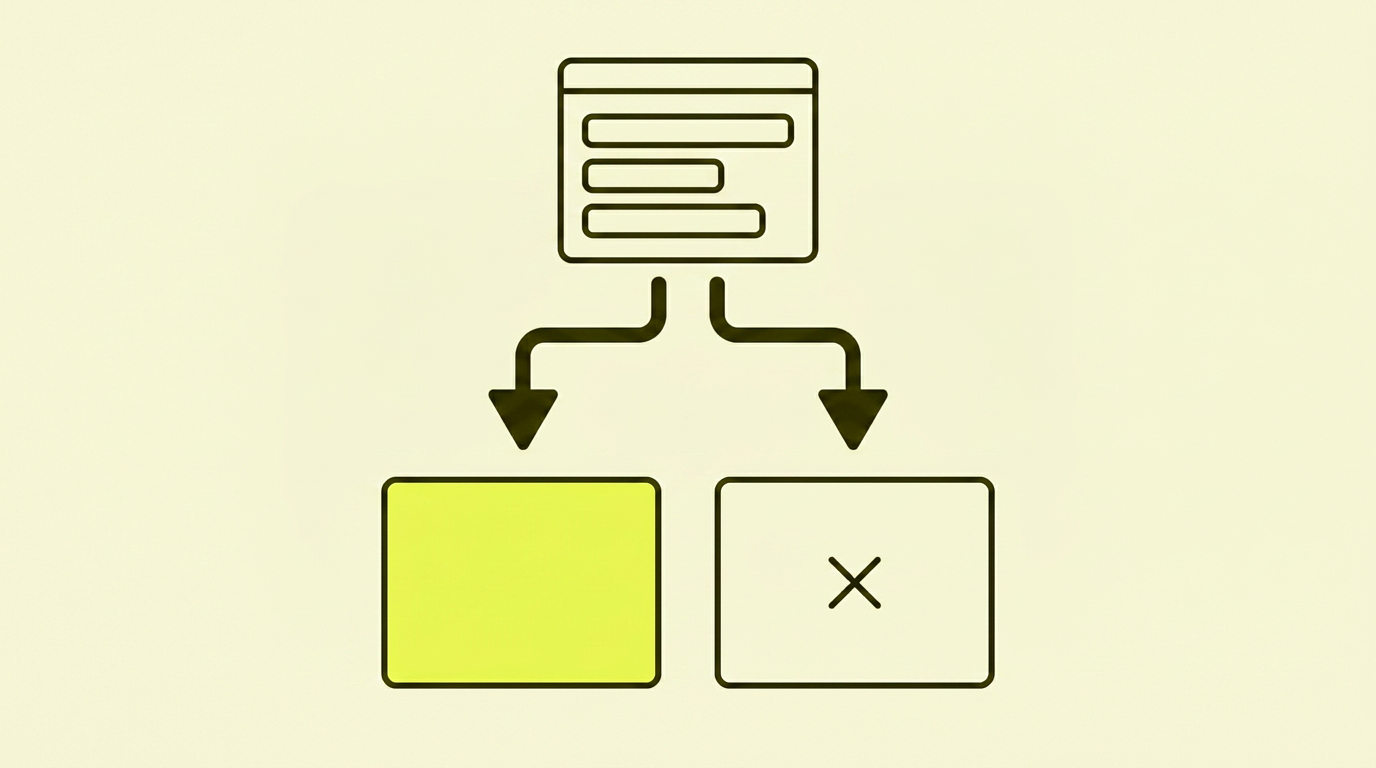
- Schema that doesn't match the visible content. It says "4.8 stars" in the JSON-LD, but there are no reviews on the page. Google either ignores or penalises it.
- Duplicate types. Two
Articleblocks on the same page. One is enough. - Missing
Organizationon the homepage. The foundation of your Knowledge Graph entry. Everyone should have it. FAQPageused where there are no real questions. Google has cracked down on this hard—fake FAQs no longer qualify.- No verification. Rolled out, never tested. Stays broken for years.
Action plan: one workday, maximum effect
| Step | What to do |
|---|---|
| 1 | Run the Rich Results Test on your homepage and one article/product. See what's missing. |
| 2 | Add Organization schema to your homepage, including logo and sameAs. |
| 3 | Add an Article/BlogPosting template to your article template. Test on one article. |
| 4 | Add BreadcrumbList to all pages (usually a single template change). |
| 5 | Add Person schema for yourself as the author. Connect sameAs links. |
| 6 | Run the Schema Markup Validator on all templates again. Fix errors. |
| 7 | Set a reminder for 4 weeks to check GSC → “Enhancements”. |
Summary: My take on structured data
Structured data is one of the few things in SEO that delivers an extremely concrete result: you add one block of code, the test shows green, and a few weeks later you see rich results in GSC. No interpretation, no speculation.
At the same time, it's increasingly becoming GEO work. The line between "helping Google understand the page" and "helping AI cite the page" is blurring every month. Schema is one of the few things that works in both channels simultaneously—and it can't be "hacked" on the cheap.
So yes: it's technical, it's tedious, and it's rarely celebrated in pitch meetings. But it might just be the cheapest, most durable SEO move you can make this week.