In this article
When I review SEO routines for clients, I often see skilled people spending hours every week copying numbers between reports. You should automate the repetitive tasks that are easy to verify, and keep the judgments that require experience.
What does automating SEO with AI mean?
Automating SEO with AI means an AI model handles specific steps in your workflow: fetching or reading data, structuring it, and delivering output in a defined format. It is less about letting AI write articles and more about cutting out manual bottlenecks.
This distinction is vital. Mass text generation is where most go wrong, both professionally and regarding Google's guidelines against scaled content abuse. Task automation, letting AI sort, compare, and summarise, is where I see the biggest time savings with the least risk.
A simple test question I use: can I verify the output against the source data in under five minutes? If yes, the task is a strong candidate. If the output requires relying on the AI's subjective judgement, it is not.
Which 4 SEO tasks should you automate with AI?
These four tasks crop up with almost every client I work with. What they have in common is that AI does the heavy lifting, while you review the result.
1. Keyword clustering
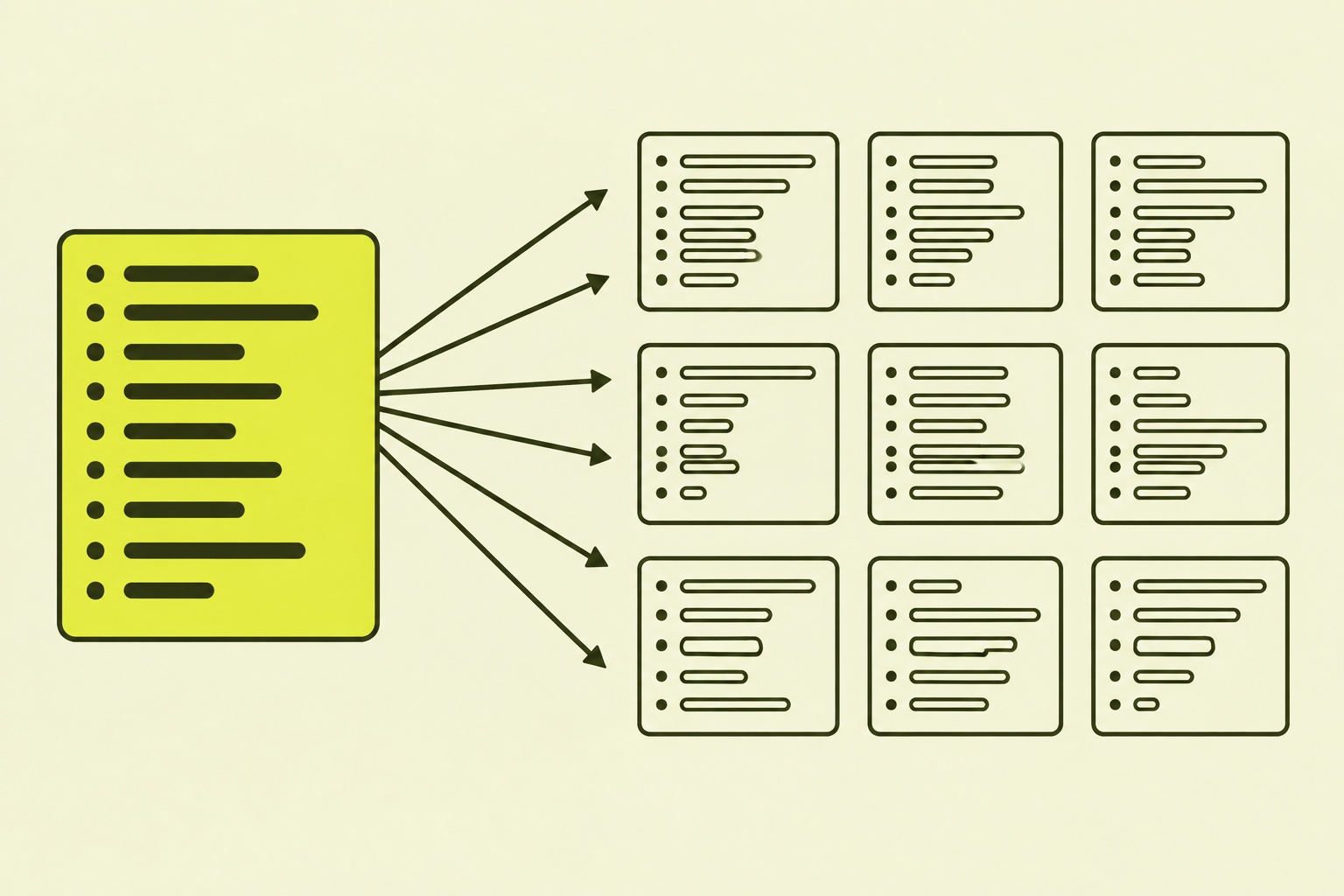
A keyword export from Search Console or an analytics tool can contain thousands of rows. AI excels at suggesting clusters by topic and likely search intent, provided you instruct it to retain the original keywords and metrics in each group. This lets you inspect why a cluster was created and move anything that ended up in the wrong place.
2. Summarising crawl exports
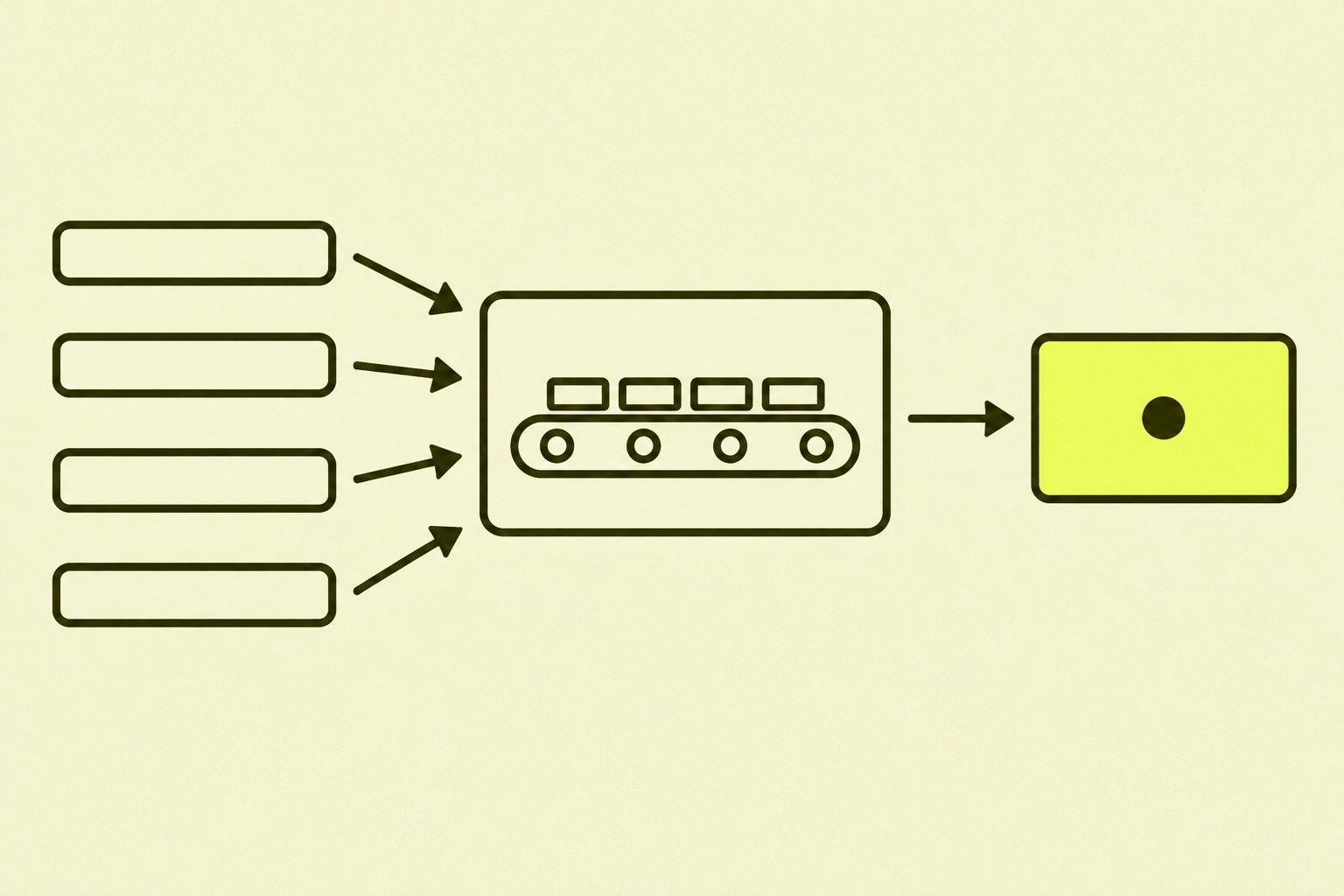
A site crawl from tools like Screaming Frog produces extensive lists of status codes, missing titles, and duplicate pages. AI can prioritise the findings by severity and number of affected URLs, drafting a concise summary you can pass on. It saves time by eliminating the need to compile the same overview from scratch every month.
3. Anomaly alerts in Search Console
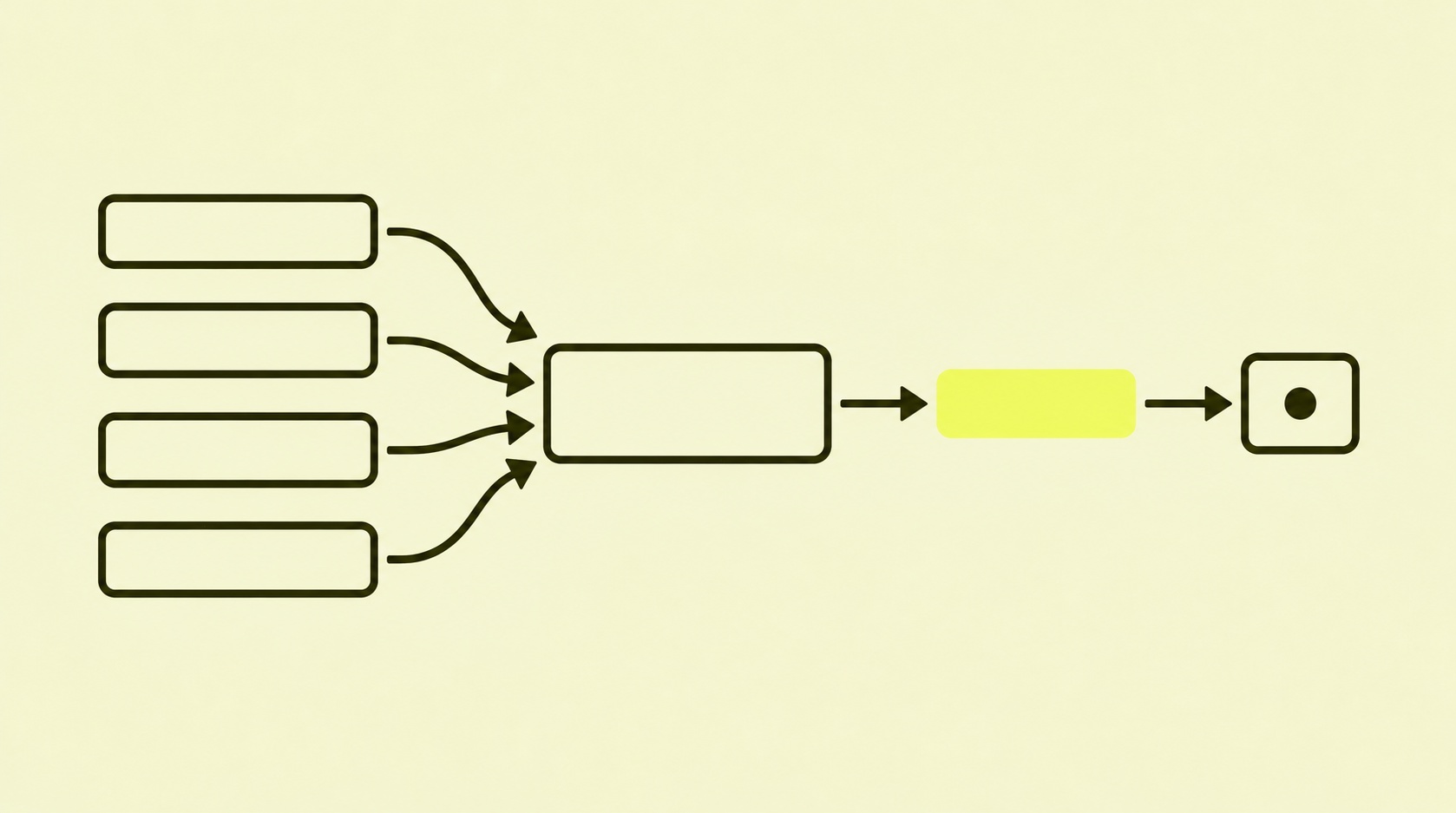
A drop in clicks on a key page is often caught too late. Using Search Console data, a spreadsheet, and a set threshold, you can trigger an alert whenever a page drops by, say, more than 30 per cent compared to the previous period. The AI's role is to explain what changed and suggest what to check first, not to jump to definitive conclusions.
4. Drafting developer briefs
Technical SEO findings often need translating into tickets developers can actually work with. AI can turn a list of errors into a draft ticket covering the issue, affected URLs, expected outcome, and steps to test. You verify the technical substance without having to draft the structure from scratch each time.
Which SEO tasks should you not automate?
There are three things I always keep out of automations, no matter how capable the models become.
Strategic priorities. What matters most to the business next quarter hinges on profit margins, team capacity, and business goals that don't appear in the data.
The final verdict on search intent. AI can suggest intent, but you must inspect the SERP yourself. Two near-identical search queries may demand completely different landing pages.
Content built on firsthand experience. What separates you from competitors is what you have seen and tested yourself. Read more about E-E-A-T and why experience matters.
How do you get started automating SEO tasks?
Pick one task and run it manually using a standardised prompt for two or three weeks. Once the output is consistent and rarely requires corrections, you can consider automating the workflow. If you have already connected Search Console to an AI assistant, our guide to MCP workflows for SEO shows what this looks like in practice. If you need help crafting the prompts, I’ve compiled my actual AI prompts for SEO.
Measure both time saved and output quality. An automation that saves an hour but causes two errors a month that someone has to clean up isn't necessarily a net win.
Common pitfalls when automating SEO with AI
- Starting with mass content creation. The riskiest task gets automated first, while the safe, repetitive time-drains remain untouched.
- Nobody checks the source data. The wrong date range or the wrong Search Console property produces polished reports with false numbers.
- Everything triggers an alert. Without proper thresholds, critical changes get drowned out in normal day-to-day fluctuation.
- Nobody owns the automation. When the person who set it up leaves, nobody understands what it actually does or how to fix it.
Summary: My advice on automating SEO with AI
Start with the tedious tasks. Keyword clustering and crawl summaries deliver quick wins and are straightforward to verify, and they teach you where AI shines and where it stumbles.
Keep strategy, search intent, and firsthand experience in human hands. If you want workflows tailored to your team and your data, see how I work with AI workflows for SEO.